
5 Alarming Signs Your Phone Has Been Hacked (And How to Fix It Now)
Hey there, tech-savvy friend! Picture this: you’re scrolling through Instagram, and suddenly your phone starts acting like it’s possessed. Battery dies in hours, weird texts pop up to your contacts, and data’s vanishing faster than ice cream on a hot day. Sound familiar? If so, your phone might be hacked. In our hyper-connected world, cybercriminals are sneakier than ever, turning your trusty smartphone into their playground. But don’t panic yet—I’m here to spotlight the five most alarming red flags and arm you with dead-simple fixes. Spot these signs early, and you can reclaim your device before it’s too late. Let’s dive in!
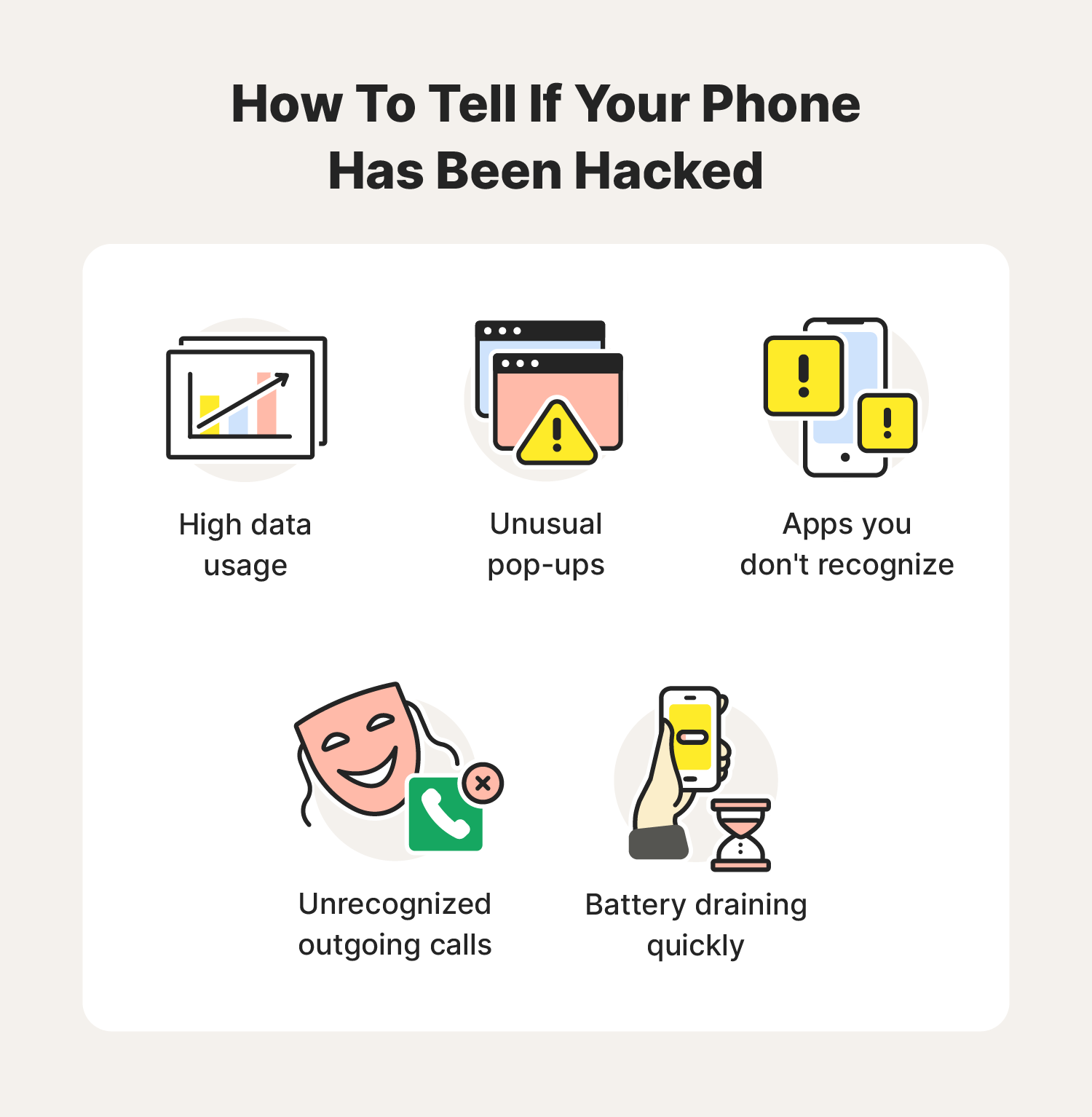
1. Your Battery is Draining Faster Than a Marathon Runner
We’ve all been there—your phone was fine yesterday, but today it’s gasping for juice by noon. If you’re not binge-watching Netflix or gaming hardcore, this could scream “hacker alert!” Malware loves to run in the background, chowing down on your battery like it’s an all-you-can-eat buffet. Spyware or cryptominers (yeah, those sneaky apps that mine cryptocurrency using your phone’s power) are common culprits.
How do you confirm? Head to Settings > Battery (on Android) or Battery Health (iPhone) and check what’s hogging the power. Suspicious apps you don’t recognize? Bingo.
Fix it now: First, force-close those rogue apps. Update your OS and apps—patches often squash vulnerabilities. Run a reputable antivirus scan like Malwarebytes or Avast (free versions work great). If it’s bad, back up your data, then factory reset: Settings > System > Reset options on Android, or Settings > General > Transfer or Reset iPhone on iOS. Pro tip: Turn on battery optimization to throttle background apps. Boom—your phone lives again!
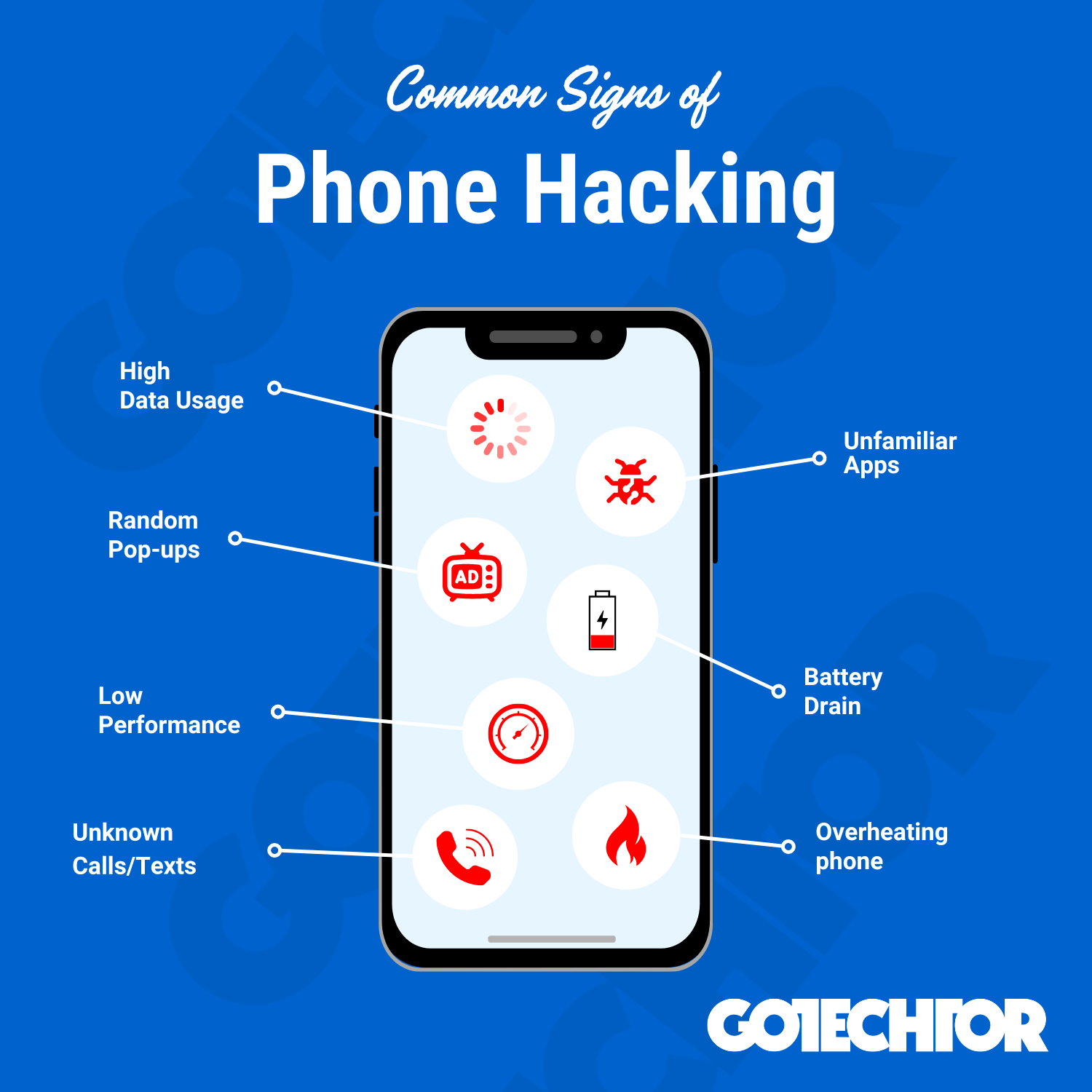
2. Skyrocketing Data Usage Out of Nowhere
Ever get that notification: “You’ve used 80% of your data… and it’s only Tuesday?” If you’re not streaming 4K cat videos, hackers might be using your connection to download illegal stuff or send spam. Remote access trojans (RATs) quietly siphon data, racking up bills and risking your privacy.
Check it out: On Android, Settings > Network & Internet > Data Usage. iPhone? Settings > Cellular. Look for apps guzzling gigs without reason.
Quick fixes: Restrict background data for sketchy apps. Change your Wi-Fi and mobile data passwords immediately—hackers love public hotspots. Enable a VPN like ExpressVPN or NordVPN to encrypt traffic (many have free trials). Scan for malware, delete unknowns, and monitor usage daily. If it’s extreme, contact your carrier—they can flag unusual activity. Stay vigilant; this one’s a money-drainer!
3. Pop-Ups, Weird Apps, or Texts You Didn’t Send
Sudden porn pop-ups? Apps installing themselves? Texts to your boss saying “LOL party at my place”? Hackers are throwing a rave on your phone! Adware floods you with junk, while keyloggers steal passwords via phony messages.
This is personal invasion territory—your contacts get spammed, and worse, sensitive info leaks.
Lock it down: Don’t click shady links or download from untrusted sources (sideloading on Android is risky). Go to Settings > Apps, uninstall strangers. On iPhone, offload unused apps. Use built-in security: Google’s Play Protect or Apple’s automatic updates. Install an anti-malware app and run a full scan. Revoke app permissions—Settings > Privacy. Factory reset if pop-ups persist, but restore from a clean backup only. Tell your contacts it’s a hack to avoid embarrassment. You’ve got this!
4. Phone Overheating or Lagging Like Crazy
Your phone feels like a mini-furnace in your pocket, or apps crash mid-scroll? Malware overloads your CPU with hidden tasks, causing heat and slowdowns. Think cryptojacking—your device slaves away mining Bitcoin for some jerk overseas.
Normal? Warm during heavy use, sure. But constant sizzle? Nope.
Remedies: Close all apps, restart in safe mode (hold power button, select safe mode on Android; iPhone just reboot). Clear cache: Settings > Storage. Update everything. Antivirus scan is non-negotiable. If it’s rooted/jailbroken (don’t do that, folks), that’s a hacker highway—restore stock firmware. Free up space by deleting junk. Still hot? Hardware issue or deep infection—professional repair time. Cool relief awaits!
5. Strange Noises, Camera Lights, or Unknown Calls
Hearing clicks during calls? Camera flashing unprompted? Unknown numbers dialing out? Eek! Spyware is eavesdropping or video-streaming your life. Government-level stuff like Pegasus exists, but common hacks use mic/camera access via infected apps.
This chills me—your private convos are public enemy #1.
Shut it down: Cover your camera (yes, tape works). Revoke mic/camera permissions for all apps. Check call logs and block unknowns. Change all passwords (Apple ID/Google account first—two-factor auth on!). Full system scan, then reset. iPhone users: Enable Lockdown Mode for extra protection. Android: Use Find My Device to remotely wipe if stolen/hacked. Report to authorities if identity theft suspected. Privacy restored!
Prevention: Don’t Let Hackers Crash Your Party Again
Whew, we’ve covered the signs and fixes, but let’s armor up. Use strong, unique passcodes (fingerprint/face ID too). Avoid phishing—think before clicking. Keep OS/apps updated religiously. Stick to official app stores. Enable auto-backups but encrypt them. Two-factor everywhere. Free tools like Google’s Family Link or Apple’s Screen Time monitor kids’ devices too.
If you’re paranoid (smart!), consider a secondary “burner” phone for sensitive stuff. Regularly review connected devices in your account settings. Hackers evolve, but so can you—stay one step ahead.
Your phone’s your lifeline—don’t let creeps hijack it. Spot a sign? Act fast with these steps. Share this post if it saved your bacon; drop comments on your close calls. Stay safe out there!