
Critical Steps to Protect Your Computer Components During Power Fluctuations
Critical Steps to Protect Your Computer Components During Power Fluctuations
Power fluctuations, including surges, sags, brownouts, and blackouts, pose significant threats to your computer’s delicate internal components. From frying your motherboard to corrupting hard drives, these electrical anomalies can lead to costly repairs or complete system failure. In today’s digital age, where computers are essential for work, gaming, and entertainment, safeguarding your hardware is non-negotiable. This comprehensive guide outlines critical steps to protect your computer components during power fluctuations, ensuring longevity and reliability. By implementing these strategies, you’ll minimize downtime and extend the life of your investment.
Understanding Power Fluctuations and Their Impact
Feature Video
Power fluctuations occur when the voltage supplied to your home or office deviates from the standard 110-120V (in the US) or 220-240V (elsewhere). Surges are sudden spikes, often from lightning or heavy appliances cycling on, while sags are dips that strain power supplies. Brownouts are prolonged low-voltage periods, and blackouts are total outages. These events can overload components like the CPU, GPU, RAM, and power supply unit (PSU), causing immediate damage or gradual wear.
According to the IEEE, over 60% of PC failures stem from power-related issues. High-end components, such as gaming GPUs or server-grade processors, are particularly vulnerable due to their sensitivity. Protecting your computer components from power fluctuations isn’t just about prevention—it’s about preserving performance and data integrity.
Step 1: Invest in a High-Quality Surge Protector

The first line of defense against power surges is a reliable surge protector. Unlike basic power strips, surge protectors feature metal oxide varistors (MOVs) that divert excess voltage to the ground. Look for models with a joule rating of at least 2000 and a clamping voltage under 400V for optimal protection.
Recommended features include:
- Multiple outlets with individual protection circuits.
- Coaxial and Ethernet ports for modem/router safeguarding.
- Automatic shutoff when surge protection is exhausted.
- UL 1449 certification for safety standards.
Brands like APC, Belkin, and Tripp Lite offer excellent options. Plug your entire PC setup—monitor, speakers, and peripherals—into one unit. Remember, surge protectors don’t guard against brownouts or outages; they’re surge-specific. Replace them every 2-3 years or after a major surge event, as their capacity diminishes over time.
Step 2: Deploy an Uninterruptible Power Supply (UPS)

For comprehensive protection, an Uninterruptible Power Supply (UPS) is indispensable. UPS units provide battery backup during outages and voltage regulation during fluctuations. There are three types: standby, line-interactive, and online/double-conversion. For desktops and gaming rigs, line-interactive UPS models excel at correcting minor sags and surges in real-time.
Choose a UPS with sufficient wattage—calculate your system’s draw (PSU rating x 80% for safety) plus peripherals. A 1000VA/600W unit suits most mid-range PCs. Key benefits include:
- 5-30 minutes of runtime for safe shutdowns.
- Automatic Voltage Regulation (AVR) to stabilize power.
- Software integration for monitoring and automated backups.
- Sine wave output for sensitive PSUs.
Install UPS software like PowerChute (APC) to receive alerts and initiate shutdowns. During a power fluctuation, the UPS seamlessly switches to battery, preventing data loss. Pure sine wave UPS units are ideal for active PFC PSUs in modern computers, avoiding compatibility issues.
Step 3: Ensure Proper Grounding and Wiring
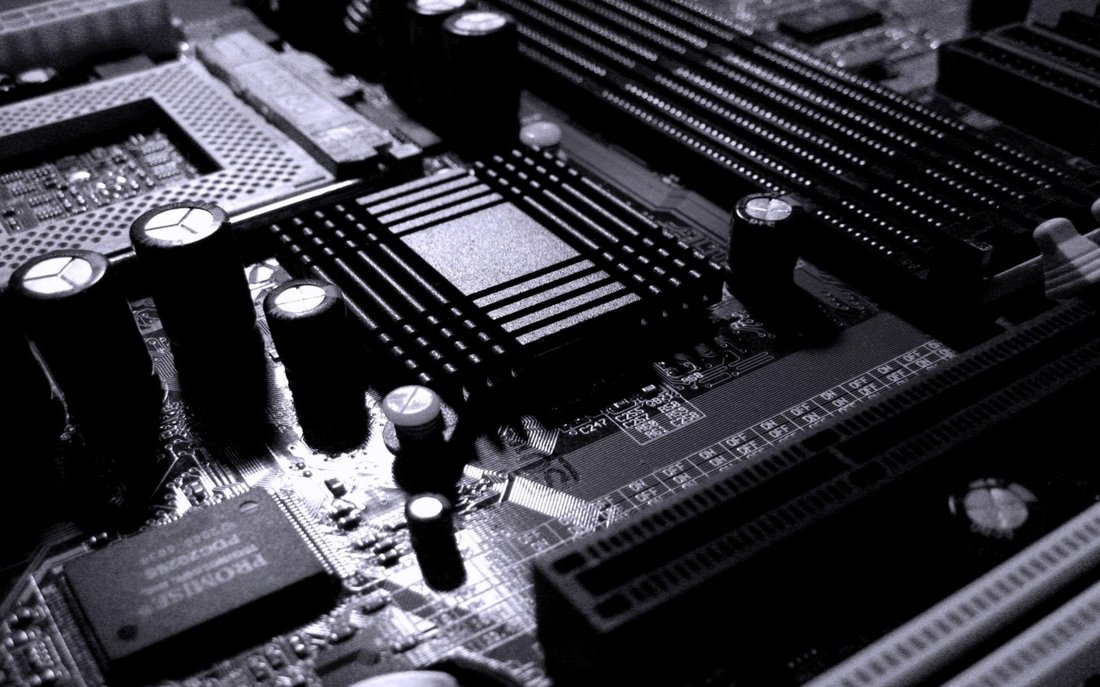
Poor grounding amplifies power fluctuation risks, as ungrounded systems can’t safely dissipate surges. Verify your outlet has three prongs and a dedicated ground wire using a circuit tester (under $10 at hardware stores). If faulty, consult an electrician—DIY grounding is dangerous and void warranties.
Use heavy-gauge extension cords sparingly; opt for direct wall plugs. For laptops, grounded outlets prevent charger damage. In areas prone to lightning, install whole-house surge protectors at your breaker panel, diverting surges before they reach individual devices. This layered approach fortifies your setup against transient voltage events.
Step 4: Select a Robust Power Supply Unit (PSU)
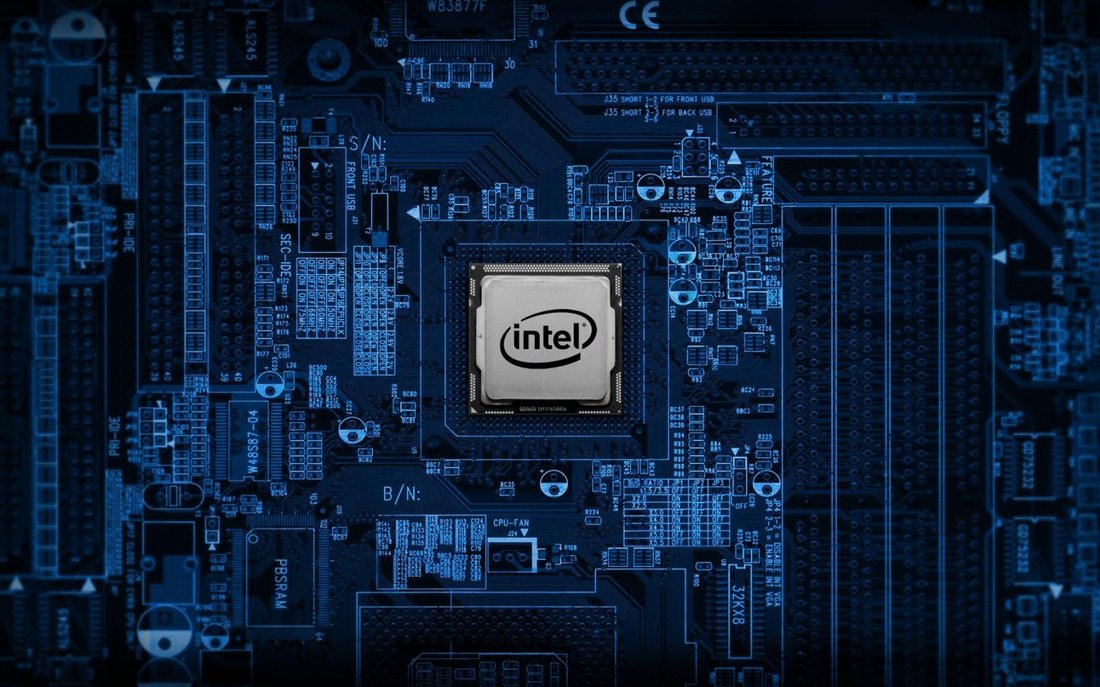
Your PC’s PSU is the gateway for power; a subpar one exacerbates fluctuation damage. Invest in 80+ Gold or Platinum certified PSUs from reputable brands like Corsair, Seasonic, or EVGA. These feature superior components, over-voltage protection (OVP), under-voltage protection (UVP), and short-circuit protection (SCP).
Match wattage to your build: use online calculators like OuterVision for precision. Modular cables reduce clutter and improve airflow, indirectly aiding stability. Replace PSUs every 5-7 years, as capacitors degrade. A quality PSU filters noise and stabilizes output, shielding components like the motherboard and SSDs from ripple effects during fluctuations.
Step 5: Implement Software and Monitoring Tools

Hardware alone isn’t enough; software vigilance is key. Tools like HWMonitor, Core Temp, and MSI Afterburner track voltage rails, temperatures, and PSU health. Enable Windows’ power settings for efficient management: set to “High Performance” for desktops but enable hibernation.
Antivirus suites with power management (e.g., Norton Power Eraser) and cloud backups (Google Drive, Backblaze) ensure data safety. Schedule regular BIOS updates for better power-handling firmware. During storms, use apps like Weather Underground for alerts to unplug non-UPS devices.
Additional Tips for Long-Term Protection

Beyond core steps, maintain a clean environment: dust buildup strains PSUs during fluctuations. Use compressed air monthly and ensure 4-6 inches of case clearance. For multi-PC setups, daisy-chain via a PDU (Power Distribution Unit) with surge protection.
In lightning-heavy regions, unplug during storms. Consider generators for extended outages, paired with transfer switches. Educate household members on risks—avoid plugging high-draw appliances (e.g., vacuums) on the same circuit. For servers or workstations, enterprise-grade solutions like rackmount UPS provide scalable protection.
Insurance riders for electronics cover rare failures, but prevention trumps claims. Track utility reports via apps like GridEvents for proactive measures.
Conclusion: Safeguard Your Tech Investment Today

Power fluctuations are inevitable, but damage isn’t. By following these critical steps—surge protectors, UPS, grounding, quality PSUs, software monitoring, and maintenance—you’ll fortify your computer components against electrical threats. The initial cost (under $200 for basics) pales against $1000+ repairs. Start with a surge protector and UPS; scale as needed. Your PC will thank you with reliable performance, uninterrupted workflows, and peace of mind. Stay powered smartly in an unpredictable grid.
(Word count: 1218)