
How to Build a High-Performance PC: A Component-by-Component Guide
Introduction to Building a High-Performance PC
Feature Video
Building a high-performance PC is an exciting journey that empowers you to create a machine tailored precisely to your needs, whether for gaming, content creation, video editing, or professional workloads like 3D rendering. Unlike pre-built systems, a custom build allows you to select premium components for optimal performance, future-proofing, and value. In this comprehensive guide, we’ll walk you through how to build a high-performance PC component by component, covering everything from CPU selection to final assembly. By the end, you’ll have the knowledge to assemble a rig capable of handling 4K gaming at ultra settings or complex simulations with ease. Keywords like “best high-performance PC build” and “DIY gaming PC guide” highlight why this remains a top search for enthusiasts in 2024.
The process starts with budgeting—aim for $1500-$3000 for a solid high-end build—and understanding compatibility. Tools needed include a screwdriver, anti-static wrist strap, thermal paste, and cable ties. Let’s dive into the core components that define high-performance PC builds.
Selecting the Best CPU for Your High-Performance PC
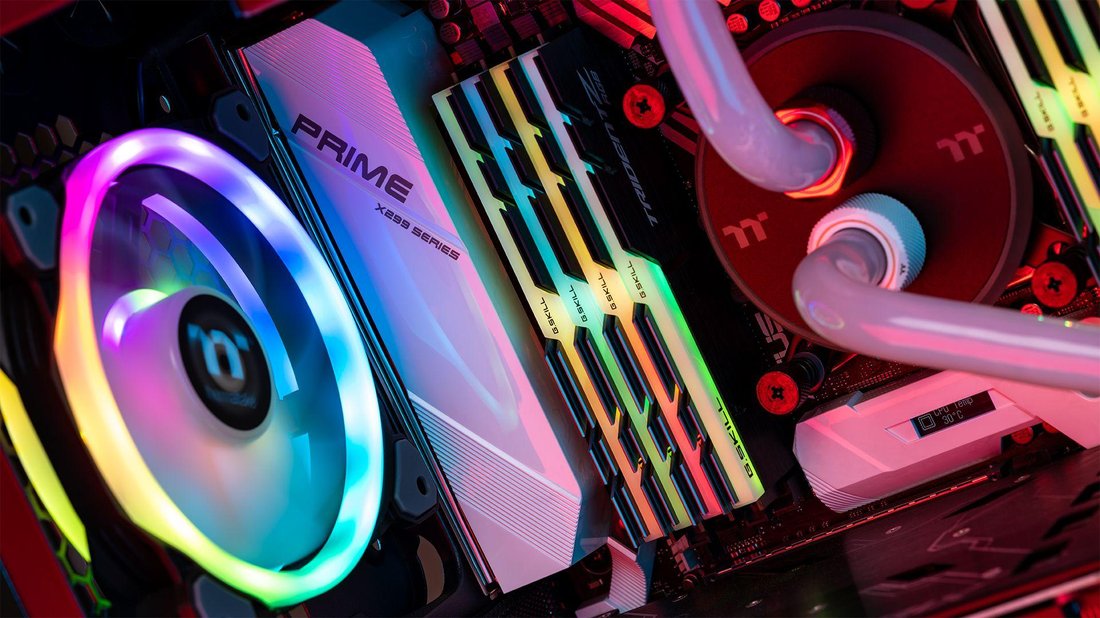
The Central Processing Unit (CPU) is the brain of your PC, handling computations, multitasking, and feeding data to other components. For a high-performance PC, prioritize cores, threads, clock speeds, and architecture. AMD’s Ryzen 7000/9000 series and Intel’s Core i7/i9 14th/15th gen dominate the market. AMD offers superior multi-threaded performance for tasks like video rendering, while Intel excels in single-threaded gaming scenarios.
Key specs to consider: 8-16 cores minimum, boost clocks over 5GHz, and integrated graphics as a backup (though you’ll pair with a discrete GPU). For example, the AMD Ryzen 9 7950X with 16 cores crushes productivity workloads, scoring over 40,000 in Cinebench R23. Budget? Around $400-$700. Always check TDP (Thermal Design Power) for cooling needs—high-performance CPUs generate significant heat. Pair with a compatible socket like AM5 for AMD or LGA 1700/1851 for Intel to ensure your high-performance PC build runs smoothly without bottlenecks.
Choosing a Compatible Motherboard
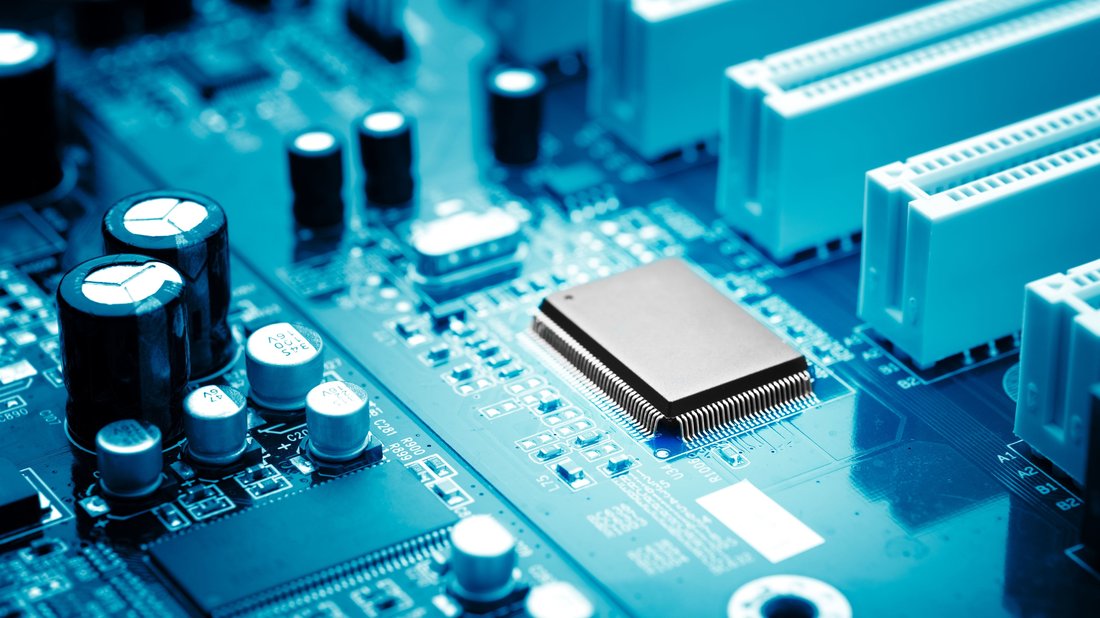
Your motherboard is the backbone, connecting all components via chipset, PCIe lanes, and RAM slots. For high-performance PCs, opt for mid-to-high-end boards like ASUS ROG Strix, MSI MPG, or Gigabyte Aorus series. Match the chipset to your CPU: X670E/B650 for AMD Ryzen 7000+, Z790/Z890 for Intel 14th/15th gen.
Essential features include: at least 4 DIMM slots for 128GB RAM potential, multiple M.2 slots for NVMe SSDs, PCIe 5.0 x16 for GPUs, robust VRM (Voltage Regulator Module) for overclocking, Wi-Fi 6E/7, and 2.5Gb Ethernet. A good board future-proofs your build—look for BIOS flashback for easy updates. Prices range from $200-$500. Pro tip: Ensure sufficient USB ports (including Type-C) and headers for RGB/fans. This component-by-component approach guarantees compatibility, preventing common pitfalls in high-performance PC assembly.
Optimal RAM Configuration for Peak Performance
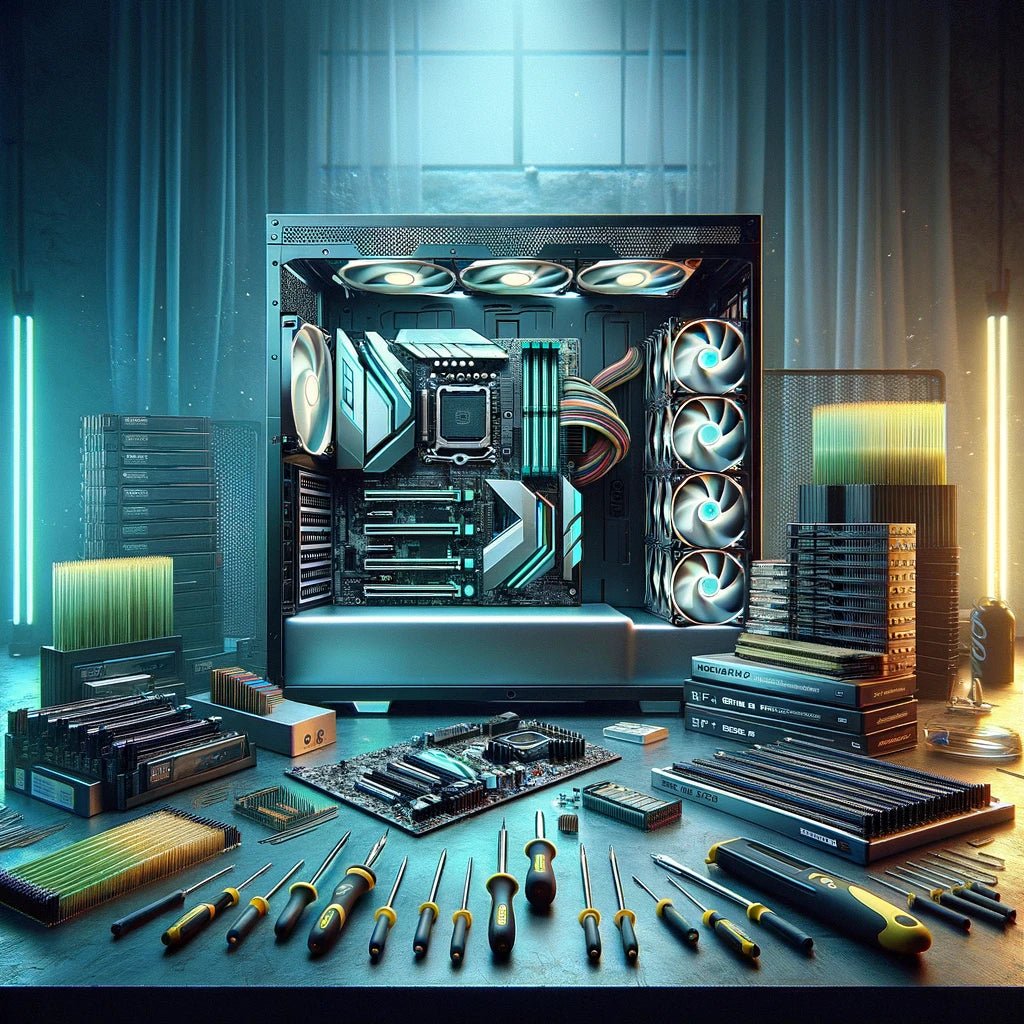
Random Access Memory (RAM) fuels multitasking and speeds up data access. For high-performance PCs, 32GB is the sweet spot (2x16GB kits), with 64GB ideal for creators. DDR5 is the standard now, offering speeds of 6000MT/s+ for bandwidth-hungry tasks. Latency (CL timings) matters—aim for CL30-36.
Brands like Corsair Vengeance, G.Skill Trident Z5, or Kingston Fury excel. Enable XMP/DOCP in BIOS for rated speeds. RGB variants add aesthetics without sacrificing performance. Cost: $100-$250. In benchmarks, DDR5-6000 kits boost gaming FPS by 10-15% over DDR4 in titles like Cyberpunk 2077. Mismatched RAM causes instability, so stick to dual-channel kits matched to your motherboard’s QVL (Qualified Vendor List).
Storage Solutions: SSDs and HDDs for Speed and Capacity
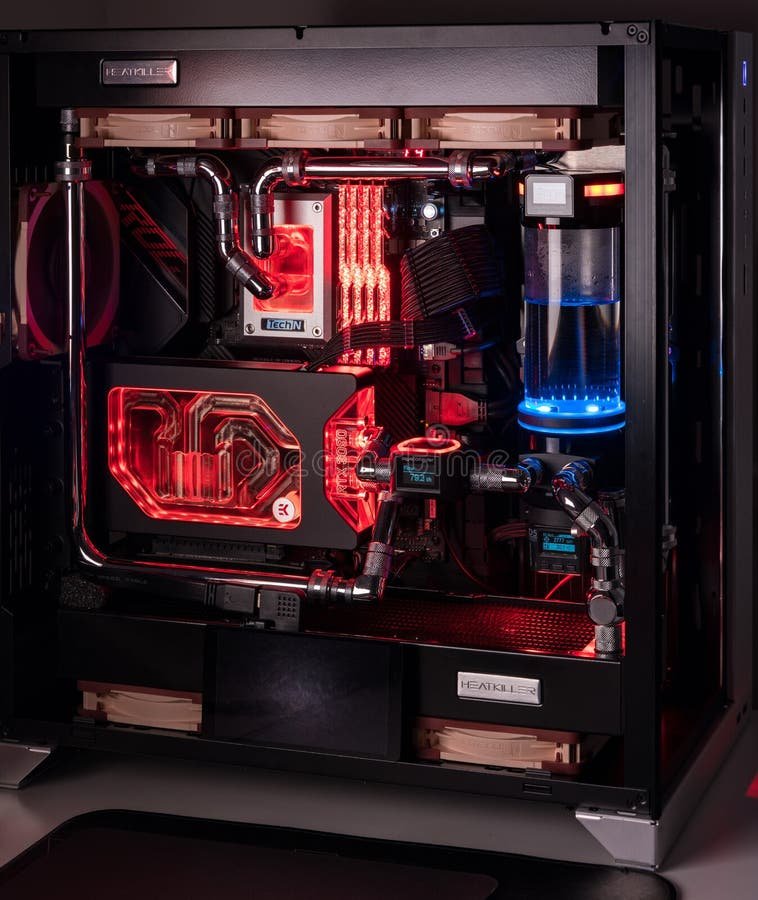
Storage defines boot times and load speeds. Prioritize NVMe PCIe 4.0/5.0 SSDs for your OS and apps—1TB minimum, like Samsung 990 Pro or WD Black SN850X, hitting 7000MB/s reads. Add a 2-4TB HDD (Seagate Barracuda) for mass storage.
For high-performance PCs, RAID 0 setups double speeds but risk data loss—use backups. Prices: $80-$200 per TB. Gen5 SSDs (e.g., Crucial T705) future-proof for 14GB/s, though heatsinks are crucial to prevent throttling. This setup ensures your PC boots in seconds and loads games instantly.
Graphics Card: The Heart of Gaming and Visual Workloads
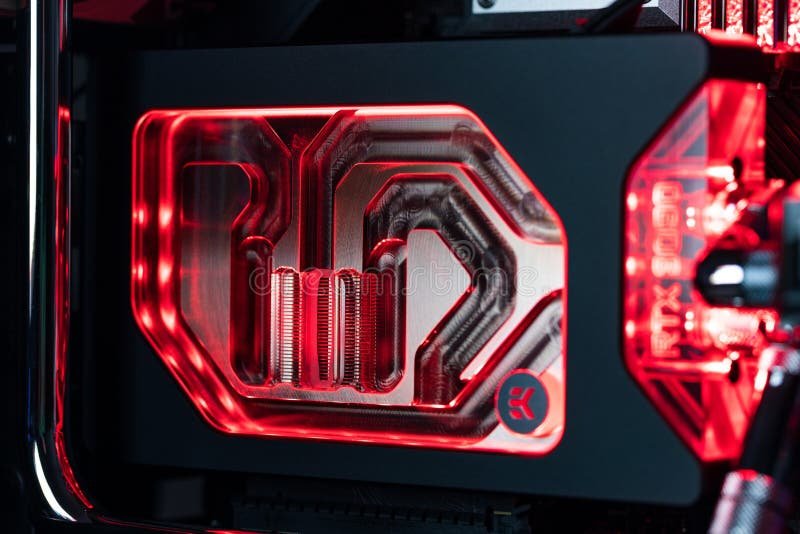
The GPU handles rendering, ray tracing, and AI tasks. NVIDIA RTX 40-series (4070 Ti Super/4080/5090) leads for DLSS 3.5 and frame generation; AMD RX 7000/8000 for rasterization value. Minimum: RTX 4070 or RX 7800 XT for 1440p/4K high-performance gaming.
VRAM: 12GB+, power draw 300W+. Founders or AIB cards from ASUS, MSI. Cost: $500-$1500. Benchmarks show RTX 4090 at 200+ FPS in 4K. Ensure PCIe 4.0/5.0 slot and PSU compatibility. Multi-GPU? Skip unless specialized.
Power Supply Unit: Ensuring Stable Power Delivery
A reliable PSU prevents crashes. 850W-1200W 80+ Gold/Platinum modular units (Corsair RMx, Seasonic Focus, EVGA SuperNOVA) for headroom. Calculate with tools like OuterVision—RTX 4090 + i9 needs 1000W.
ATX 3.0/PCIe 5.0 for native 12VHPWR cables. $120-$250. Undervolting/overclocking demands quality.
PC Case and Cooling: Airflow and Thermal Management
Choose mid-tower cases like Lian Li Lancool III or Fractal Design Meshify 2 for airflow. Features: tempered glass, mesh panels, vertical GPU mounts. $100-$200.
Cooling: 360mm AIO liquid (NZXT Kraken, Arctic Liquid Freezer) or air towers (Noctua NH-D15). 6-9 fans (Arctic P12). Monitor temps with HWInfo—under 80C load.
Step-by-Step Assembly Guide
1. Prep workspace. 2. Install CPU/mobo outside case. 3. Apply paste, mount cooler. 4. Insert RAM/SSD. 5. Mount mobo in case. 6. Install PSU/GPU. 7. Cable manage. 8. Boot, update BIOS/drivers. Test with Prime95, FurMark, 3DMark.
Tips for Optimization and Troubleshooting
Overclock via BIOS, undervolt GPU. Use Windows 11, latest NVIDIA/AMD drivers. Common issues: No POST? Reseat RAM. Budget tweaks: Reuse parts, sales.
Conclusion: Your Custom High-Performance PC Awaits
Building a high-performance PC delivers unmatched power and satisfaction. Total cost: $2000-$4000. Track sites like PCPartPicker. Start today—your dream rig is component by component achievable. (Word count: 1215)