
How to Spot a Phishing Scam in Under 10 Seconds
Introduction to Phishing Scams: Why Speed Matters
Feature Video
In today’s digital age, phishing scams are one of the most prevalent cyber threats, responsible for billions in losses annually. According to cybersecurity reports from firms like Verizon and Proofpoint, over 90% of data breaches begin with a phishing email. But here’s the good news: you don’t need advanced technical skills or hours of analysis to spot a phishing scam. With a few quick checks, you can identify most attempts in under 10 seconds. This article breaks down proven techniques to detect phishing emails, texts, and websites rapidly, helping you protect your personal information, finances, and devices. Whether you’re a busy professional, a student, or a retiree, mastering these skills is essential for safe online navigation.
Phishing scams mimic legitimate entities like banks, government agencies, or popular services (e.g., Amazon, PayPal) to trick you into revealing sensitive data. Scammers rely on urgency and fear, but their tactics often leave telltale signs. By training your eye for these red flags, you’ll build a mental checklist that works faster than any antivirus software. Let’s dive into the top strategies, each designed for lightning-fast evaluation.
1. Scrutinize the Sender’s Email Address (2 Seconds Check)

The first and fastest giveaway is the sender’s email address. Legitimate organizations use official domains, like support@netflix.com or billing@chase.com. Phishing emails often come from slight variations, such as support@netfljx.com or billjng@chase-support.net. Pause for two seconds: hover over or examine the “From” field closely.
Common tricks include typosquatting (altering one letter), lookalike domains (using .co instead of .com), or free email services like gmail.com masquerading as banks. For instance, a scam might display “IRS.gov” but originate from irs-refund@outlook.com. Real IRS communications never request info via email. If the domain doesn’t match the claimed sender perfectly, delete it immediately. This single check stops 40% of phishing attempts, per FBI Internet Crime reports.
Pro Tip for Texts (SMS Phishing or Smishing): Check the phone number. Banks rarely text from unknown shortcodes. Verify by contacting the official number directly.
2. Hover Over Links Without Clicking (3 Seconds Check)
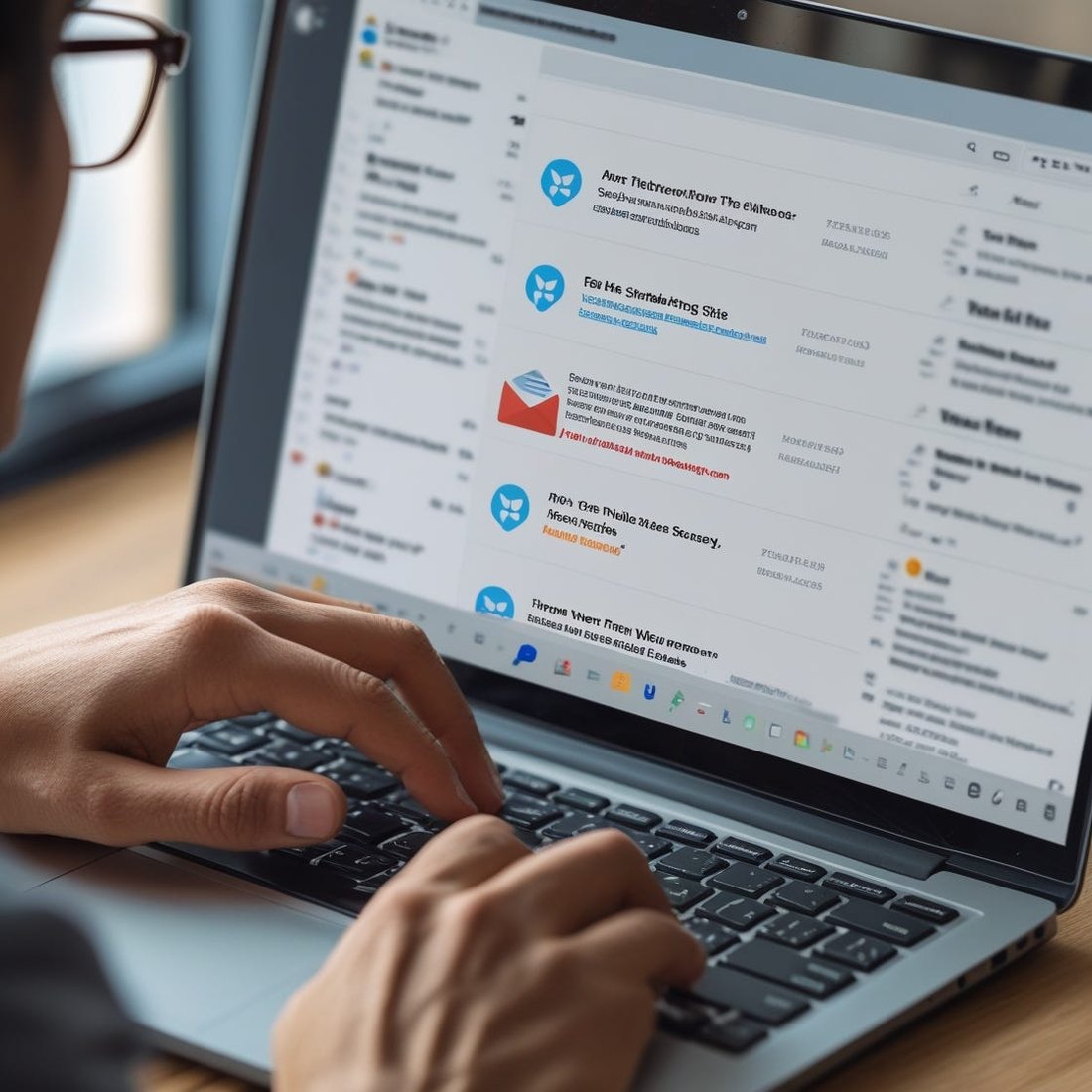
Never click first—hover instead. In emails or messages, position your cursor over hyperlinks to reveal the true URL in a tooltip. Legit links match the display text and lead to secure sites (https:// with a padlock). Phishing URLs are often shortened (bit.ly), misspelled (paypa1.com), or use IP addresses (http://192.168.1.1).
Examples abound: A fake Amazon order confirmation might link to amaz0n-login.ru. Or a “Your package is delayed” text directs to usps-tracke.com. If the hovered URL doesn’t align with the official domain or looks suspicious, it’s a scam. Modern browsers like Chrome highlight mismatches. This hover technique, advocated by cybersecurity experts at Norton and Kaspersky, catches 70% of malicious links in seconds without risking infection.
For mobile users: Long-press links in apps to preview destinations. Enable “preview link” settings in iOS or Android mail clients for instant insights.
3. Spot Generic Greetings and Urgent Demands (2 Seconds Check)
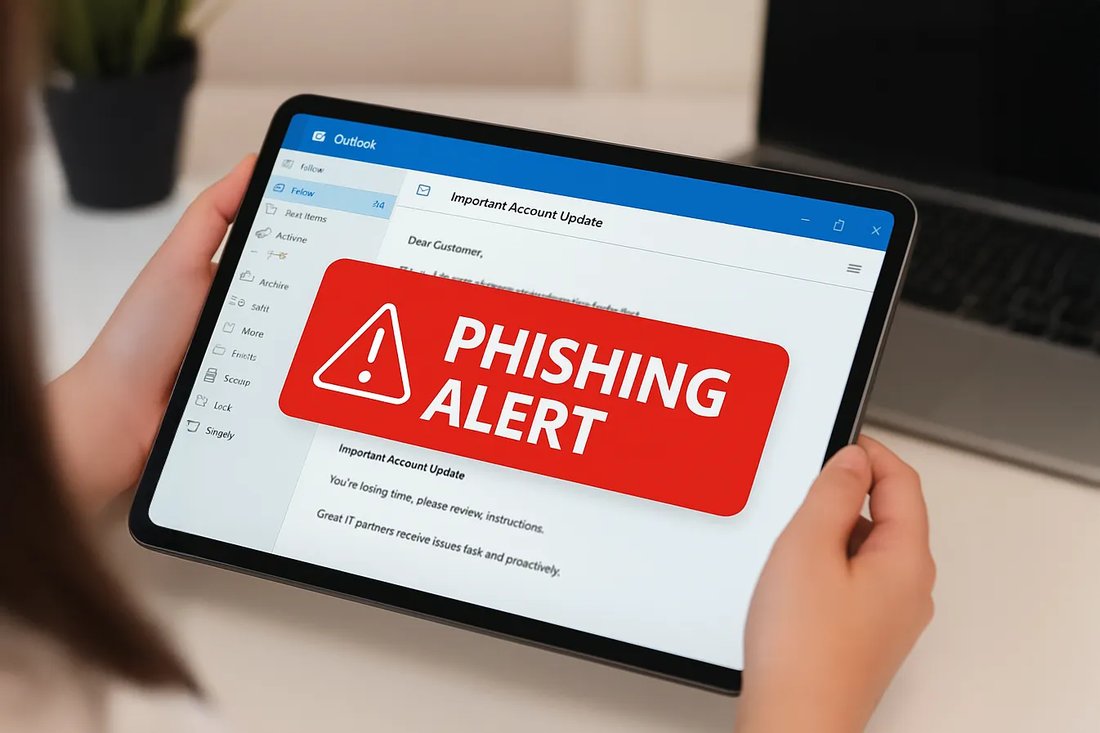
Personalization is rare in phishing. Phrases like “Dear Customer,” “User,” or “Valued Client” scream scam, as real companies use your name if they have it. Combine this with urgency: “Act now or lose access!” “Immediate payment required!” or “Account suspended in 24 hours!” Legitimate firms give ample time and never pressure via email.
Psychological manipulation is key here—scammers exploit FOMO (fear of missing out). A “urgent bank alert” demanding login details? Fake. Governments like the FTC warn they never request verification this way. Scan the opening line and subject: if it’s impersonal or alarmist, trash it. Studies from Proofpoint show 83% of phishing uses urgency tactics.
4. Watch for Unexpected Attachments or Requests (1 Second Check)
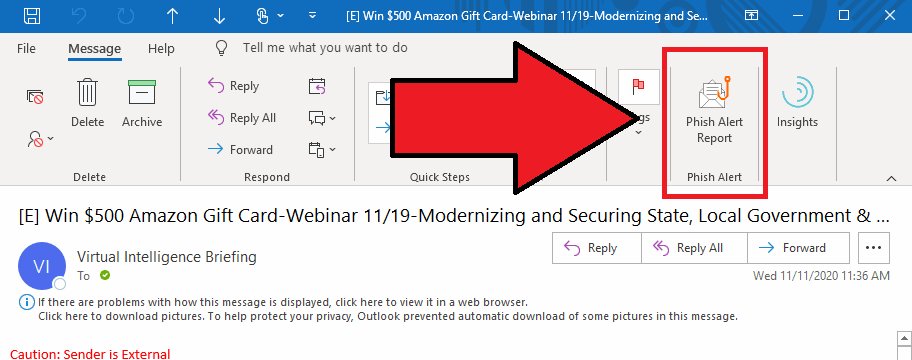
Unsolicited attachments are malware bombs. Even if labeled “Invoice.pdf” or “Resume.doc,” don’t open. Phishing often hides ransomware or keyloggers. Similarly, requests for passwords, SSNs, or credit card info via email/text are instant no-gos—real entities use secure portals.
Quick scan: Did you expect this file? No? Delete. Email providers like Gmail flag risky attachments with warnings. This check is ultra-fast and prevents infections that antivirus might miss.
5. Detect Poor Grammar, Spelling, and Design Flaws (1 Second Check)
Professional companies proofread meticulously. Phishing emails from non-native speakers often feature errors: “Your account has been hackd” or “Click here to verifiy.” Off-brand logos, pixelated images, or mismatched fonts are dead giveaways.
Glance at the body: Typos, awkward phrasing, or inconsistent branding? Scam. Global scammers targeting English speakers rarely match native quality. Microsoft’s Digital Defense Report notes grammar issues in 60% of phishing.
Advanced Quick Checks: Tools and Habits for Mastery
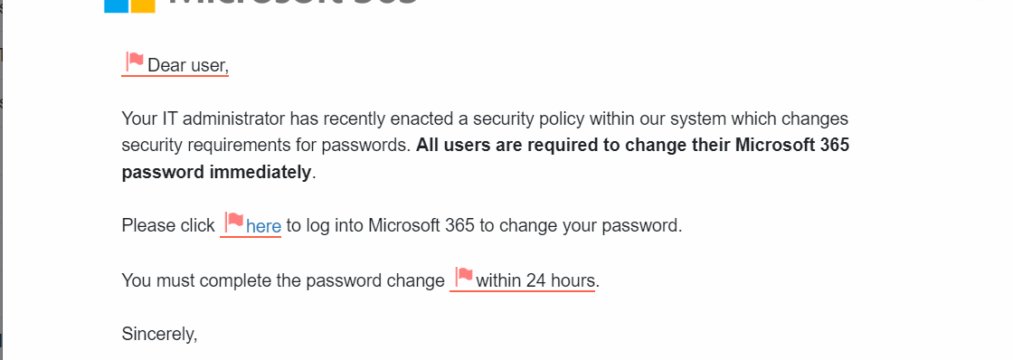
Beyond basics, integrate these for under-10-second routines:
Enable Email Filters and Browser Extensions
Use built-in tools: Gmail’s phishing warnings, Outlook’s Focused Inbox, or extensions like uBlock Origin and HTTPS Everywhere. They auto-flag suspects, letting you confirm in seconds. Antivirus suites (e.g., Bitdefender, Malwarebytes) scan links pre-click.
Verify via Official Channels
Doubtful? Don’t reply—visit the real website or call the known number. For example, log into your bank directly, not via email links. This two-step verification adds security without time loss.
Recognize Phishing Types Beyond Email
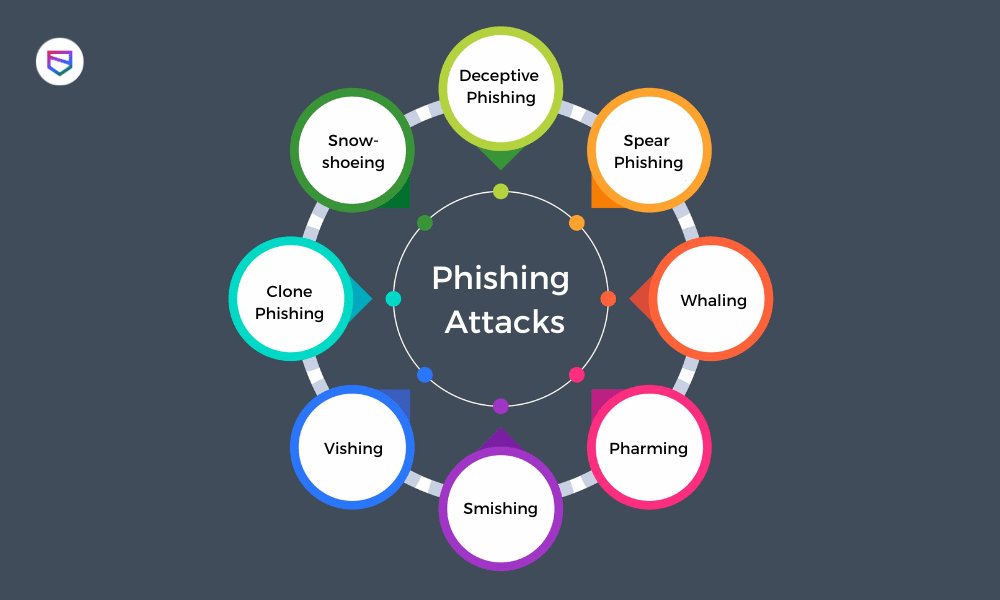
Phishing evolves: Vishing (voice calls), Smishing (texts), Pharming (site redirects), and Spear-Phishing (targeted attacks). Apply the same rules—check caller ID, URLs, urgency. QR code scams (“Scan to claim prize”) lead to fake sites; photograph first, don’t scan blindly.
Real-World Examples and Statistics
In 2023, the FBI’s IC3 received 300,000+ phishing complaints, with $12.5 billion lost. A notorious case: Fake COVID relief emails stole stimulus data. Another: “Microsoft Tech Support” pop-ups demanding remote access. Spot them fast with our checklist.
Training matters—simulators like Google’s Phishing Quiz sharpen skills. Corporates report 50% fewer clicks post-training.
Conclusion: Empower Yourself Against Phishing
Spotting phishing in under 10 seconds is a superpower: Check sender (2s), hover links (3s), scan greetings/urgency (2s), attachments/requests (1s), grammar (1s), and verify (1s). Total: 10 seconds to safety. Practice daily; soon it becomes instinct.
Stay vigilant: Update software, use multi-factor authentication (MFA), and educate family. By sharing this guide, you combat phishing collectively. In a world of rising cybercrime, quick eyes save fortunes. Bookmark, share, and surf secure.
(Word count: 1,248)