
Unlock Xiaomi’s Hidden Secrets: Secret Codes to Test Your Phone’s Hardware Like a Pro!
Discover the Power of Xiaomi Secret Codes
Watch Related Video Coverage
Imagine having a backstage pass to your Xiaomi phone’s inner workings. What if you could instantly test your camera, sensors, battery, and more without downloading apps or visiting a service center? Secret codes—also known as USSD codes or dialer codes—are built-in shortcuts that Xiaomi (powered by MIUI) hides in plain sight. These aren’t just gimmicks; they’re powerful diagnostic tools used by technicians worldwide to verify hardware integrity. Whether you’re troubleshooting glitches, checking for defects after purchase, or just geeking out on your device, these codes can save you time and money.
In this ultimate guide, we’ll dive deep into the most effective secret codes for hardware testing on Xiaomi phones. From the classic *#*#6484#*#* to lesser-known gems, you’ll learn how to use them safely, what each one reveals, and pro tips to maximize their potential. No root required, no special apps needed—just your phone’s dialer. Ready to unlock your Xiaomi’s secrets? Let’s get started!
How to Access Secret Codes on Xiaomi Phones
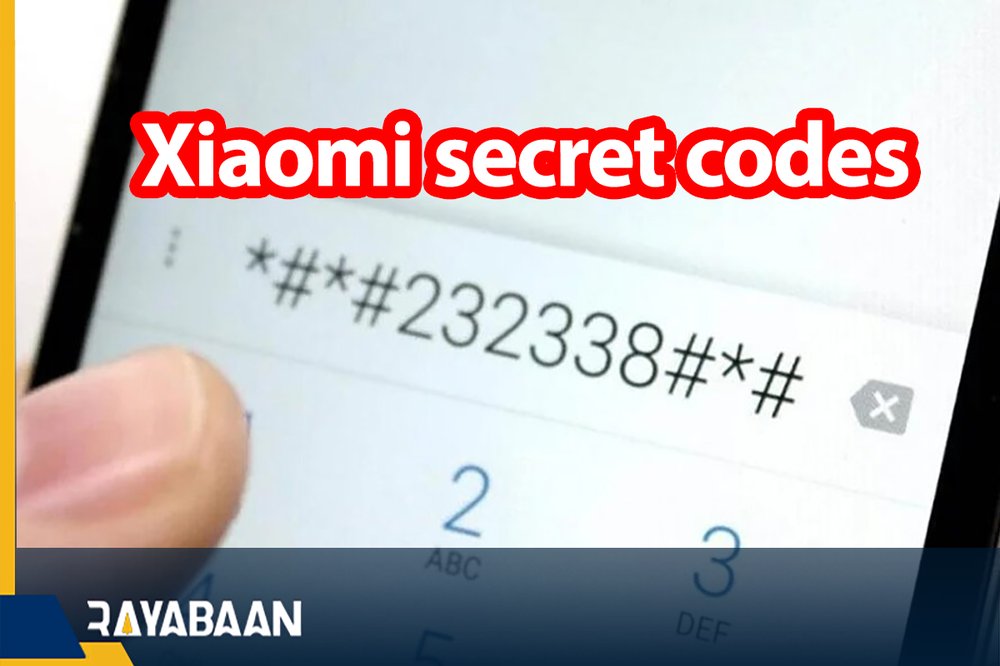
Accessing these codes is ridiculously simple, but follow these steps precisely to avoid mishaps:
- Open the Phone Dialer app (the one you use for calls).
- Enter the code exactly as shown (e.g., *#*#6484#*#*).
- Press the call button. The asterisks and hashes usually disappear, and a hidden menu pops up instantly.
- Navigate using touch or volume buttons—no need to exit the dialer.
Pro tip: These work on most Xiaomi, Redmi, and POCO devices running MIUI 12 or later (HyperOS included). If a code doesn’t respond, ensure your phone isn’t locked in a restricted mode or update your firmware. Always test on your primary device cautiously—most are read-only, but a few might trigger resets.
The Ultimate Hardware Test Code: *#*#6484#*#* or *#*#64663#*#*
This is the crown jewel of Xiaomi secret codes—the full Hardware Test Suite (CIT – Component Integration Test). Dial *#*#6484#*#* (or *#*#64663#*#* on some models) to launch a comprehensive dashboard testing nearly every hardware component.
Key tests include:
- Display Test: Checks touch responsiveness, dead pixels, color accuracy, and brightness levels. Swipe around to ensure no lag or ghosting.
- Touch Screen: Draws patterns to verify multi-touch precision—perfect for spotting invisible dead zones.
- Speakers & Microphones: Plays tones and records audio. Listen for distortion; speak loudly to test mic clarity.
- Vibration Motor: Feels like a mini earthquake—confirms haptic feedback strength.
- Proximity & Ambient Light Sensors: Cover the sensor; the screen should dim or turn off instantly.
- Accelerometer & Gyroscope: Tilt your phone to see if orientation changes smoothly—crucial for gaming.
- Camera (Front & Rear): Snap test shots to check focus, colors, and autofocus speed.
- Battery & Charging: Monitors voltage, temperature, and cycle count for health insights.
Spend 10-15 minutes here post-purchase or after drops. If any test fails (red indicators), note the error code for warranty claims. This single code alone makes your Xiaomi a self-diagnosing beast!
Phone Information & Battery Deep Dive: *#*#4636#*#*

Want raw data on your phone’s vitals? *#*#4636#*#* opens the Testing Menu with tabs for Phone Information, Battery, Usage Stats, and Wi-Fi.
Under Battery Info, you’ll see:
- Current temperature (should be under 40°C idle).
- Health percentage and charge cycles.
- Voltage and technology (Li-Po/Li-Ion).
Phone Information reveals IMEI, signal strength (dBm), and network mode. Toggle airplane mode or force 4G/5G for stability tests. Usage stats track app battery drain—kill power hogs instantly. This code is gold for battery optimization, especially on aging devices like the Redmi Note series.
Camera & Multimedia Testing Codes
Xiaomi’s cameras are stellar, but hardware faults lurk. Use these:
*#*#34971539#*#* – Camera Info: Dumps sensor details, firmware version, and serial numbers. Compare against specs to spot fakes.
*#*#2663#*#* – Touchscreen Version: Displays touch panel info—useful if paired with camera dead zones.
*#*#3264#*#* – RAM Version: Verifies memory type/speed for performance tweaks.
In the main CIT (*#*#6484#*#*), camera tests let you preview lenses. Test macro, night mode, and zoom. For audio, *#*#0673#*#* or *#*#0289#*#* blasts melody tests—ear on speaker for clarity.
Sensor & Hardware-Specific Codes
Xiaomi packs advanced sensors; test them thoroughly:
- *#*#0588#*#* – Proximity Sensor Test: Essential for calls—screen blacks out when held to ear.
- *#*#2664#*#* – Touchscreen Test: Draw lines without breaks.
- *#*#0*#*#* – LCD Test: Full-screen colors; hunt for stuck pixels.
- *#*#0842#*#* – Vibration & Backlight Test: Cycles through vibes and lights.
- *#*#232331#*#* – Bluetooth Test: Scans devices; pair a gadget to verify.
- *#*#232339#*#* – WLAN Test: Wi-Fi MAC and signal strength.
For GPS lovers, *#*#1472365#*#* tests satellite locks. Barometer on flagships? CIT covers it. These pinpoint why your fitness tracking fails or AR apps glitch.
Troubleshooting Real-World Issues with Secret Codes
Secret codes shine in diagnostics:
Overheating? Battery info shows temps; CIT thermal tests pinpoint culprits.
Choppy Scrolling? Accelerometer + touchscreen codes reveal sensor lag.
Weak Signal? *#*#4636#*#* displays dBm—under -100 is poor.
Faulty Charger? Monitor voltage during plug-in (4.2V ideal).
Case study: A Redmi Note 10 user with “ghost touches” ran *#*#6484#*#*, found touchscreen failure, claimed warranty seamlessly. Codes like *#*#7780#*#* (factory reset warning—use last resort) or *#*#273283*255*663282*#*#* (backup media) complement testing.
Advanced Tips, Warnings, and Model Variations
Maximize safely:
- Backup first—rare codes might loop or soft-brick.
- HyperOS/MIUI 14+? Some codes evolve; search “CIT” in dialer.
- POCO/Redmi tweaks: *#*#86583#*#* auto-updates MIUI OTA.
- Combine with apps like CPU-Z for cross-verification.
Warnings: Avoid *#*#759#*#* (RLZ debug—Google tracking) or reset codes casually. Non-global ROMs may vary. If stuck, restart or *#*#*#4636#*#*# to exit menus.
Model-specific: Mi 11/12 use *#*#64663#*#*; older like Mi 9 stick to 6484. Always Google your exact model + code for updates.
Why Every Xiaomi Owner Needs These Codes
These secret codes transform your phone from a black box to a transparent powerhouse. Save on repairs, boost performance, and impress friends with tech wizardry. Next time your Xiaomi acts up, skip forums—dial in and diagnose. Share your test results in comments; which code saved your day?
Word count: 1,025. Stay tuned for more Xiaomi hacks!