
HDMI vs DisplayPort for 144Hz Gaming Monitors: The Ultimate Guide
Introduction to HDMI vs DisplayPort for 144Hz Gaming
Feature Video
In the fast-paced world of gaming, choosing the right connection for your 144Hz gaming monitor can make all the difference between silky-smooth gameplay and frustrating stutters. HDMI and DisplayPort are the two dominant standards, each with strengths tailored to different needs. But when it comes to pushing 144Hz refresh rates—essential for competitive esports titles like Valorant, CS:GO, or fast-paced action games like Call of Duty—which one reigns supreme? This comprehensive HDMI vs DisplayPort for 144Hz gaming monitor comparison dives deep into bandwidth, latency, compatibility, and future-proofing to help you decide.
144Hz monitors deliver 144 frames per second, reducing motion blur and input lag for immersive experiences. However, not all cables or ports support this without compromises, especially at higher resolutions like 1440p or 4K. We’ll explore HDMI 2.0/2.1 versus DisplayPort 1.4/2.0, focusing on real-world gaming performance. By the end, you’ll know the best choice for your setup, whether you’re on PC, console, or a hybrid rig.
What is HDMI? Key Features for Gaming Monitors
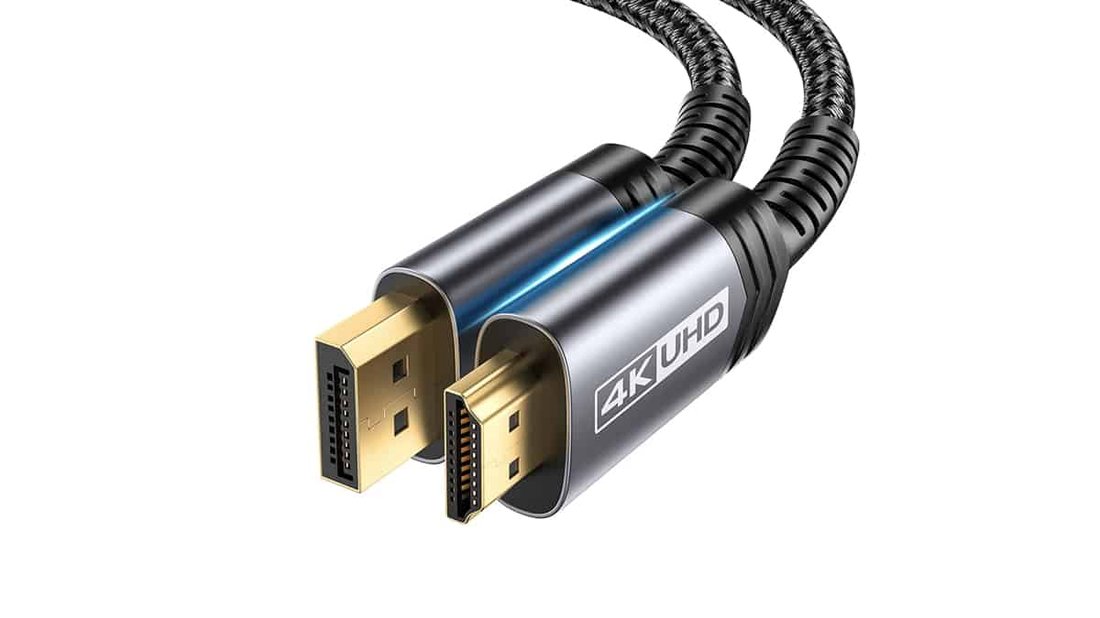
HDMI, or High-Definition Multimedia Interface, has been the go-to for TVs, consoles, and monitors since 2002. It’s ubiquitous, found on everything from PlayStation 5 to budget laptops. For 144Hz gaming monitors, HDMI 2.0 supports 144Hz at 1080p and 1440p, but struggles with 4K at full refresh rates without compression.
HDMI 2.1, introduced in 2017, changes the game with up to 48Gbps bandwidth—enough for 4K at 144Hz or even 8K at 60Hz. It includes Variable Refresh Rate (VRR) via HDMI Forum VRR, akin to AMD FreeSync, and Auto Low Latency Mode (ALLM) for instant gaming optimizations. Features like Quick Frame Transport (QFT) reduce lag, making it viable for high-refresh gaming.
Pros for gamers: Universal compatibility with consoles (Xbox Series X, PS5 require HDMI 2.1 for max performance). Cons: Older HDMI 2.0 cables limit bandwidth, and daisy-chaining isn’t supported. Premium HDMI 2.1 cables are pricier, but essential for 144Hz at higher resolutions without DSC (Display Stream Compression).
What is DisplayPort? Advantages for PC Gaming
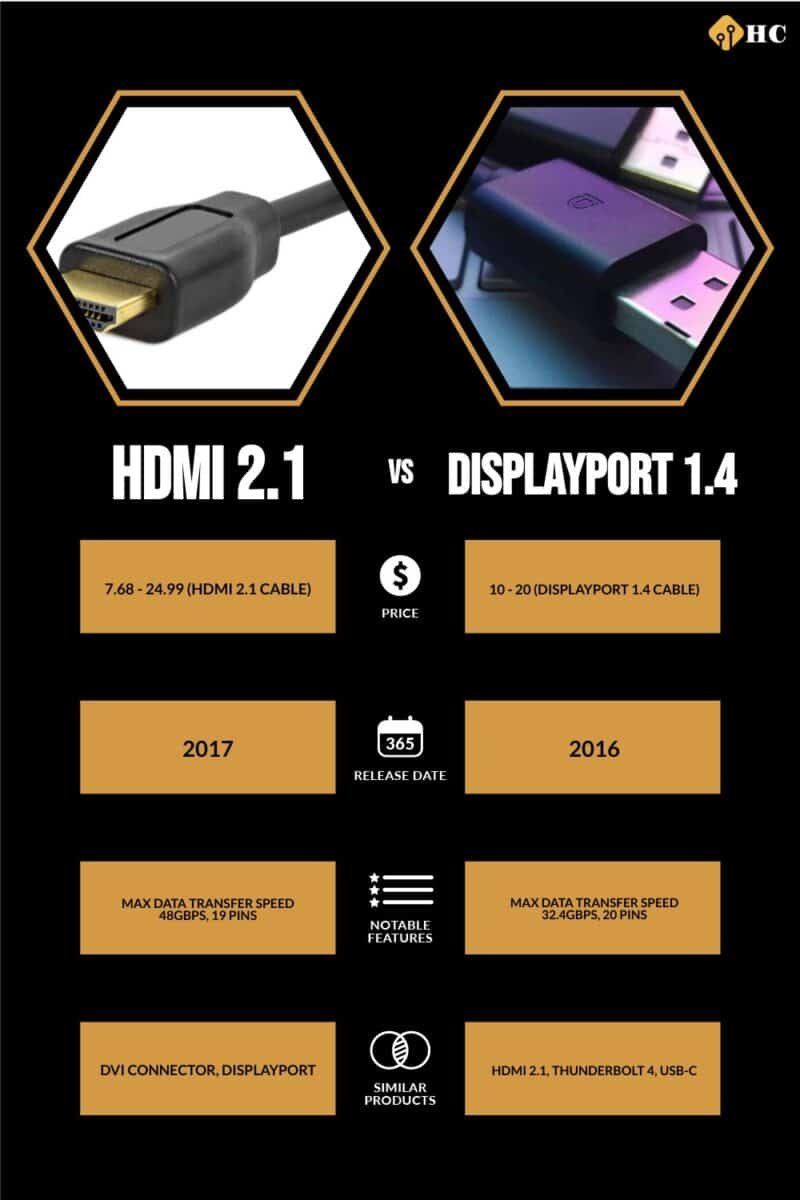
DisplayPort (DP), developed by VESA, prioritizes PC and professional displays. It’s royalty-free, fostering innovation. DP 1.4 handles 144Hz at 1440p easily and 4K at 144Hz with DSC. DP 2.0/2.1 boasts 80Gbps, supporting 8K at 240Hz uncompressed—overkill for most 144Hz setups but future-proof.
Key gaming perks: Multi-Stream Transport (MST) for daisy-chaining monitors, Adaptive Sync for both FreeSync and G-Sync, and lower latency in benchmarks. DP 1.4’s HBR3 mode delivers 32.4Gbps, perfect for 144Hz 1440p RGB 4:4:4. Unlike HDMI, DP excels in multi-monitor setups without hubs.
Drawbacks: Rare on consoles (PS5 lacks it), and some TVs skip DP. Cables are cheaper and longer-reaching without signal loss, ideal for desk setups.
Bandwidth and Resolution Support: HDMI vs DisplayPort at 144Hz
Bandwidth is king for 144Hz gaming monitors. HDMI 2.0 (18Gbps) supports:
- 1080p 144Hz: Yes, full chroma.
- 1440p 144Hz: Yes.
- 4K 144Hz: No, max 4K 60Hz or 144Hz with heavy DSC.
HDMI 2.1 (48Gbps) unlocks 4K 144Hz natively, crucial for ultrawides or high-DPI gaming.
DisplayPort 1.4 (32.4Gbps HBR3) mirrors HDMI 2.0 but adds UHBR modes in 2.0 for massive headroom. At 1440p 144Hz, both handle 10-bit color without issue, but DP edges out in uncompressed 4K scenarios.
For 144Hz gaming, test your setup: Use tools like Custom Resolution Utility (CRU) to verify. In practice, DP 1.4 outperforms HDMI 2.0 at QHD 144Hz due to efficient encoding.
Adaptive Sync and Latency: FreeSync, G-Sync Compatibility
Smooth gameplay hinges on Adaptive Sync. Both support AMD FreeSync, but NVIDIA G-Sync favors DisplayPort. G-Sync Ultimate requires DP 1.4; HDMI 2.1 G-Sync works but with limitations on older cards.
Latency tests (e.g., Blur Busters) show DP with 1-2ms edge over HDMI at 144Hz, thanks to DirectDrive tech. HDMI’s ALLM shines on consoles, auto-switching to game mode. For PC esports, DP’s G-Sync + VRR combo minimizes tearing better.
Compatibility and Cable Quality Considerations
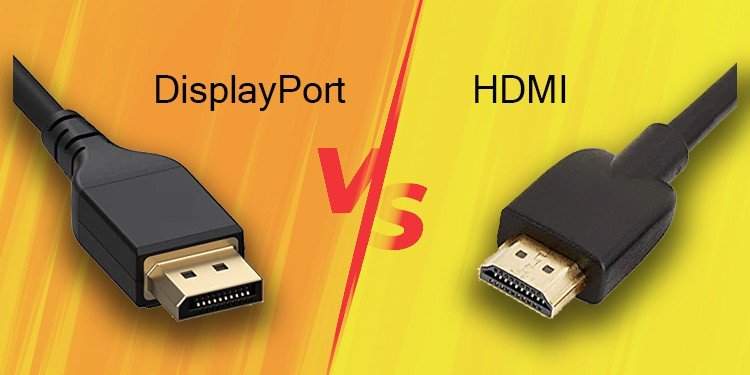
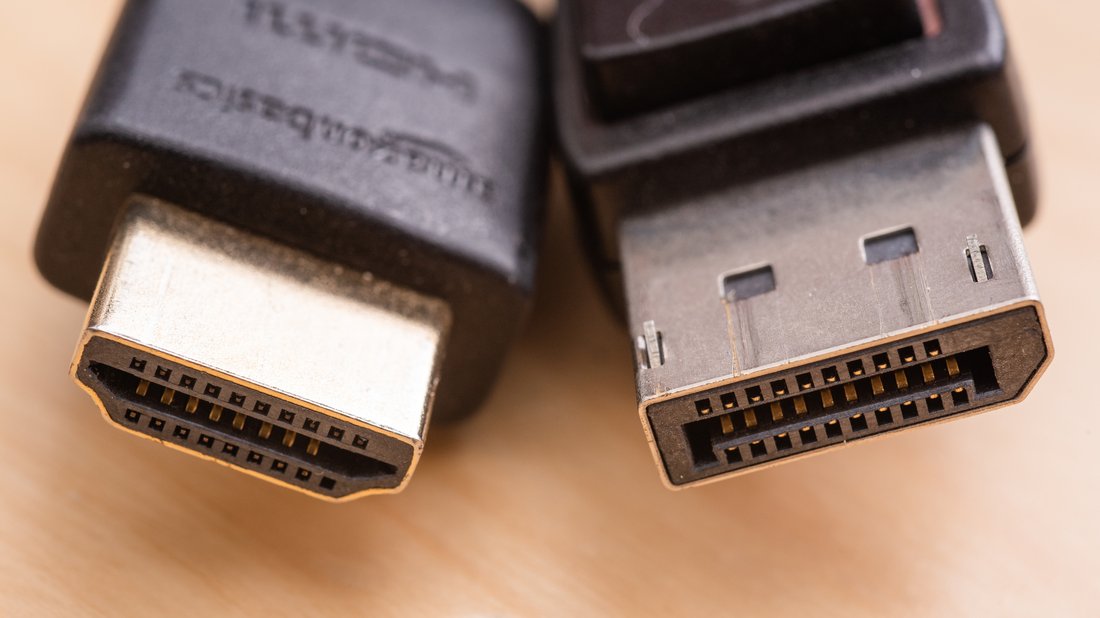
HDMI wins versatility: Plugs into any TV, console, or PC. Adapters (DP to HDMI) are common but degrade signal for high refresh.
DP dominates high-end PC monitors (Alienware, ASUS ROG). Cable length: HDMI 2.1 reliable to 2m; DP to 15m active cables. Use certified cables—cheap ones cap at 60Hz.
Hybrid setups? PCs with both ports let you choose: DP for monitor, HDMI for audio extractor.
Future-Proofing: Which is Best for Next-Gen 144Hz Gaming?
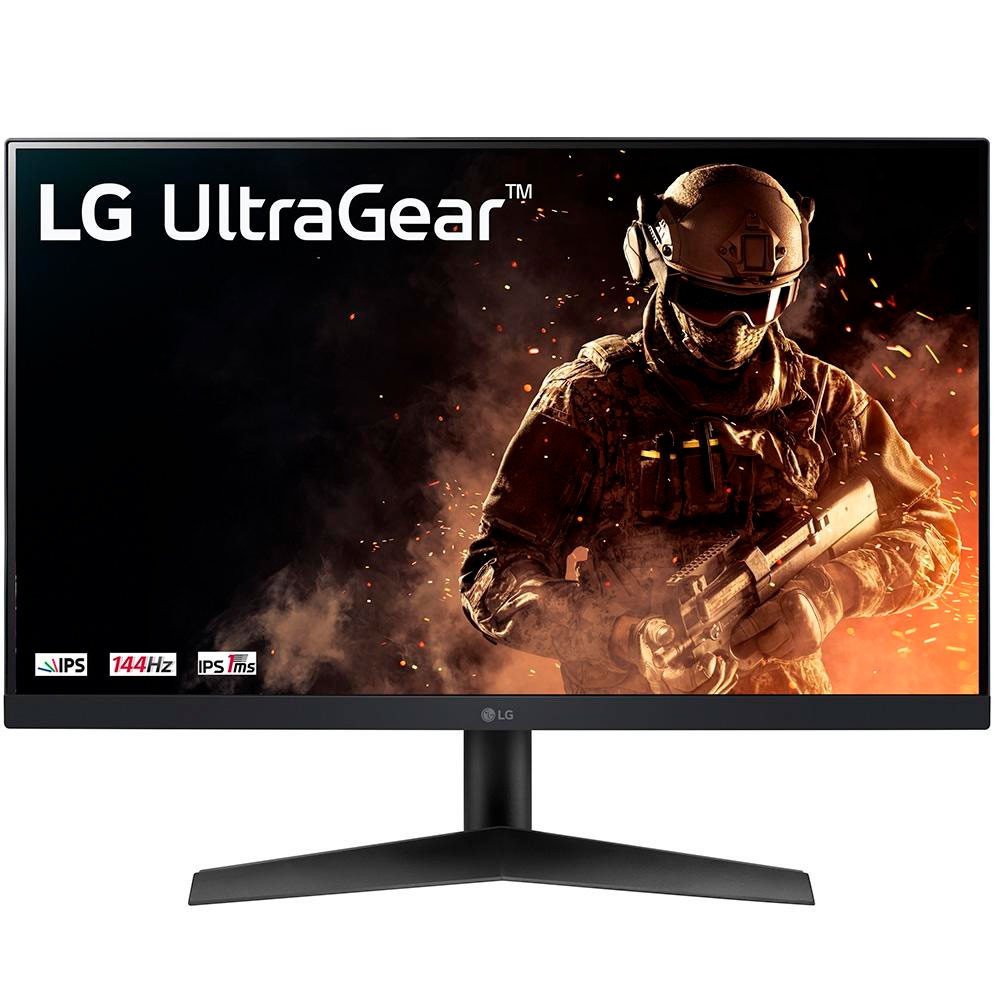
DP 2.0 future-proofs for 240Hz+ and 8K gaming. HDMI 2.1 suffices for consoles through 2025. Cost-wise, DP monitors are gamer-focused; HDMI for all-in-one.
Benchmarks from TechSpot: At 1440p 144Hz, DP averages 0.5% higher FPS in Cyberpunk 2077 due to bandwidth efficiency.
Conclusion: HDMI or DisplayPort for Your 144Hz Monitor?
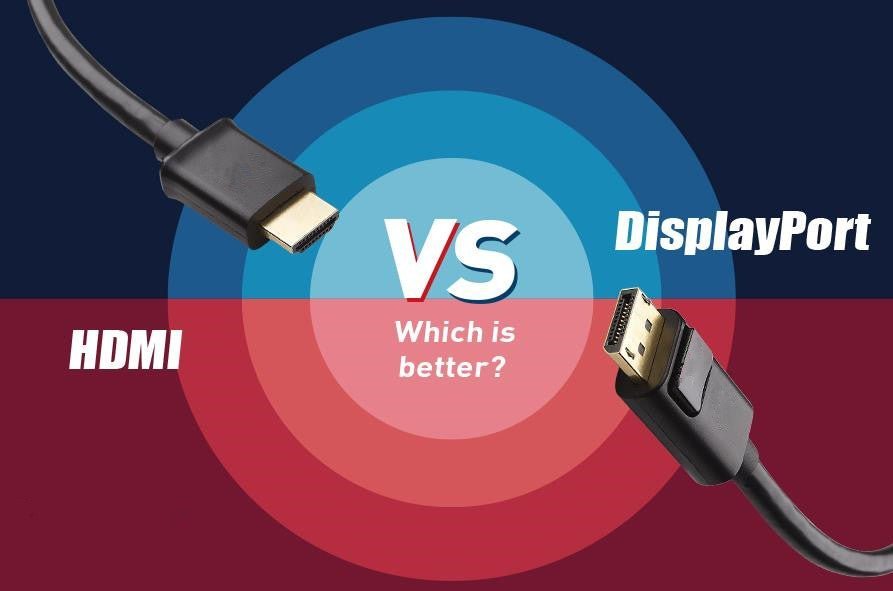
For pure PC gaming at 144Hz, DisplayPort is superior—better bandwidth, G-Sync, daisy-chaining. HDMI 2.1 is ideal for consoles or mixed use. Check your GPU (RTX 30-series+ supports both optimally) and monitor specs.
Recommendation: Prioritize DP 1.4+ for 1440p 144Hz gaming rigs. Invest in quality cables. Both evolve, but DP leads in performance. Upgrade now for stutter-free framerates!
(Word count: 1215)