
How to Choose a Wi-Fi Router for a Lag-Free Home
In today’s connected world, a reliable Wi-Fi router is the backbone of a seamless home internet experience. Whether you’re streaming 4K videos, gaming online, or working from home, lag can disrupt everything. Choosing the right Wi-Fi router for a lag-free home ensures smooth performance across all your devices. This guide breaks down everything you need to know, from key specs to real-world considerations, helping you make an informed decision.
Assess Your Internet Needs First
Feature Video
Before diving into router specs, evaluate your household’s demands. Start by checking your internet service provider (ISP) plan. If you have gigabit speeds, a basic router won’t cut it—opt for one that matches or exceeds your bandwidth.
Count your devices: smart TVs, laptops, smartphones, IoT gadgets like cameras and thermostats. A lag-free home supports 20+ devices without hiccups. Consider usage—online gaming needs low latency (under 50ms), while video calls prioritize stability.
Home size matters too. In a small apartment, a single router suffices; larger homes (over 2,000 sq ft) may require mesh systems for uniform coverage. Tools like speed tests from Ookla can benchmark your current setup, revealing bottlenecks.
Wi-Fi Standards: Go for the Latest

Wi-Fi standards define speed and efficiency. Skip outdated Wi-Fi 5 (802.11ac); aim for Wi-Fi 6 (802.11ax) or newer. Wi-Fi 6 offers up to 9.6 Gbps theoretical speeds, better handling of multiple devices via OFDMA and MU-MIMO tech, reducing lag in busy networks.
Wi-Fi 6E extends to the 6GHz band, minimizing interference from crowded 2.4GHz/5GHz channels—ideal for lag-free gaming or VR. Wi-Fi 7 (802.11be) pushes boundaries with 46 Gbps speeds and multi-link operation, but it’s premium-priced and overkill for most unless you’re future-proofing.
SEO tip: Dual-band (2.4GHz for range, 5GHz for speed) is baseline; tri-band routers add a second 5GHz or 6GHz for heavy traffic separation.
Coverage and Signal Strength

Lag often stems from weak signals in dead zones. Look for routers with beamforming, which directs signals to devices, and high-gain antennas (4×4 or 8×8 MU-MIMO).
For multi-story homes, mesh Wi-Fi systems like Google Nest Wifi or Eero shine. They use satellite nodes for whole-home coverage up to 6,000 sq ft, self-healing networks that reroute around interference automatically—no lag from spotty signals.
Placement is key: central location, elevated, away from microwaves or thick walls. Advanced routers with AI-driven optimization, like Netgear Orbi, dynamically adjust channels for peak performance.
Processor Power and RAM

A router’s brain—its processor and RAM—handles traffic without choking. Quad-core 1.5GHz+ CPUs (e.g., Qualcomm or Broadcom) manage 100+ devices smoothly. 512MB to 1GB RAM prevents buffering during peaks.
Compare: Budget routers with single-core chips lag under load; premium ones like Asus ROG Rapture throttle gaming traffic via QoS (Quality of Service), prioritizing packets for zero-lag esports.
Future-proof with 2GB+ RAM models, as smart homes grow with more IoT devices demanding constant connectivity.
Security Features for Peace of Mind
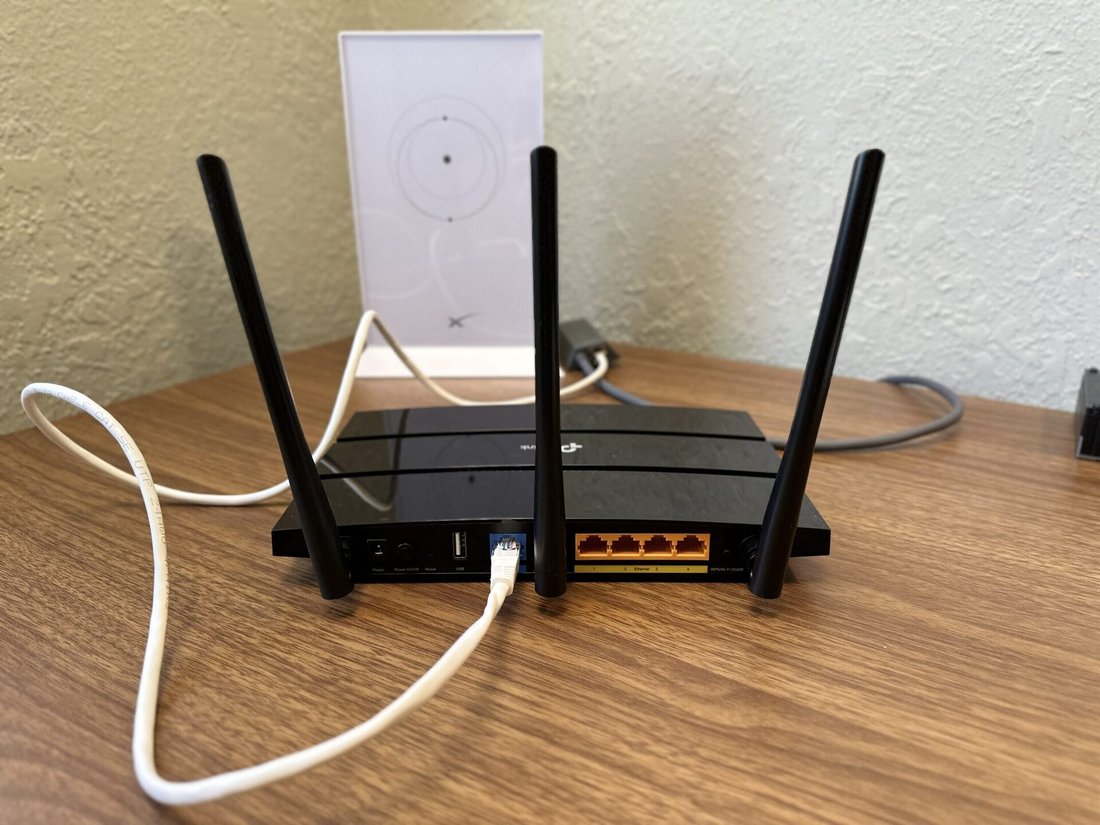
Lag isn’t just speed-related; hackers can cause slowdowns. Insist on WPA3 encryption—the latest standard resisting brute-force attacks. Features like automatic firmware updates, guest networks, and VPN support keep your lag-free home secure.
Look for routers with built-in firewalls, DoS protection, and parental controls. Brands like TP-Link integrate HomeShield or similar AI security, scanning for threats without impacting speed.
Ports, Connectivity, and Extras
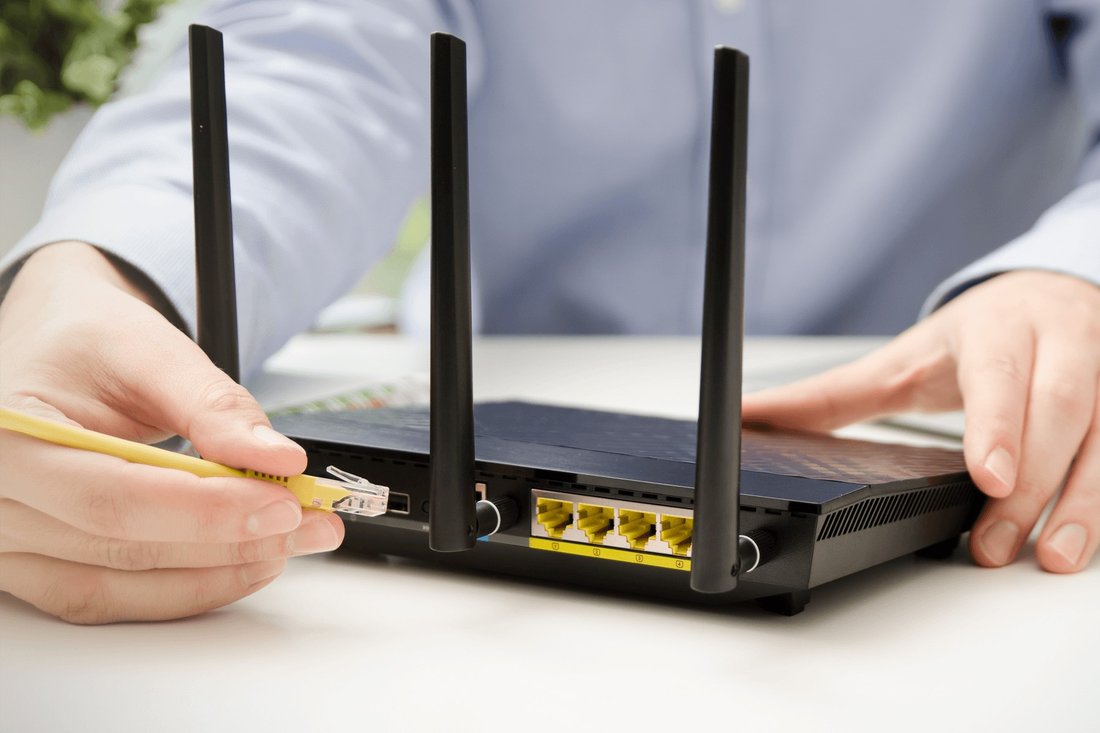
Modern routers need more than wireless. Multi-gig Ethernet ports (2.5Gbps or 10Gbps WAN/LAN) unlock full ISP speeds for wired gaming PCs or NAS drives, eliminating Wi-Fi lag.
USB ports for printers or storage, plus app-based controls for easy setup. QoS settings let you prioritize Netflix over downloads. Voice assistant integration (Alexa/Google) adds smart home convenience.
Bonus: Gaming routers with geoforce for low-ping servers or RGB lighting for aesthetics, without compromising performance.
Top Brands and Models to Consider
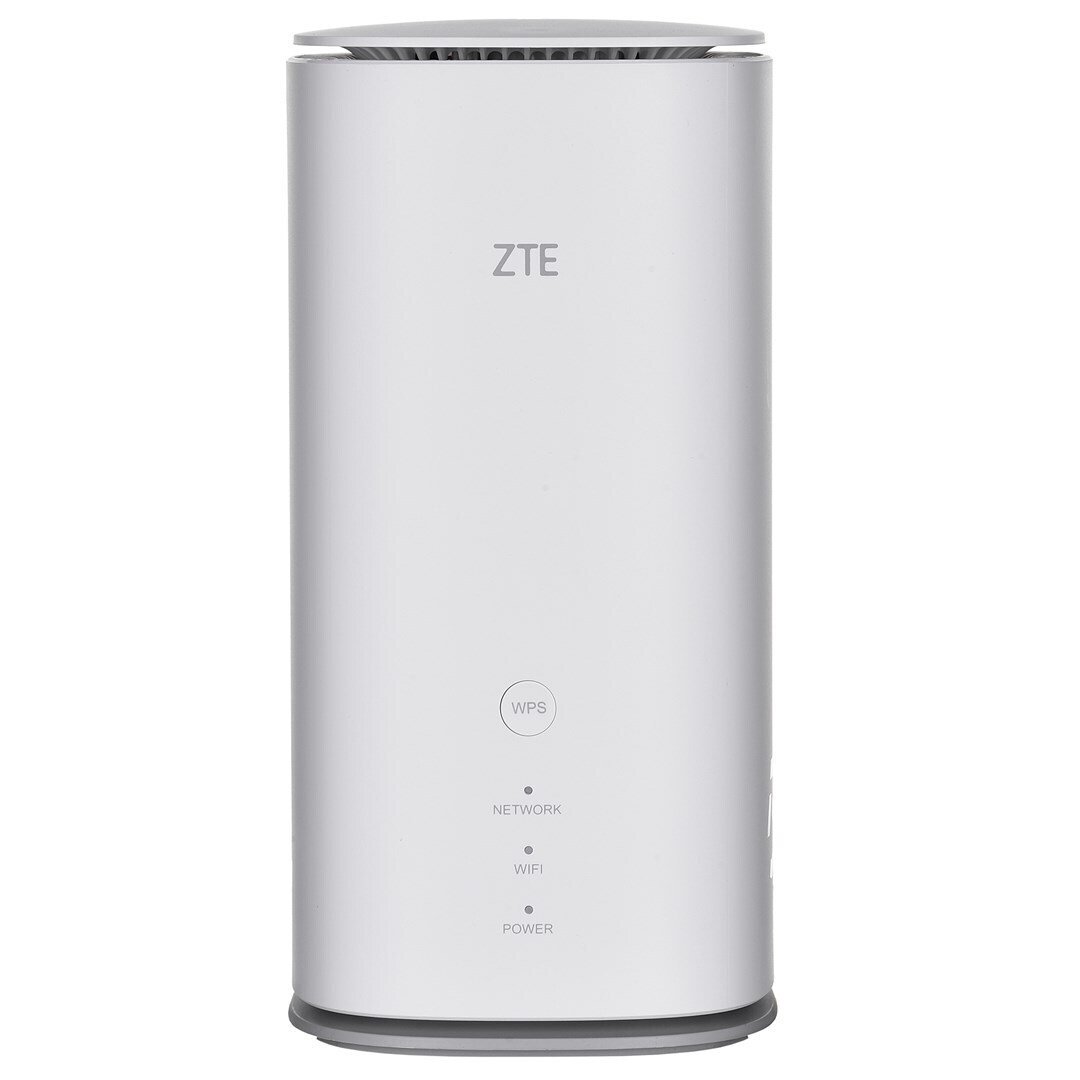
Reliability trumps hype. Netgear leads with Nighthawk series—AX5400 for mid-range lag-free homes. Asus excels in gaming (GT-AX11000) with robust firmware. TP-Link Archer line offers value (AX73 for under $150).
Mesh kings: Amazon Eero Pro 6E for seamless coverage; TP-Link Deco for budget meshes. Reviews on PCMag, CNET, or Wirecutter validate real-world lag-free performance.
Check MU-MIMO streams: 4×4 handles families; 8×8 for power users.
Budget vs. Performance Balance
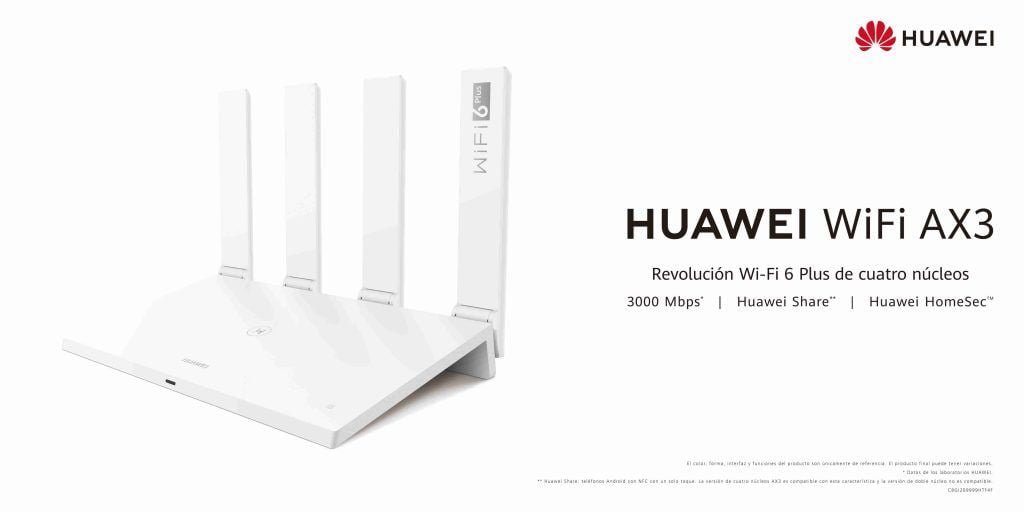
Routers range from $50 (basic) to $500+ (pro). For lag-free basics, spend $100-200 on Wi-Fi 6. Mid-range ($200-400) adds mesh/tri-band. Premium ($400+) future-proofs with Wi-Fi 7.
Don’t skimp—cheap routers throttle after months. Factor warranties (2-3 years) and ecosystem costs like mesh nodes ($100 each).
Black Friday deals or Amazon Prime Day slash prices on proven models, ensuring value.
Easy Setup and Maintenance
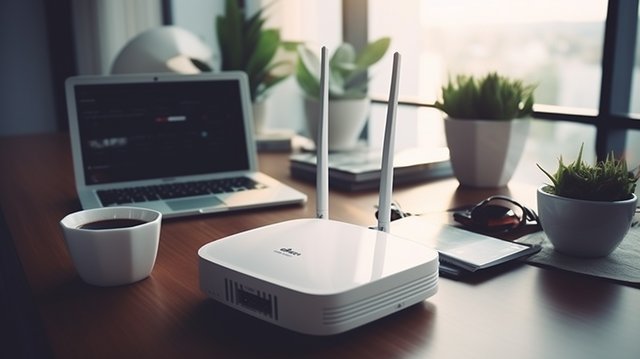
Choose user-friendly routers with mobile apps (e.g., Asus Router app) for 5-minute setup. Firmware updates via app keep speeds optimal—stale software causes lag.
Monitor via dashboards showing device load, channel usage. Restart monthly; use wired backhaul in meshes for stability.
Conclusion: Achieve Lag-Free Bliss
Selecting the perfect Wi-Fi router transforms your home into a lag-free haven. Prioritize Wi-Fi 6+, coverage matching your space, powerful hardware, and security. Test post-setup with speed tests and gaming pings.
Popular searches like “best Wi-Fi router for gaming” or “lag-free Wi-Fi router” lead here—invest wisely for years of smooth streaming, work, and play. Your ideal router awaits; match it to needs, and lag becomes history.
(Word count: 1,248)