
How to Learn Coding in 2025 Using Only Free Open-Source Tools
Why Learn Coding in 2025 with Free Open-Source Tools?
Feature Video
In 2025, coding skills remain one of the most valuable assets in a rapidly evolving digital world. With artificial intelligence, web3, and automation reshaping industries, learning to code opens doors to high-demand careers, freelancing opportunities, and personal projects. The best part? You don’t need expensive courses or proprietary software. Free open-source tools make high-quality coding education accessible to everyone. This guide explores how to learn coding in 2025 using only free open-source resources, from beginner setups to advanced projects. Whether you’re a complete novice or refreshing skills, these tools empower self-paced learning without barriers.
Open-source software thrives on community contributions, ensuring constant updates and reliability. Tools like Visual Studio Code, Git, and Python are battle-tested by millions. By 2025, expect enhanced AI integrations in these tools, making learning more intuitive. SEO trends show searches for “free coding tools 2025” surging, as cost-conscious learners prioritize accessibility. Follow this roadmap to master coding efficiently.
Setting Up Your Free Coding Environment
Your first step is building a robust, no-cost development setup. Start with a reliable operating system. Linux distributions like Ubuntu or Fedora are ideal free open-source options, offering stability and developer-friendly features. Download Ubuntu from its official site, create a bootable USB, and install it dual-boot with Windows or as your primary OS.
Next, install Visual Studio Code (VS Code), the premier open-source code editor. Maintained by Microsoft but fully open-source, VS Code supports extensions for every language. Pair it with Git, the version control system essential for tracking changes and collaborating. Install Git via your package manager (apt for Ubuntu) and configure it with your GitHub account—free for public repos.
For terminals, use the built-in options or hyperterminal, an open-source customizable shell. Don’t forget Node.js for JavaScript and Python via official installers. This stack—under 2GB—readies you for any project. In 2025, VS Code’s AI-powered extensions like GitHub Copilot (free tier available) accelerate debugging, embodying open-source innovation.
Choosing the Right Programming Languages for 2025
Focus on versatile, in-demand languages. Python tops lists for its simplicity and AI/ML dominance. JavaScript rules web development, while Rust gains traction for systems programming. Begin with Python: install via python.org, and use pip for packages—all open-source.
JavaScript requires Node.js and npm. For web, add HTML/CSS via browser dev tools. These languages align with 2025 job markets; Stack Overflow surveys confirm Python and JS as top choices. Free resources abound: official docs are comprehensive goldmines. Avoid paid bootcamps—open-source paths yield identical results.
Top Free Open-Source Learning Platforms
Dive into structured curricula with freeCodeCamp.org, a nonprofit gem. Its responsive web design certification uses browser-based editors—no installs needed. Complete interactive challenges in HTML, CSS, JS, then advance to APIs and databases. By 2025, expect VR/AR modules, all open-source.
The Odin Project offers full-stack paths with Ruby on Rails or Node.js, emphasizing projects. MDN Web Docs provide authoritative JS/HTML references. For Python, Automate the Boring Stuff with Python ebook is free online, complemented by Codecademy’s free tiers (open-source ethos).
edX and Coursera host university courses like Harvard’s CS50, free to audit. Khan Academy covers algorithms basics. These platforms integrate seamlessly with your VS Code setup, fostering hands-on practice. Track progress with GitHub repos, building a portfolio employers love.
Mastering Core Concepts Hands-On

Theory alone won’t suffice; practice is key. Start with variables, loops, functions in Python’s interactive shell (REPL). Use Jupyter Notebooks via Anaconda (open-source distribution) for data science explorations—perfect for 2025’s AI boom.
For web dev, build a personal site: HTML structure, CSS styling, JS interactivity. Tools like Live Server extension in VS Code preview changes instantly. Debug with browser consoles. Advance to React via Create React App (CLI tool, open-source). Version everything with Git: commit often, branch for features.
Algorithms? LeetCode and HackerRank offer free problems, solvable in your editor. Pair with “Grokking Algorithms” free summaries online. In 2025, quantum computing intros via Qiskit (IBM’s open-source SDK) prepare you for future tech.
Building Projects to Solidify Skills
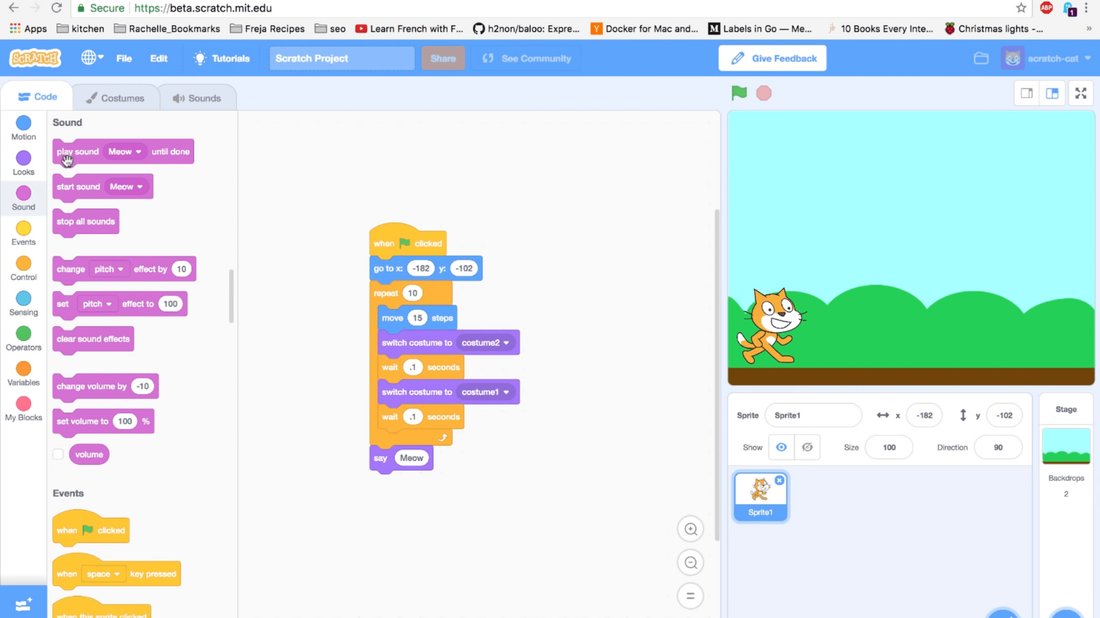
Projects bridge theory and application. Beginners: CLI todo app in Python, weather app fetching APIs. Intermediate: Full-stack blog with Express.js backend, React frontend, MongoDB (free tier via MongoDB Atlas, open-source compatible).
Deploy free: Netlify or Vercel for static sites, Railway for full-stack—all support open-source. GitHub Pages hosts portfolios effortlessly. Contribute to open-source on GitHub: fix issues in beginner-friendly repos like freeCodeCamp.
2025 trends include AI projects. Use Hugging Face’s open-source models for chatbots. Track progress: aim for 5-10 projects in six months. Employers value GitHub over certificates; showcase code quality and READMEs.
Leveraging Communities and Advanced Tools
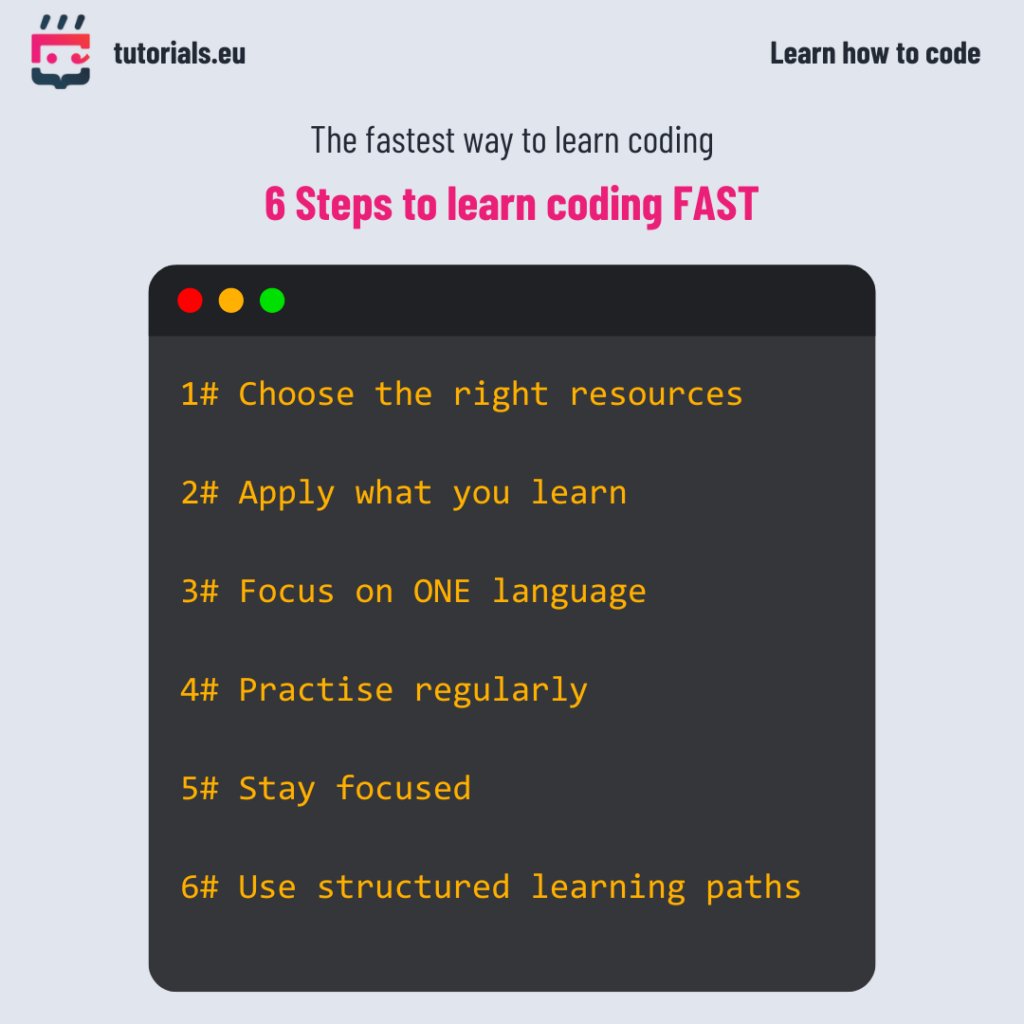
Learning solo is tough—join communities. Reddit’s r/learnprogramming, Stack Overflow (open-source Q&A), Discord servers for freeCodeCamp. GitHub Discussions foster mentorship.
Advanced tools: Docker for containerization (learn via official tutorials), Kubernetes basics for orchestration. For data, Pandas/NumPy in Python. IDEs like Vim/Neovim appeal to terminal fans.
Stay updated: follow newsletters like Hacker News (YC’s open forum), Planet Python. Conferences like PyCon stream free talks. In 2025, decentralized learning via IPFS-hosted courses emerges, all open-source.
Overcoming Common Challenges

Motivation dips? Set Pomodoro timers with open-source apps like Tomato. Stuck? Rubber duck debugging or AI assistants like local Ollama models (run LLMs offline). Burnout? Balance with non-coding hobbies.
Hardware limits? Cloud IDEs like Gitpod or Replit (free tiers, open-source cores) run in-browser. Time-strapped? Micro-learning: 30 mins daily via Anki flashcards for syntax.
Measure success: code daily, solve weekly challenges, deploy monthly. Six months in, you’ll handle real-world tasks.
The Future of Coding in 2025 and Beyond
Open-source dominates 2025 coding landscapes. Tools evolve with WebAssembly for faster apps, Rust for secure systems. AI democratizes code gen, but human insight prevails.
Commit to this path: consistent practice with free tools yields expertise. No excuses—start today. Your first commit awaits. Learning coding in 2025 has never been freer or more powerful.