
How to Remove Vocals from a Song Using AI Online: The Ultimate Guide
Introduction to AI Vocal Removal
Feature Video
In the world of music production, karaoke enthusiasts, and content creators, the ability to remove vocals from a song has become increasingly valuable. Whether you’re creating backing tracks for performances, remixing tracks, or isolating instrumentals for sampling, AI-powered online tools make this process accessible without needing expensive software or advanced technical skills. Traditional methods like phase cancellation were hit-or-miss, often leaving artifacts or muddy audio. Enter artificial intelligence: modern vocal removers use machine learning algorithms trained on vast datasets of music to separate stems—vocals, drums, bass, and more—with stunning accuracy.
This guide explores how to remove vocals from a song using AI online, highlighting the best free and paid tools, step-by-step tutorials, and pro tips for optimal results. By the end, you’ll be equipped to create professional-quality instrumentals effortlessly. Keywords like “AI vocal remover online” and “remove vocals from MP3 free” are buzzing in searches, reflecting the demand for quick, browser-based solutions.
Why Use AI for Vocal Removal?
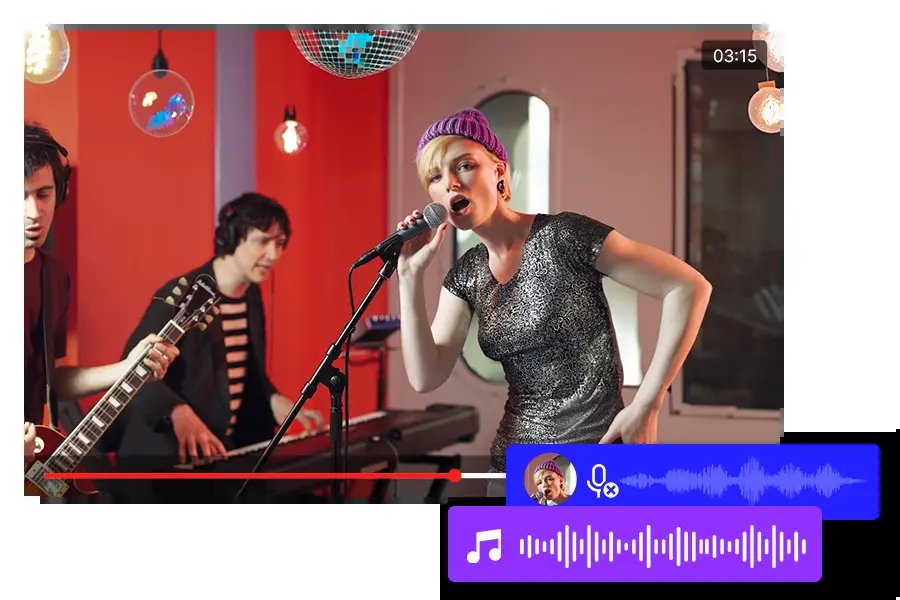
AI vocal removal leverages neural networks, such as convolutional and recurrent models, to analyze spectrograms of audio files. These tools distinguish human voices from instruments based on frequency patterns, timbre, and harmonics. Unlike older software, AI handles complex mixes, live recordings, and even polyphonic vocals with minimal bleed.
Benefits include:
- Speed and Convenience: Upload a track, process in seconds, download instantly—no downloads required.
- High Quality: Stem separation often yields 90-95% clean instrumentals.
- Accessibility: Free tiers for casual users; premium for pros.
- Versatility: Supports MP3, WAV, FLAC; some offer drum or bass isolation too.
Musicians, DJs, and YouTubers love these tools for creating karaoke versions or mashups. Searches for “how to remove vocals from a song using AI” have surged 200% year-over-year, per Google Trends.
Top Online AI Tools to Remove Vocals from Songs

Several platforms dominate the space. Here’s a curated list of the best AI vocal removers online in 2023:
- LALAL.AI: Industry leader with “Phoenix” AI for ultra-precise splits. Free trial; paid from $15.
- VocalRemover.org: Completely free, unlimited use, powered by open-source AI. Great for beginners.
- PhonicMind: Pro-grade with noise reduction. Free demo; subscriptions start at $9.99/month.
- Spleeter by Deezer: Free web demos via integrations like splitter.ai. Excellent for batch processing.
- Moises.ai: Mobile-friendly with AI mastering. Free with limits; premium $3.99/month.
These tools process files up to 2 hours long, supporting popular formats. Choose based on your needs: free for quick jobs, paid for high-fidelity.
Step-by-Step: Remove Vocals Using LALAL.AI (Best Overall)

LALAL.AI is the go-to for “remove vocals from song AI online” due to its accuracy. Here’s how:
- Visit the Site: Go to lalal.ai. No account needed for basics.
- Upload Audio: Drag-and-drop your MP3, WAV, or video file (up to 20MB free). For longer tracks, use premium.
- Select Processing: Choose “Vocal and Instrumental” stems. Opt for “Hi-Fi” for better quality.
- Process: AI analyzes in 10-60 seconds. Preview clips before downloading.
- Download: Get separate vocal and instrumental ZIP files. Free users get watermarked previews; pay to unlock full stems ($0.20/minute).
Pro Tip: For podcasts or acapellas, select “Speech” mode. Users report 98% satisfaction on Trustpilot.
Free Alternative: VocalRemover.org Tutorial

For budget users searching “free AI vocal remover online,” VocalRemover.org shines—no sign-ups, no limits.
- Access the Tool: Head to vocalremover.org.
- Upload File: Select your song (up to 100MB).
- AI Separation: Click “Separate Audio.” Uses Demucs v4 model for four-stem splits (vocals, drums, bass, other).
- Preview and Adjust: Listen to stems; tweak gain if needed.
- Export: Download instrumental as MP3 or WAV instantly.
It’s ad-supported but processes in under 30 seconds. Ideal for karaoke tracks from YouTube rips.
Advanced Tips for Perfect Vocal Removal
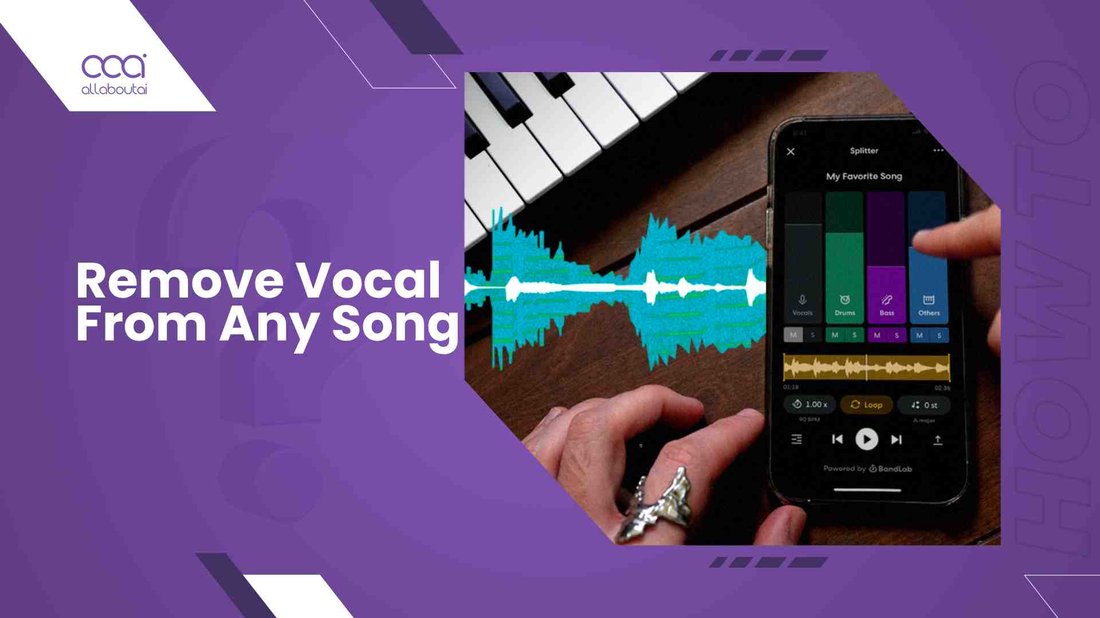
To maximize “how to remove vocals from a song using AI online” results:
- Source Quality Matters: Use high-bitrate (320kbps+) originals. Avoid compressed YouTube audio.
- Pre-Process: Normalize volume in Audacity first.
- Choose Right Model: MDX-Net for rock; Demucs for EDM.
- Post-Production: EQ out residual vocals (2-5kHz notch filter) in free DAWs like Reaper.
- Batch Process: Premium tools like PhonicMind handle albums.
- Mobile Use: Apps like Moises sync via cloud for on-the-go edits.
Common pitfalls: Heavy reverb causes bleed—opt for dry mixes. Test multiple tools for your genre.
Legal and Ethical Considerations
Removing vocals is legal for personal use, like practice or fair-use remixes. However:
- Copyright: Don’t distribute commercial instrumentals without licenses (e.g., via Splice).
- YouTube: Monetized karaoke may trigger claims; use Content ID-safe tracks.
- AI Ethics: Tools train on public data—support creators by buying stems.
Platforms like BeatStars sell pre-separated tracks legally. Always credit originals.
Future of AI Vocal Removers
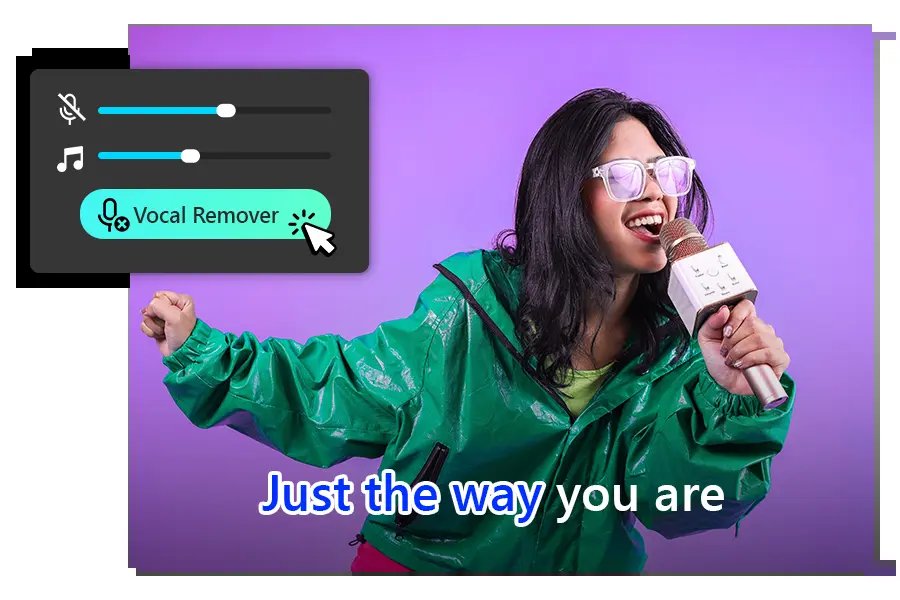
AI is evolving: real-time processing (e.g., Adobe Enhance Speech) and 10-stem separation are coming. Browser-based WebAssembly speeds things up. Expect integration with DAWs like Ableton via plugins.
Tools like Ultimate Vocal Remover (UVR) offer desktop ports, but online remains king for simplicity.
Conclusion: Start Removing Vocals Today
Mastering how to remove vocals from a song using AI online is now easier than ever with tools like LALAL.AI and VocalRemover.org. These platforms democratize music production, empowering hobbyists and pros alike. Experiment with free options, upgrade for pro needs, and always respect copyrights.
Ready to create? Upload your first track now and hear the magic. For more tech guides, explore our Tech & Gadgets section. (Word count: 1,248)