
The Ultimate Guide to Choosing the Right Laptop for Your Needs
In today’s fast-paced digital world, selecting the perfect laptop can feel overwhelming with countless options available. Whether you’re a student, professional, gamer, or casual user, choosing the right laptop tailored to your specific needs ensures optimal performance, productivity, and satisfaction. This ultimate guide breaks down everything you need to know—from assessing your requirements to evaluating key specifications and brands. By the end, you’ll be equipped to make an informed decision that balances power, portability, and price.
Assess Your Primary Needs First
Feature Video
Before diving into specs, start by identifying how you’ll use the laptop. Are you editing videos, coding software, browsing the web, or streaming movies? Different tasks demand different capabilities. For basic tasks like email, web surfing, and document editing, a budget-friendly laptop suffices. Professionals in graphic design or video production need high-performance machines with dedicated graphics cards. Gamers require powerful processors and high-refresh-rate displays.
Consider your lifestyle too. Students might prioritize portability for campus carry, while remote workers value long battery life and comfortable keyboards. Make a list: daily usage hours, software requirements (e.g., Adobe Suite, AutoCAD), and mobility needs. Tools like online laptop quizzes from retailers such as Best Buy or Dell can help refine your choices based on these inputs.
Processor (CPU): The Heart of Performance

The CPU is the brain of your laptop, determining speed and multitasking ability. Intel Core i5/i7 or AMD Ryzen 5/7 are solid for most users, handling everyday tasks smoothly. For intensive workloads like 3D rendering or machine learning, opt for Intel Core i9, AMD Ryzen 9, or Apple’s M-series chips (M2/M3), which excel in efficiency and battery life.
Look for the latest generations—13th-gen Intel or Ryzen 7000 series—for future-proofing. Core count matters: 6-8 cores for multitasking, 12+ for pros. Benchmark sites like Cinebench or PassMark provide real-world scores. Avoid older gens unless on a tight budget, as they lag in single-thread performance crucial for responsive apps.
RAM and Storage: Memory and Space Essentials

RAM affects how many apps you can run simultaneously without slowdowns. 8GB is minimum for basic use, but 16GB is ideal for most, enabling seamless multitasking. Creatives and developers should aim for 32GB or more. Check if it’s upgradeable—soldered RAM means you’re stuck with the initial amount.
Storage has shifted to SSDs over HDDs for speed. A 512GB SSD is standard; 1TB for media-heavy users. NVMe SSDs offer blazing read/write speeds (3000+ MB/s). Hybrid options exist, but pure SSDs are best. Cloud storage like Google Drive supplements local space, but local SSDs ensure quick boot times (under 10 seconds).
Display: Size, Resolution, and Quality
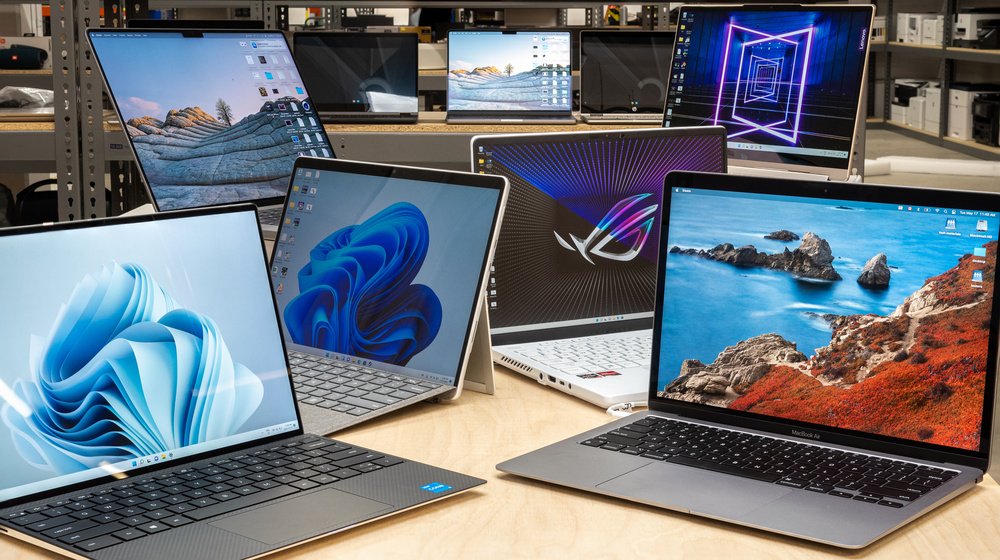
Screen size balances portability and usability: 13-14 inches for travel, 15-17 inches for desk work. Resolution is key—Full HD (1920×1080) minimum, 2K/4K for sharp visuals. IPS panels provide wide viewing angles and color accuracy over TN.
Refresh rates matter for gamers (144Hz+ reduces motion blur), while creators need 100% sRGB coverage. Touchscreens add versatility but drain battery. Anti-glare matte finishes combat reflections. Test in-store for brightness (300+ nits) to ensure outdoor usability.
Graphics Card: Integrated vs. Dedicated
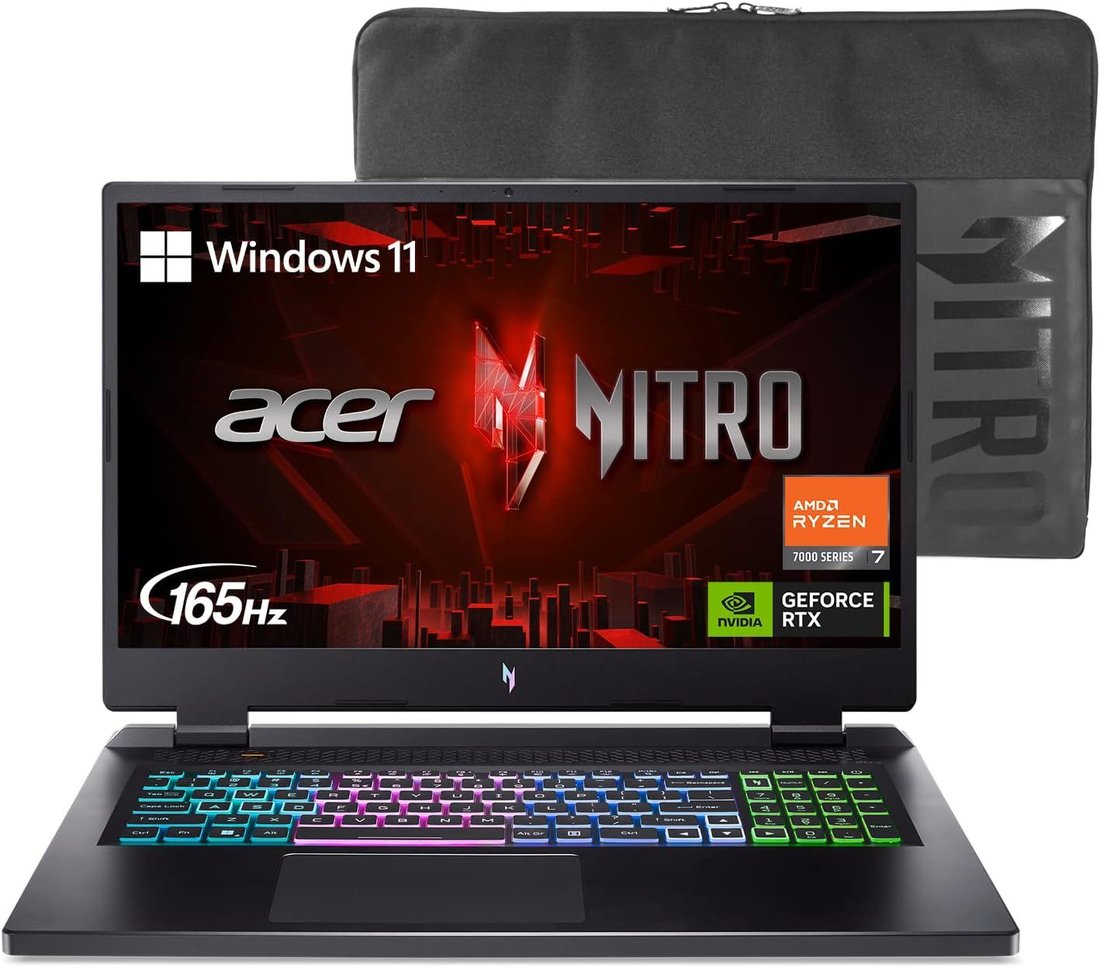
Integrated GPUs (Intel Iris Xe, AMD Radeon) handle office work and light editing. Dedicated GPUs like NVIDIA RTX 3050/4060 or AMD RX 7600M shine for gaming, video editing, and AI tasks. Entry-level RTX 4050 offers ray tracing and DLSS for modern games at 1080p.
VRAM (6GB+) future-proofs for 4K editing. Apple’s unified memory in M-chips rivals discrete GPUs efficiently. Check GPU benchmarks on 3DMark for comparisons. For non-gamers, integrated suffices to save cost and battery.
Battery Life and Portability
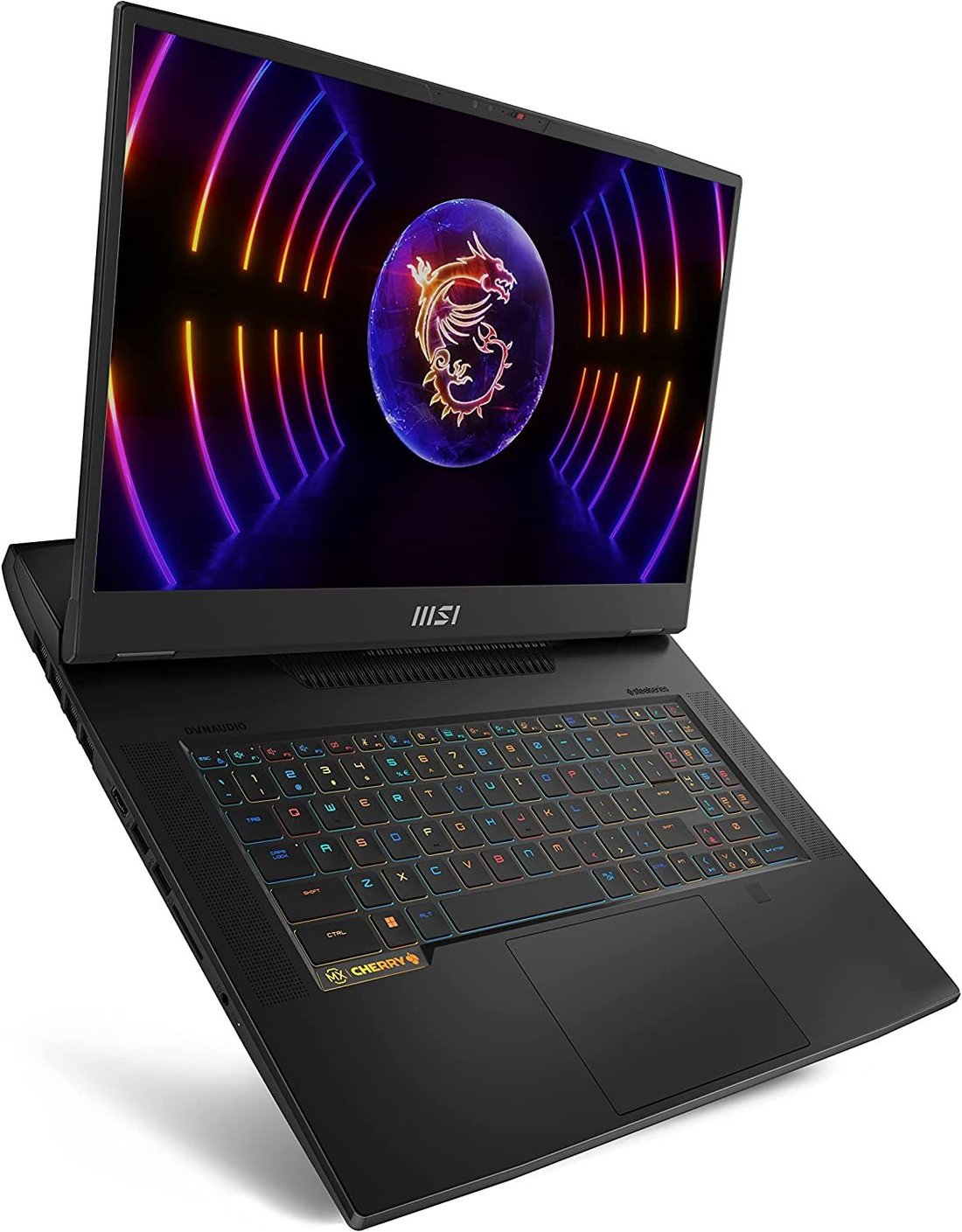
Battery life varies wildly—5-8 hours average, 12+ for ultrabooks. Look for 50Wh+ batteries and efficient chips. Fast charging (50% in 30 mins) is a bonus. Weight under 3lbs for portability; magnesium chassis for durability.
Keyboard and trackpad quality boost productivity—backlit chiclet keys with numpads for pros. Webcam (1080p with IR for Windows Hello) and mics are crucial for video calls. Thunderbolt 4 ports enable docking and fast transfers.
Operating System: Windows, macOS, or ChromeOS?
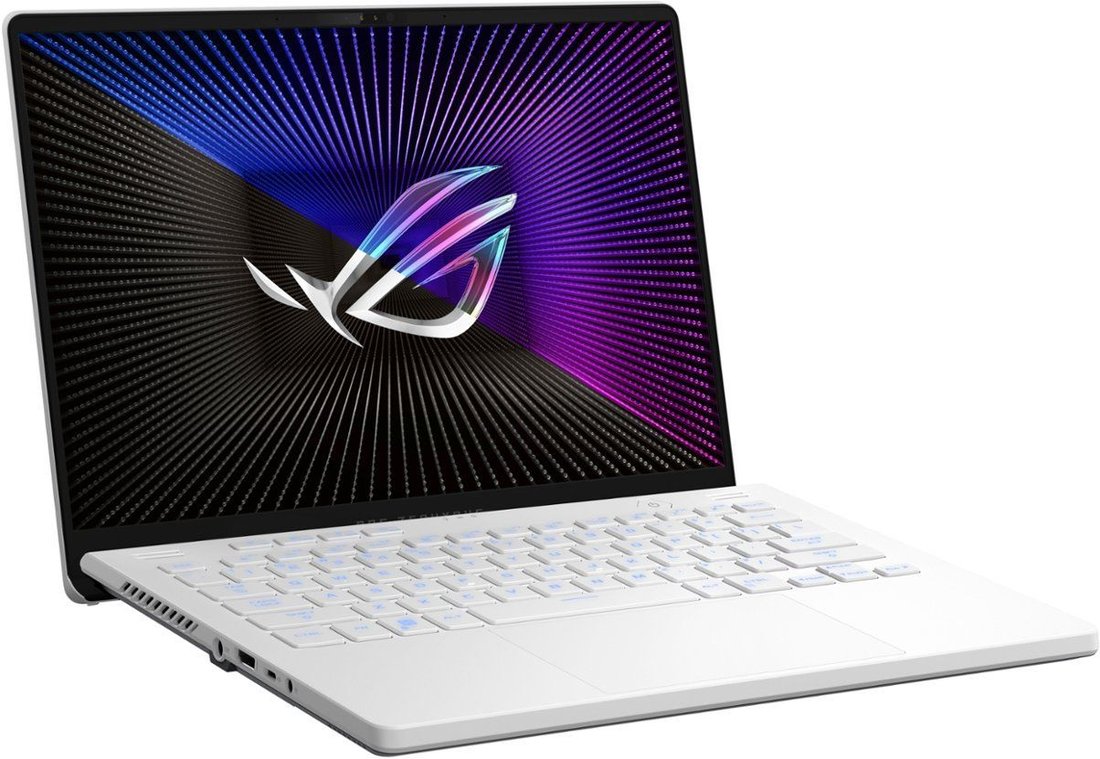
Windows dominates versatility—full app support, gaming ecosystem. macOS excels in creative workflows (Final Cut Pro) with seamless iPhone integration. ChromeOS suits web-based tasks, cheap hardware, and cloud reliance.
Linux appeals to developers for customization. Test OS if possible; switching later is tough. Consider software compatibility—Windows for Microsoft Office/enterprise, macOS for Apple ecosystem.
Budget Breakdown and Value Picks
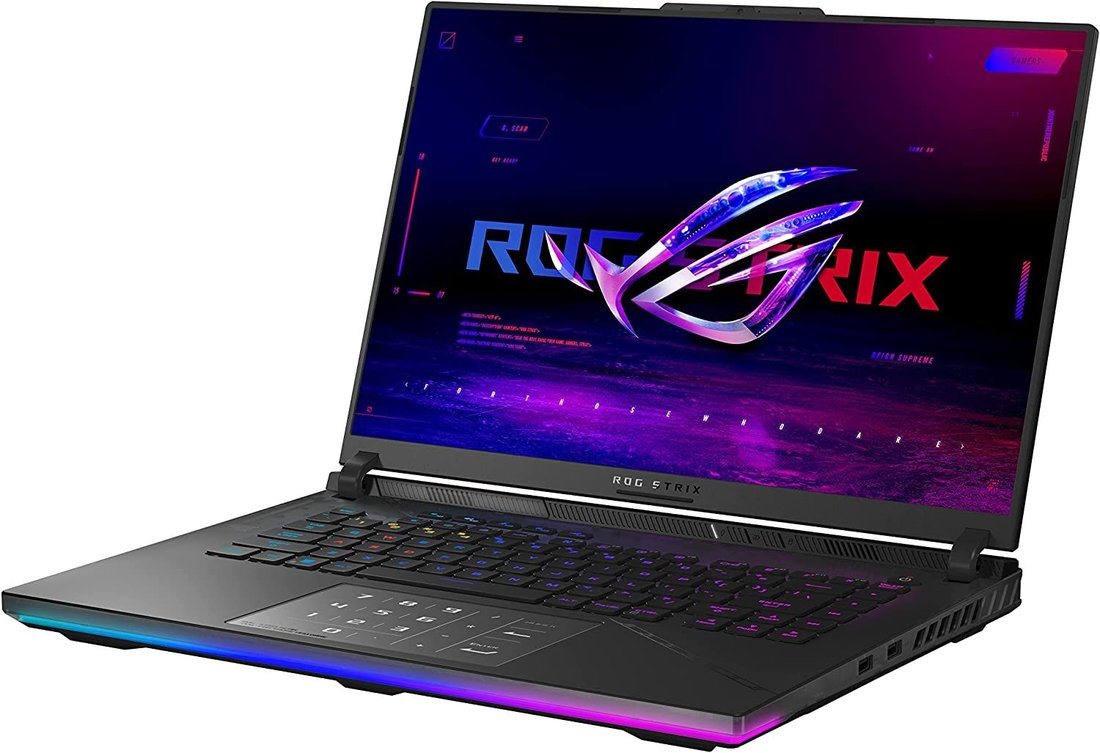
Set a budget: under $500 for basics (Chromebooks), $500-1000 for mid-range (everyday powerhouses), $1000-1500 for premium, $2000+ for flagships. Value kings include Acer Aspire (budget), Dell XPS (premium ultrabook), Lenovo ThinkPad (durability), ASUS ROG (gaming), MacBook Air (efficiency).
Compare specs-to-price on sites like NotebookCheck. Watch sales (Black Friday) and warranties (2+ years). Refurbished from Dell Outlet saves 20-30% with warranties.
Brands, Reviews, and Final Checks

Trusted brands: Dell (reliable), HP (affordable), Lenovo (business), Apple (premium build), ASUS/MSI (gaming). Read reviews from PCMag, Laptop Mag, TechRadar—focus on long-term tests. User feedback on Reddit (r/Laptops) reveals real issues like thermals or hinges.
Check build quality (MIL-STD durability), cooling (dual fans), and upgradability. Eco-friendly options with recycled materials appeal to conscious buyers. Test in-store for feel.
Conclusion: Make the Smart Choice
Choosing the right laptop boils down to aligning specs with needs, budget, and lifestyle. Prioritize CPU/RAM for performance, display/battery for usability. Research thoroughly, read reviews, and buy from reputable sellers with returns. The perfect laptop boosts productivity without breaking the bank—happy hunting!
(Word count: 1215)