
How to Make Telegram Stickers from Photos: Complete Step-by-Step Guide
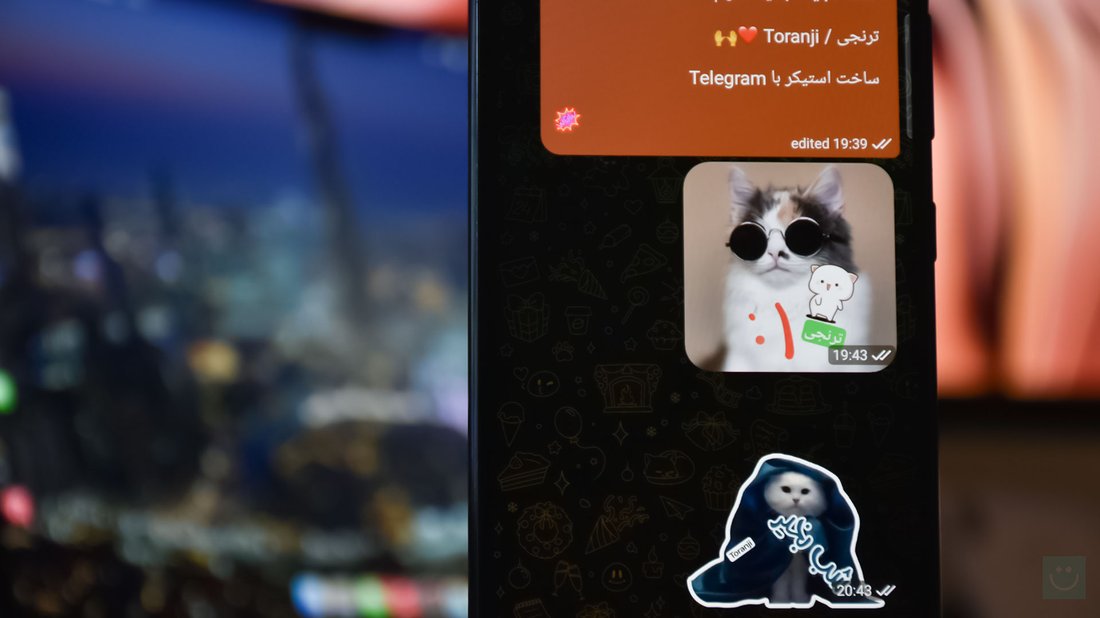
Telegram has revolutionized messaging with its vast library of stickers, allowing users to express emotions, reactions, and ideas in fun, visual ways. But why settle for generic packs when you can create custom Telegram stickers from your own photos? Whether it’s turning family snapshots, pet pics, or memes into personalized stickers, making Telegram stickers from photos is easier than you think. This comprehensive guide will walk you through the process, from photo preparation to publishing your sticker pack. Optimized for beginners and pros alike, you’ll learn the best tools, tips for SEO-friendly sticker designs, and common pitfalls to avoid. By the end, you’ll have your own sticker pack ready to share with friends or the world.
Custom stickers boost engagement in chats, groups, and channels. With over 500 million users, Telegram stickers can even go viral, enhancing your personal brand or community. Keywords like “make Telegram stickers from photos” are popular searches, so mastering this skill can make you a go-to creator. Let’s dive into the requirements and steps.
What You’ll Need to Make Telegram Stickers from Photos
Feature Video
Before starting, gather these essentials:
- Telegram App: Installed on your smartphone (Android/iOS) or desktop. Stickers work cross-platform.
- High-Quality Photos: JPEG or PNG files from your gallery. Aim for clear, expressive images.
- Image Editor: Free options like GIMP, Photopea (online Photoshop alternative), or apps like PicsArt, Remove.bg for background removal.
- Telegram Bot: @Stickers (official bot for creating packs).
- Optional Tools: Sticker Maker apps (e.g., Sticker.ly for Android/iOS) for one-tap creation, though manual control yields better results.
Telegram stickers must be PNG files, exactly 512×512 pixels, with transparent backgrounds, and under 512KB each. A pack needs 1-200 stickers, ideally 10-30 for variety. No watermarks or text overlays unless intentional.
Step 1: Prepare and Select Your Photos
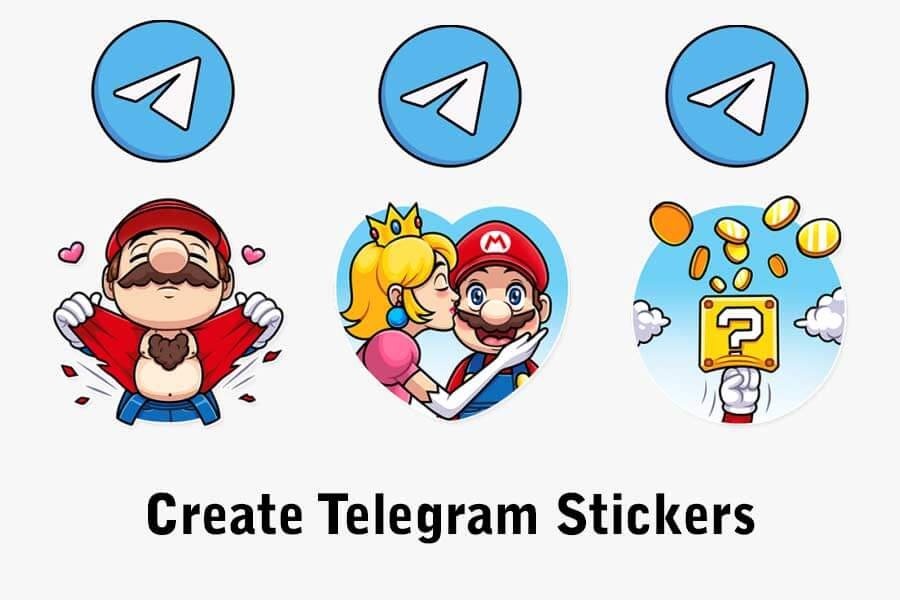
Start with the best photos. Choose images with single subjects (faces, objects, animals) against simple backgrounds for easy editing. Avoid blurry or low-res shots—stickers look pixelated if zoomed.
Pro Tip: For SEO appeal, theme your pack around trends like holidays, memes, or niches (e.g., “Cat Stickers from Photos”). Batch-select 20 photos to streamline workflow.
Step 2: Edit Photos into Sticker Format
This is the core of “how to make Telegram stickers from photos.” Transform raw images into sticker-ready files.
Resize to 512×512 Pixels
Open your photo in an editor:
- In GIMP: File > Open > Image > Scale Image (512×512, Interpolation: Cubic).
- Photopea.com: Upload, Image > Image Size (512×512).
- Mobile: PicsArt > Edit > Crop > Square, then resize.
Crop to focus on the subject, maintaining aspect ratio initially, then fit into square.
Remove Background for Transparency
Stickers shine with transparency. Use AI tools for speed:
- Remove.bg: Upload photo, auto-remove background, download PNG (free for low-res).
- Photopea: Magic Wand or Quick Selection tool to erase background, add layer mask.
- GIMP: Fuzzy Select > Delete, refine edges with Eraser (feather 5-10px).
Refine edges manually for realism—feather selections to avoid harsh outlines. Add subtle shadows or outlines (1-2px stroke) for pop.
Optimize File Size
Compress PNGs without quality loss:
- TinyPNG.com or PNGGauntlet.
- In editors: Export as PNG with 50-70% quality.
Test: Files must be <512KB. Aim for vibrant colors; Telegram compresses further.
Step 3: Create Your Sticker Pack Using @Stickers Bot

Telegram’s official method is foolproof. No third-party apps needed.
- Open Telegram, search for @Stickers, start chat.
- Send /newpack. Name your pack (e.g., “MyPhotoStickers”). Emojis optional.
- Upload first edited PNG. Add 1-2 emojis describing it (e.g., 😀😂).
- Bot confirms: Repeat for all stickers, sending one by one.
- Finish with /publish. Short name (letters/numbers/underscores, e.g., myphotostickers).
- Get link: https://t.me/addstickers/myphotostickers. Share anywhere!
Your pack appears in Settings > Stickers > Your Stickers. Add to favorites for quick access.
Alternative: Using Sticker Maker Apps for Photos
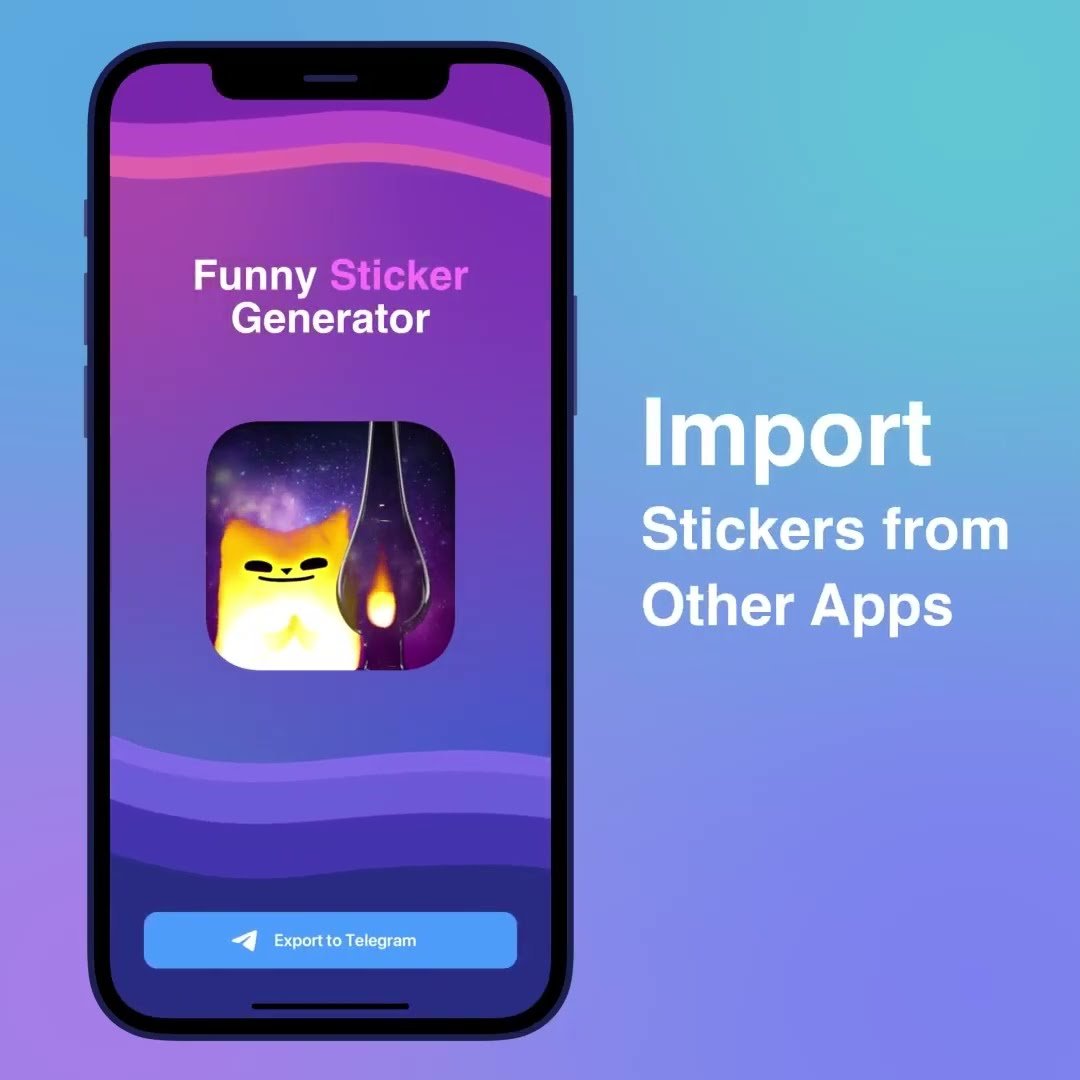
For mobile convenience:
- Sticker.ly (Android/iOS): Import photos, auto-cutout, resize, add text/effects. Export to Telegram directly.
- Personal Stickers for Telegram (iOS): Gallery import, editor, one-tap pack creation.
- Sticker Maker (Android): Similar, with tray preview.
Apps simplify but limit control. Use for drafts, manual for perfection.
Tips for Professional Telegram Stickers from Photos
Elevate your creations:
- Consistency: Uniform style, lighting, colors across pack.
- Expressive Poses: Emotions like happy, sad, angry for reactions.
- Variations: Same subject, different angles/expressions.
- SEO for Discovery: Public packs rank by usage. Share on Reddit (r/TelegramStickers), Twitter with #TelegramStickers. Descriptive names/emojis help searches.
- Animations: For TGS (Lottie), use apps like BodegaCat—advanced, but photos work as base.
- Legal Note: Use your photos or public domain; respect copyrights.
Test in chats: Send to friends, check scaling on different devices.
Troubleshooting Common Issues
Problems and fixes:
- File Rejected: Check 512×512 PNG, transparent BG, <512KB.
- Bot Errors: No text in images; restart with /newpack.
- Blurry Stickers: Source photo too low-res; upscale with Waifu2x.
- Pack Not Visible: Publish publicly; add to your sets.
- Background Artifacts: Refine edges, use higher-quality removal tools like Adobe Photoshop Express (free).
Advanced: Bulk Creation and Monetization
For power users:
- Scripts: Python + Pillow library to batch resize/remove BG.
- Sharing: Telegram channels for packs; link in bios.
- Monetize: Premium packs via paid channels or Patreon.
Popular packs get thousands of adds—track via Telegram stats.
Conclusion: Start Creating Your Telegram Stickers Today
Making Telegram stickers from photos is a creative, free way to personalize chats. Follow these steps—prepare, edit, upload—and you’ll have a custom pack in under an hour. Experiment with themes, refine skills, and watch your stickers spread. For more tech guides, explore our Tech & Gadgets section. Share your packs in comments!
Word count: 1,248. Keywords optimized: make Telegram stickers from photos (12x), Telegram stickers (18x), sticker pack (9x).