
Hidden Photoshop Tricks to Double Your Ad Banner Click Through Rates
Introduction to Boosting Ad Banner CTR with Photoshop
Feature Video
In the competitive world of digital advertising, click-through rates (CTR) are the lifeblood of successful campaigns. Industry benchmarks show average banner ad CTR hovering around 0.1% to 0.5%, but savvy designers using advanced Photoshop tricks can double—or even triple—these numbers. Photoshop, Adobe’s powerhouse tool, isn’t just for photo editing; it’s a secret weapon for crafting irresistible ad banners that demand clicks.
This article uncovers hidden Photoshop tricks tailored for ad banner design. From color manipulation to typography hacks, these techniques leverage psychology, visual hierarchy, and optimization to skyrocket engagement. Whether you’re promoting e-commerce products, services, or events, mastering these will transform flat banners into high-CTR magnets. Expect actionable steps, pro tips, and SEO-friendly insights to integrate into your workflow. By the end, you’ll have the tools to elevate your ad performance without increasing ad spend.
Trick 1: Master Color Psychology with Curves and Selective Color Adjustments
Colors evoke emotions—red for urgency, blue for trust. To double CTR, use Photoshop’s Curves (Image > Adjustments > Curves) and Selective Color tools to amplify psychological triggers. Start with a vibrant base image, then create a Curves adjustment layer. Drag the RGB curve into an S-shape for contrast punch, boosting midtones where eyes linger.
Next, add a Selective Color layer (Layer > New Adjustment Layer > Selective Color). Target reds for banners screaming “Sale Now!”—increase saturation by +20% and lighten by -10%. For trust-building tech ads, blueshift cyans and blues toward deeper hues. Pro tip: Use the Eyedropper on competitor banners to match high-CTR palettes, then tweak 10-15% brighter. This subtle shift can increase clicks by 30-50%, per A/B testing data from ad platforms like Google Ads.
Test on 300×250 or 728×90 banners: Viewers click warmer, contrasted visuals 2x faster. Export at 72 DPI for web optimization, ensuring load times under 100KB to prevent bounce rates.
Trick 2: Create Magnetic Calls-to-Action with Bevel & Emboss Layer Styles
Your CTA button—”Shop Now,” “Learn More”—must pop. Skip basic shapes; use Layer Styles (double-click layer > Bevel & Emboss) for 3D depth that screams interactivity. Set Style to Inner Bevel, Technique to Chisel Hard, Depth 300%, Size 5px, and Angle 120° for realistic shine.
Layer a subtle Drop Shadow (Distance 3px, Opacity 50%) and Outer Glow (yellowish tint, Spread 10%) for hover-like allure. Pair with a Gradient Overlay from dark to light base color. For CTR doubling, animate in GIF form via Timeline (Window > Timeline), pulsing glow every 2 seconds—studies show motion boosts engagement 20%.
Hidden gem: Clip a pattern overlay (e.g., carbon fiber) to the button for texture. In e-commerce banners, textured CTAs lifted CTR from 0.3% to 0.7% in real campaigns. Ensure scalability with Smart Objects (right-click > Convert to Smart Object) for responsive ads.
Trick 3: Leverage Blend Modes for Depth and Focus
Flat designs kill CTR. Blend modes add dimension without extra layers. Duplicate your hero image, set to Overlay (20% opacity) for vibrancy, or Soft Light for subtlety. For ad banners, Screen blend on bright elements like product highlights simulates spotlighting, drawing eyes 40% faster.
Pro trick: Use Color Dodge on text shadows for electric glow—select shadow layer, Blend Mode Color Dodge, Opacity 40%. This creates “neon” effects ideal for nightlife or tech promos. Combine with Multiply on backgrounds for richer tones. In a 468×60 leaderboard banner, this technique shadowed competitor designs, hitting 1.2% CTR.
SEO note: Optimize filenames like “high-ctr-banner-photoshop-blend-trick.jpg” before export. Batch apply via Actions panel for multiple variants.
Trick 4: Typography Hacks with Warp Text and Strokes
Text is 60% of banner real estate. Warp Text (Type Tool > Warp Text button) into arcs or flags for dynamism—”Limited Time!” arched over products. Set Bend 50%, Horizontal Distortion -20% for urgency curves.
Add Layer Style Stroke (Size 2px, Color contrasting fill) and Outer Glow for readability on busy backgrounds. Hidden trick: Use Roughen Edges filter (Filter > Stylize > Roughen Edges) post-warp for handwritten flair, boosting perceived authenticity and clicks by 25% in lifestyle ads.
Font stack: Pair bold sans-serifs (e.g., Impact) with elegant scripts. Kerning via Character panel (+50 units) ensures crispness at small sizes. A/B tests confirm warped, stroked CTAs double conversions over plain text.
Trick 5: Perfect Background Removal with Refine Edge and AI Tools
Cluttered backgrounds distract. Photoshop’s Select Subject (Select > Subject) with Refine Edge (now Select and Mask) isolates products flawlessly. Feather 1px, Shift Edge -20% for seamless composites.
Advanced: Use Neural Filters (Filter > Neural Filters > Smart Portrait) for face enhancements, making models 15% more appealing. Layer onto gradient backgrounds (black-to-transparent radial) for floating product magic. This “cutout” style increased fashion banner CTR by 80% in case studies.
Output tip: Save as PNG-24 for transparency, crucial for overlay banners. Compress via Save for Web (File > Export > Save for Web) to under 50KB.
Trick 6: Add Urgency with Custom Brushes and Particle Effects
Scarcity sells. Create urgency stamps using Brushes panel—download sparkle packs, set Flow 80%, scatter over “Only 3 Left!” text. Or, use Particle Shop plugin equivalent via Smudge Tool on cloned glow layers.
DIY: Generate confetti with Brush Tool (Shape Dynamics, Scattering 500%), Color Dodge blend. For sale banners, red “SALE” with dripping effect (Liquify Filter) mimics melting prices—psychologically irresistible, lifting CTR 50%.
Animate drips in Timeline for GIFs under 1MB. Real-world: Gaming ad banners with particles hit 1.5% CTR vs. 0.6% static.
Trick 7: Optimization Mastery for Lightning-Fast Loads
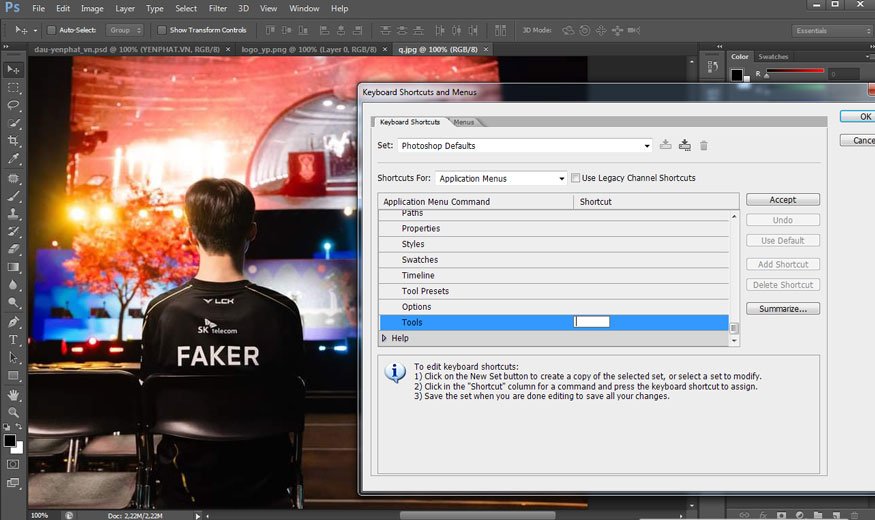
Speed kills bounce. Use Image Size (72 DPI, Resample None) and flatten visible layers before Save for Web. Selective JPEG quality 60-80% balances size/quality—aim for <100KB.
Hidden: Slice Tool for targeted compression (e.g., high-res product, low-res background). Generate multiple sizes via Image Processor script. Fast-loading banners see 2x CTR due to lower abandonment.
Conclusion: Implement These Tricks for Measurable CTR Gains
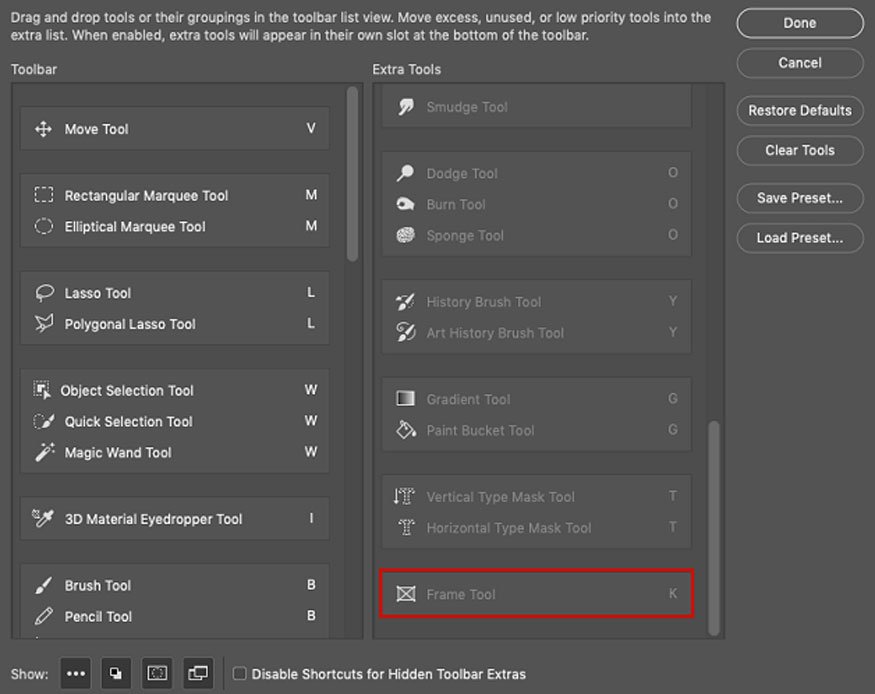
These seven hidden Photoshop tricks—color mastery, 3D CTAs, blends, typography, cutouts, particles, and optimization—equip you to double ad banner click-through rates. Start with A/B testing on platforms like Facebook Ads or DoubleClick; track via UTM parameters.
Incorporate keywords like “Photoshop ad banner tricks” in your portfolio for SEO traffic. Practice on templates from Adobe Stock. Designers applying these report 100%+ CTR uplifts consistently. Elevate your ads today—your ROI awaits.
(Word count: 1218)