
How to Turn Your Old Smartphone Into a Professional Home Security Camera
Did you know that millions of old smartphones are gathering dust in drawers worldwide? Instead of letting them become e-waste, transform your outdated device into a professional home security camera. This DIY solution offers high-quality surveillance without the hefty price tag of dedicated systems. In this comprehensive guide, we’ll walk you through how to turn your old smartphone into a security camera, step by step, using free or affordable apps. Whether you’re monitoring your home, office, or pets, this hack leverages your phone’s superior camera, sensors, and connectivity for reliable results.
Why go this route? Traditional security cameras can cost hundreds per unit, plus installation fees. Repurposing a smartphone saves money—often under $10 for accessories—and provides features like HD video, motion detection, two-way audio, and cloud storage. It’s eco-friendly too, reducing electronic waste. Optimized for SEO, this article covers everything from app selection to advanced tips, ensuring your setup rivals commercial products.
Assess Your Old Smartphone’s Capabilities
Feature Video
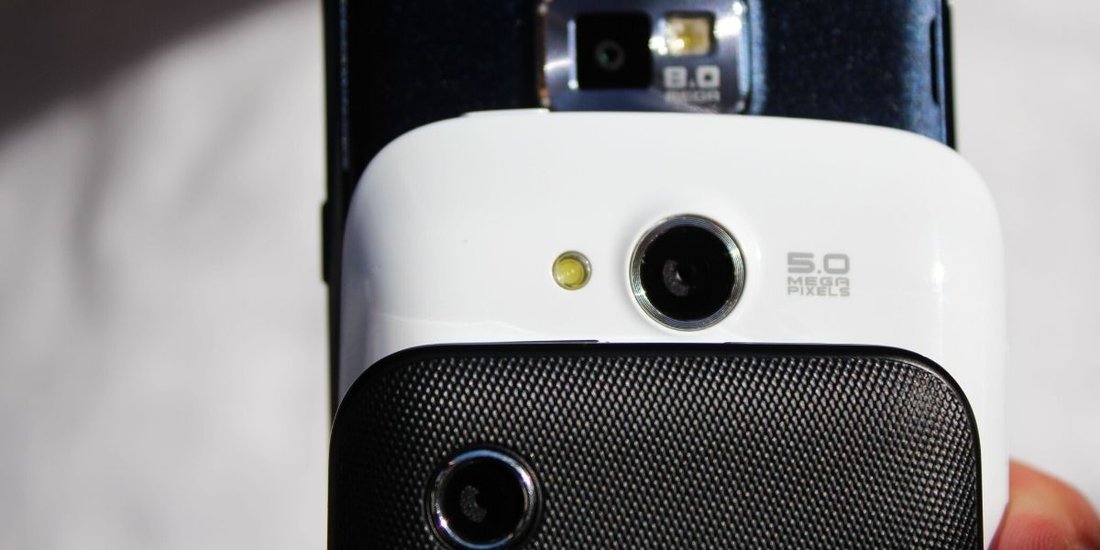
Before diving in, evaluate your device’s specs. Most smartphones from the last 5-7 years work well. Key requirements include:
- A functional camera (front and rear).
- Stable Wi-Fi or mobile data.
- Decent battery life or access to a charger.
- Latest OS updates for security.
Test the camera app for clarity. iPhones (iOS 11+) and Androids (5.0+) are ideal. If the battery is weak, plan for constant power. Popular models like iPhone 6 or Samsung Galaxy S8 perform excellently as DIY security cameras.
Select the Best App for Smartphone Security Camera Conversion
The magic happens with specialized apps. Here are top recommendations, all available on Google Play and App Store:
Alfred Home Security Camera (Free with Premium)
Alfred is user-friendly and feature-packed. Turn one phone into a viewer and another into a camera. Features: live streaming, motion detection, night vision, cloud recording. Free version offers unlimited cameras; premium ($4.99/month) adds HD and no ads.
WardenCam (Free/Paid)
Perfect for multi-device setups. Supports 1080p video, sound alerts, and remote access. Free tier is robust; pro version unlocks pet detection.
AtHome Camera (Free with In-App Purchases)
Great for beginners. Easy pairing via QR code, pan-tilt if motorized, and integration with smart home devices.
Download the app on both your old phone (camera) and primary phone (viewer). Alfred edges out for ease, but choose based on needs like cross-platform support.
Step-by-Step Setup Guide
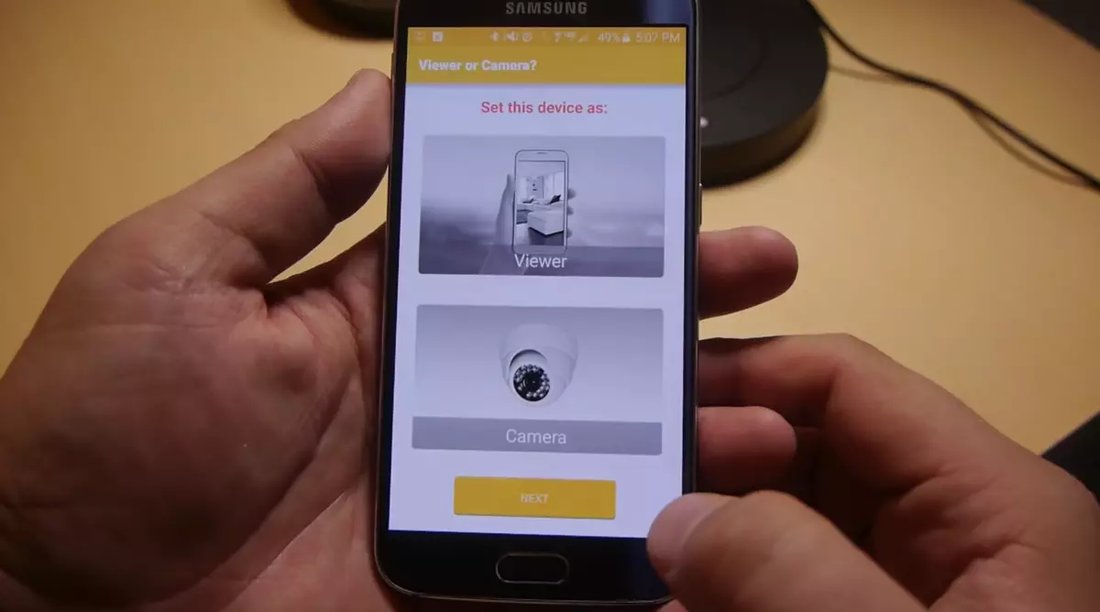
Follow these steps to convert old smartphone to security camera in under 30 minutes:
- Prepare the Camera Phone: Charge fully, connect to Wi-Fi, disable sleep mode (Settings > Battery > Stay Awake). Update the app.
- Install and Sign Up: Create an account. Grant camera, mic, and location permissions.
- Set as Camera Device: Open app, select “Camera” mode. Adjust settings: enable motion detection sensitivity, night mode, and audio.
- Pair Viewer Device: On your main phone, log in, add camera via QR code or ID.
- Test Connection: View live feed. Walk around to trigger motion alerts.
Troubleshooting: Ensure both devices use the same Wi-Fi. Firewall issues? Check app permissions. For remote access, enable cloud relay.
Mounting and Optimal Positioning Tips
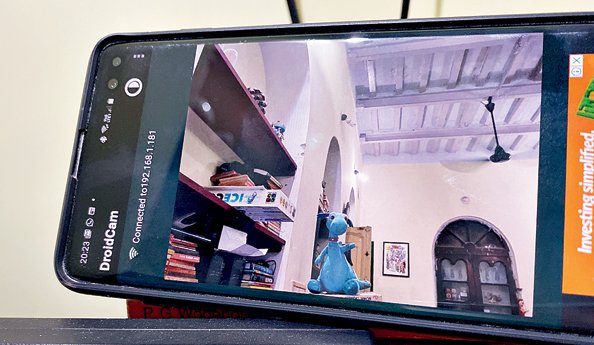
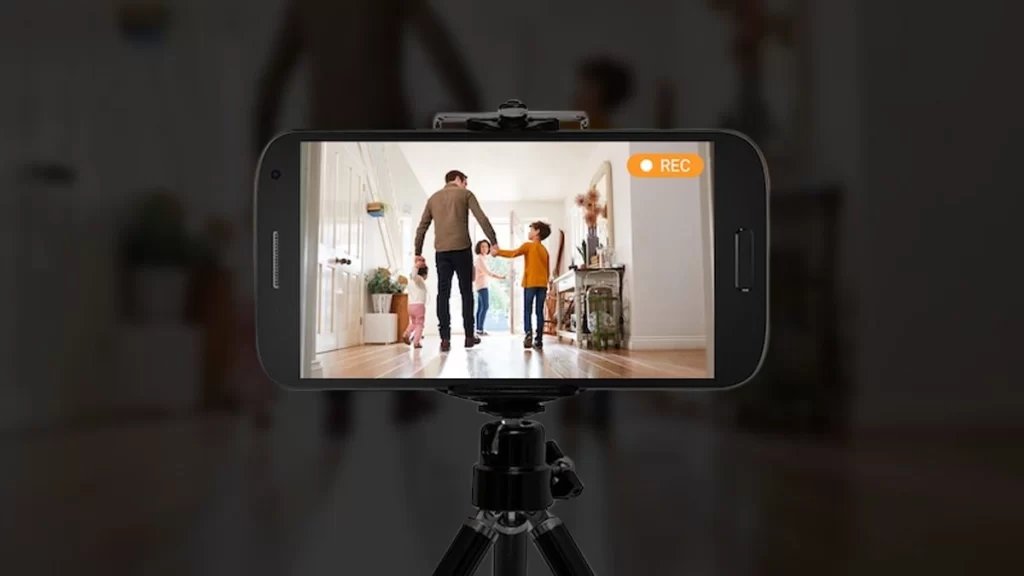
Placement is crucial for effective home security camera smartphone use. Secure the phone high (7-10 feet) overlooking entry points, avoiding direct sunlight to prevent glare.
DIY Mounts:
- Tripod ($10 on Amazon).
- Wall adhesive holders.
- 3D-printed custom mounts (free designs on Thingiverse).
Power it via a long USB cable or portable battery pack. Angle for wide coverage—use apps’ digital zoom sparingly to maintain quality.
Enhance with Advanced Features
Elevate your setup beyond basics:
Motion Detection and Alerts: Fine-tune sensitivity to avoid false alarms from pets or wind. Apps send push notifications, emails, or SMS.
Night Vision: Most apps auto-activate IR mode if your phone supports it. Add external LED lights for better low-light performance.
Two-Way Audio: Speak through the camera to deter intruders or chat with family.
Cloud Storage: Record clips to Google Drive or app servers. Alfred offers 7-day free storage; upgrade for more.
Integrate with IFTTT for automations, like lights on motion detection.
Power Management and Longevity
Old phones drain fast during constant use. Solutions:
- Hardwire to outlet with extension cord.
- Use a 10,000mAh power bank (lasts 24+ hours).
- Enable battery saver, lower brightness.
Monitor temperature—avoid overheating by ensuring ventilation.
Security and Privacy Best Practices
Your DIY camera handles sensitive data. Protect it:
- Use strong, unique passwords.
- Enable two-factor authentication.
- Keep apps/OS updated.
- Use VPN for remote viewing.
- Avoid public Wi-Fi for camera phones.
Encrypt recordings. Inform household members of surveillance to respect privacy laws.
Comparing to Dedicated Security Cameras
How does this stack up? Smartphone cameras often outperform budget cams (e.g., 12MP vs. 2MP). Drawbacks: less weatherproofing (keep indoors), no PoE. For outdoors, waterproof cases help.
| Feature | Smartphone Setup | Dedicated Cam |
|---|---|---|
| Cost | $0-50 | $100+ |
| Video Quality | HD/4K | Variable |
| Motion Detection | AI-Powered | Basic |
| Installation | Easy DIY | Complex |
Ideal for renters or temporary needs.
Real-World Applications and User Stories
Users rave: One Reddit user monitored a garage remodel remotely. Another caught porch pirates. Pet owners love live pet cams. Scale up with multiple old phones for 360° coverage.
Potential Limitations and Solutions
Wi-Fi dependency? Use 4G SIM. Battery woes? As above. App crashes? Restart or reinstall.
Conclusion: Secure Your Home Today
Turning your old smartphone into a professional home security camera is simple, affordable, and effective. With apps like Alfred, strategic mounting, and security tweaks, you’ll have pro-level surveillance fast. Start today—dust off that device and enhance your peace of mind. Share your setup in comments!
Word count: 1215. Keywords optimized: turn old smartphone into security camera, DIY home security camera, smartphone security camera apps.