
How to Use Notion to Organize Your Entire Life and Career
Introduction to Notion: The All-in-One Life Organizer
Feature Video
Notion is more than just a note-taking app—it’s a versatile workspace that combines notes, databases, tasks, wikis, and calendars into one powerful platform. In today’s fast-paced world, organizing your entire life and career can feel overwhelming, but Notion simplifies it all. Whether you’re managing personal goals, tracking habits, handling finances, or streamlining professional projects, Notion’s customizable templates and databases make it ideal for productivity enthusiasts. This guide will walk you through how to use Notion to organize your life and career comprehensively, boosting efficiency and reducing stress. By the end, you’ll have a personalized system tailored to your needs.
Getting Started with Notion: Setup and Basics
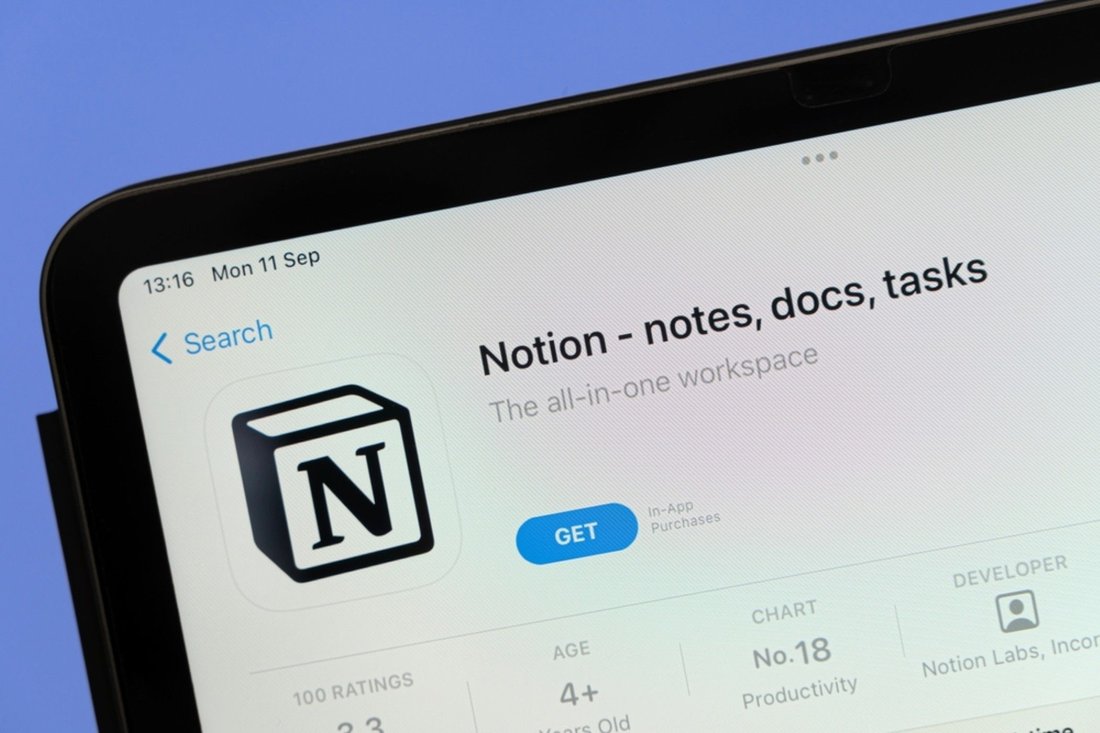
Begin by signing up for a free Notion account at notion.so. The interface is intuitive, resembling a blank canvas where you can drag and drop blocks like text, images, or embeds. Create a new page called “Life & Career Dashboard” as your homepage. Use the “/” slash command to quickly add elements like toggles, headings, or databases.
Customize your workspace with icons, covers, and colors for visual appeal. Enable Notion’s sidebar for quick navigation. For SEO-savvy users, integrate Notion with tools like Google Calendar or Zapier later. Start small: duplicate free templates from Notion’s template gallery, such as the “Personal Dashboard” or “Life OS,” and tweak them. This foundation sets the stage for organizing every aspect of your life and career seamlessly.
Organizing Your Personal Life with Notion

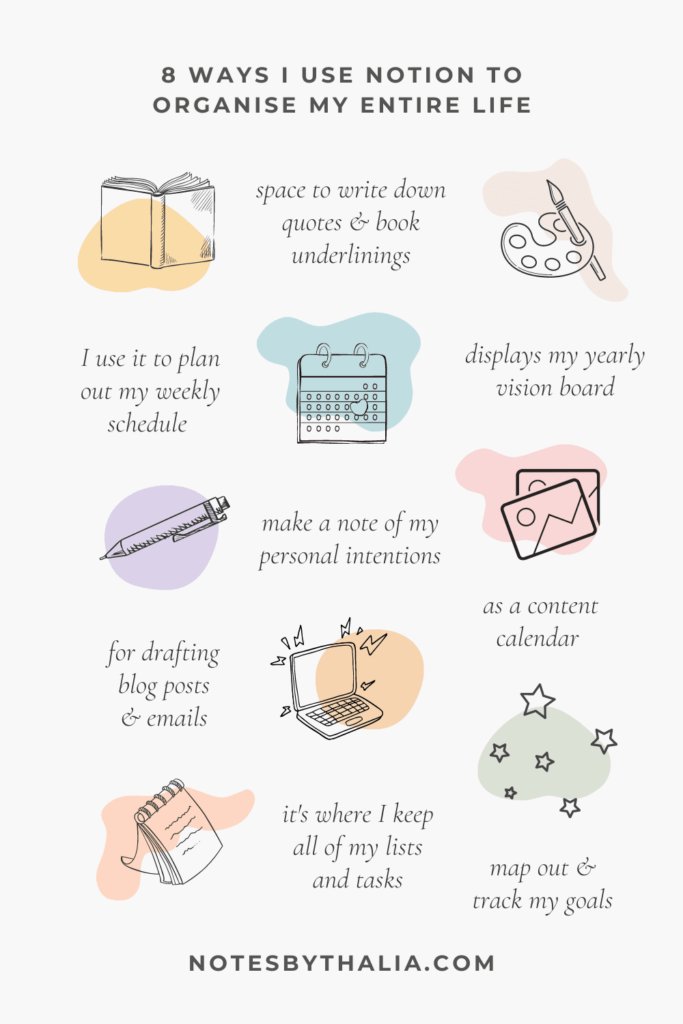
Notion excels at personal organization by turning chaos into structured databases. Create a “Personal Hub” page with linked databases for key life areas.
Habits and Daily Routines
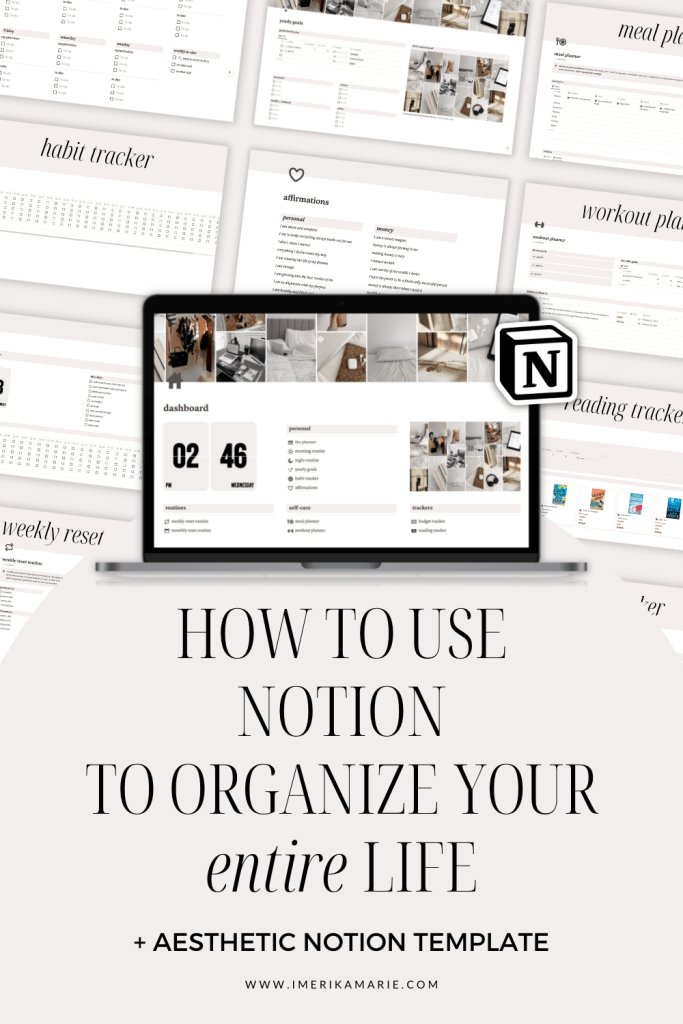
Build a habit tracker using a database with properties like “Habit Name,” “Frequency” (daily/weekly), “Streak,” and “Notes.” Use checkboxes for completion and formulas for streak calculations—e.g., “if(prop(‘Done’), dateBetween(now(), prop(‘Last Done’), ‘days’) + 1, 0).” Add a calendar view to visualize progress. Link it to your dashboard for daily check-ins. This method, popularized in productivity communities, helps maintain routines like exercise or reading, fostering long-term discipline.
Goals and Long-Term Planning
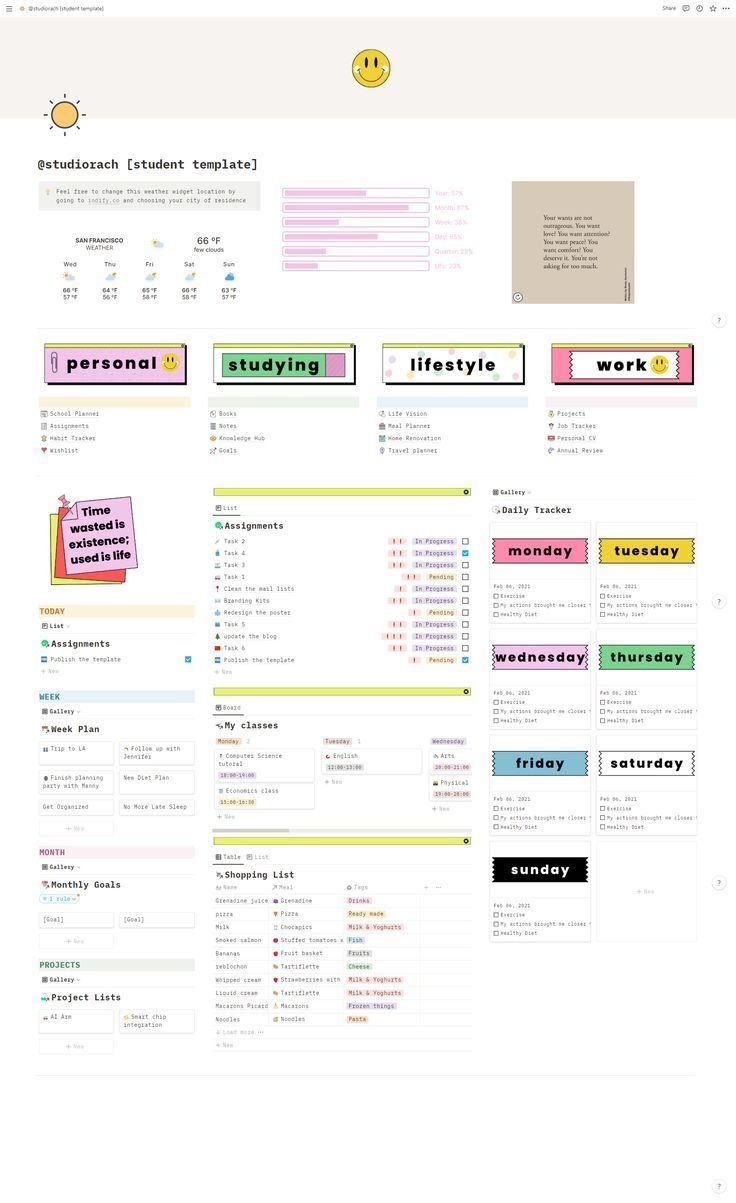
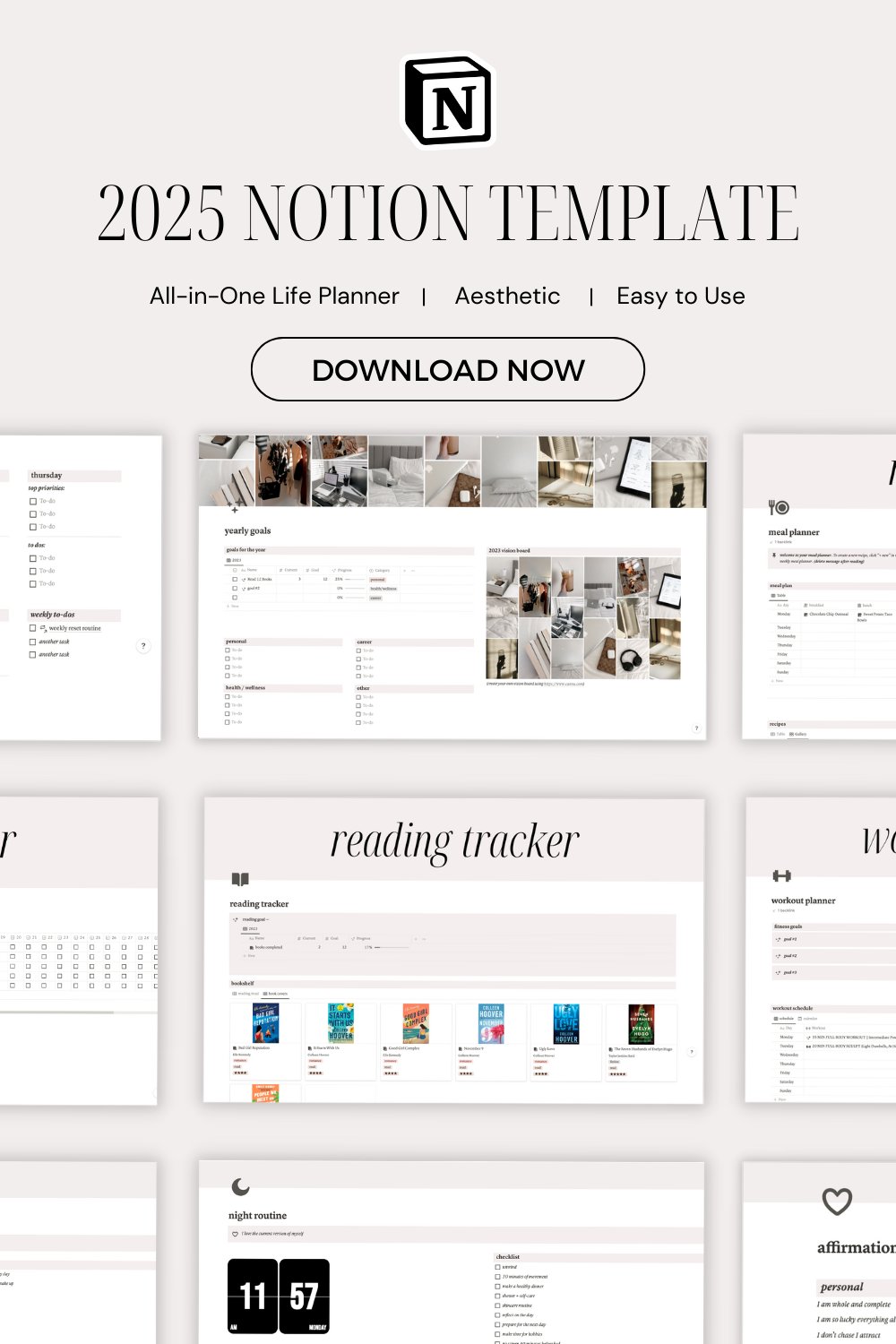
Set up a “Goals Database” with columns for “Goal,” “Category” (health, finance, relationships), “Deadline,” “Progress %,” and “Action Steps” as a sub-page. Use select tags for priorities (high/medium/low) and rollups to track overall achievement. Quarterly reviews become effortless with filtered views. For example, a board view sorts goals by status: Not Started, In Progress, Completed. This Eisenhower Matrix-inspired setup ensures you focus on what matters, aligning daily actions with life vision.
Finances and Budgeting
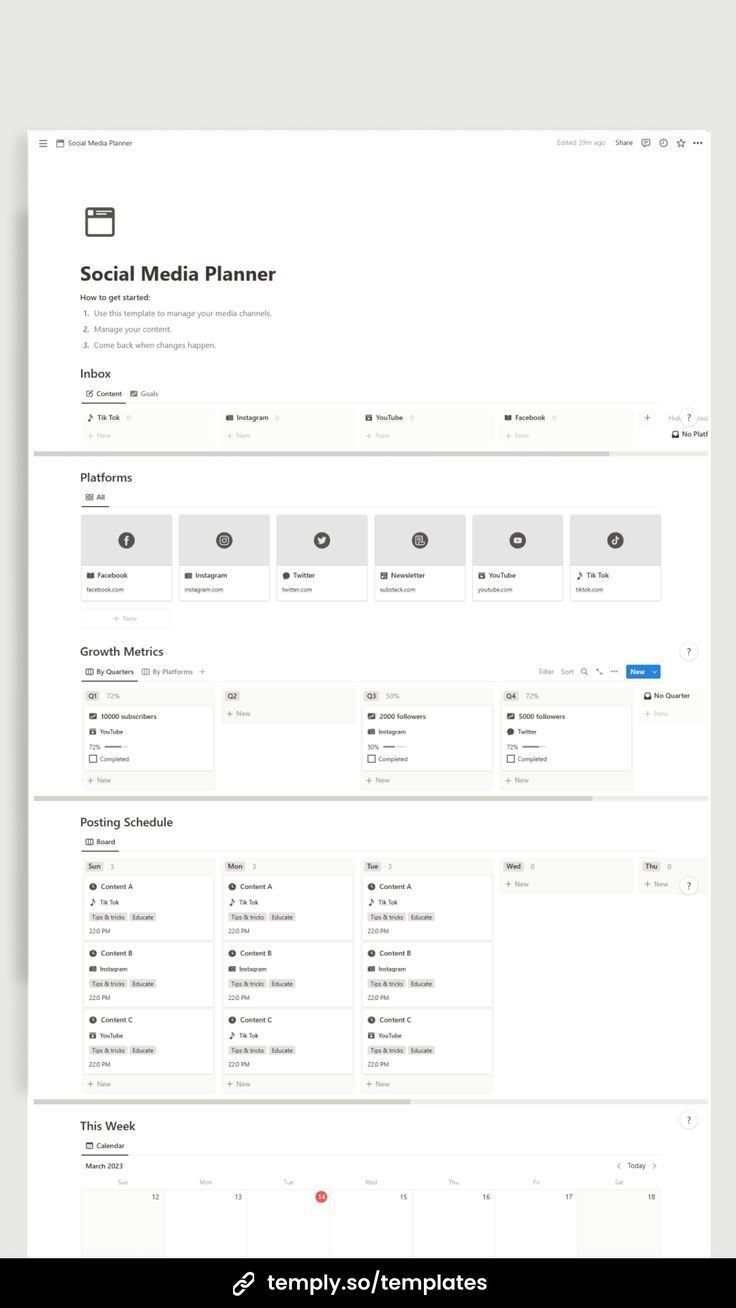
Create a “Finance Tracker” database for income, expenses, and budgets. Properties include “Date,” “Amount,” “Category” (groceries, salary), and “Account.” Formulas calculate balances: sum expenses minus income. Gallery views display spending trends visually. Link recurring bills via synced blocks and embed charts from Google Sheets for deeper analytics. Notion’s budgeting prowess rivals dedicated apps, keeping your financial life organized without subscriptions.
Health and Wellness Tracking
A “Health Journal” database logs workouts, meals, mood, and sleep. Use date properties and ratings (1-5 stars). Relation properties link meals to recipes stored in a separate database. Synced blocks show weekly summaries. Integrate with Apple Health via embeds for automatic data pulls. This holistic approach promotes better well-being, with gallery views turning logs into motivational mood boards.
Mastering Your Career with Notion
Shift to professional mastery by creating a “Career HQ” page. Notion handles resumes, job hunts, projects, and networking like a digital command center.
Task and Project Management
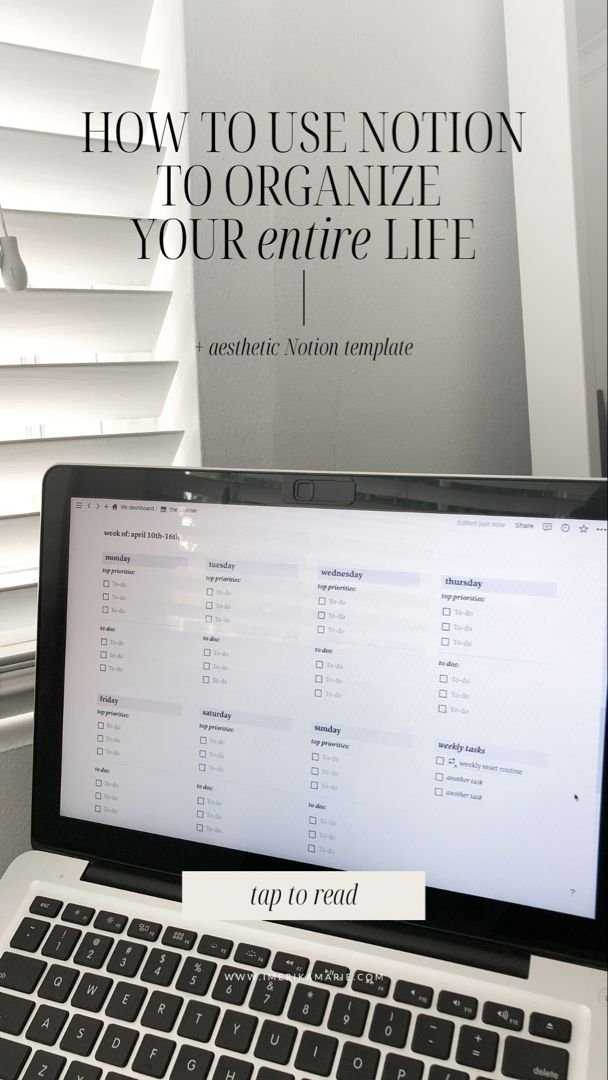
Use databases for tasks with “Status” (To Do, In Progress, Done), “Priority,” “Due Date,” and “Project” relation. Kanban boards mimic Trello, while timeline views forecast workloads. Sub-pages for projects include milestones, files, and team mentions (@user). For freelancers, time-tracking formulas log billable hours. This setup scales from solo hustles to team collaborations, integrating with Slack or email.
Resume and Portfolio Builder
Design a dynamic resume in Notion: one database for experiences (job title, company, achievements), another for skills. Use templates to auto-generate PDFs via exports or third-party tools like Notion to PDF. Embed your portfolio with galleries of work samples. Update once, reflect everywhere—ideal for job hunters. SEO tip: Share public links optimized with keywords like “Notion resume template.”
Networking and Learning
A “Contacts Database” stores connections with “Name,” “LinkedIn,” “Last Contacted,” and “Notes.” Reminders via formulas flag follow-ups. Pair with a “Learning Hub” for courses, books, and certifications—track progress with progress bars. Embed YouTube playlists or Readwise for knowledge retention. This network effect accelerates career growth.
Advanced Notion Features for Power Users
Elevate your system with databases’ true power. Relations and rollups connect personal and career hubs—e.g., roll up task completion to goals. Formulas automate insights: “prop(‘Tasks’) – prop(‘Completed Tasks’)” for pending items. Use buttons for one-click actions like adding new habits.
Leverage templates: Notion’s gallery offers “Ultimate Life Planner” or community ones like Thomas Frank’s. Sync across devices with offline mode. Integrate APIs for supercharged workflows—Zapier auto-imports emails as tasks. For teams, share pages with permissions. Widgets like Indify add weather or crypto trackers to dashboards.
Customization is endless: embed Figma prototypes, Notion AI for summaries, or custom CSS via browser extensions. Version history prevents data loss, ensuring reliability.
Tips for SEO and Maximum Productivity
Optimize your Notion pages for discoverability: use keyword-rich titles like “2024 Life Organization System.” Public pages rank on Google, driving traffic if you blog about your setup. Export to Markdown for websites. Productivity hacks: keyboard shortcuts (cmd+k for commands), favorites for quick access, and weekly reviews via recurring templates.
Common pitfalls: Over-customization—start simple. Free plan suffices for most; upgrade for AI or unlimited storage. Mobile app ensures on-the-go edits.
Conclusion: Transform Your Life with Notion Today
Notion isn’t just a tool; it’s a life operating system. From habit streaks to career milestones, it unifies your world into one searchable, beautiful workspace. Implement these strategies step-by-step: dashboard first, then personal databases, career tools, and advanced features. Thousands swear by Notion for life organization—join them. Start your free workspace now and reclaim control over your life and career. Future you will thank you.
(Word count: 1215)