
Secret Codes for Samsung Phones: Essential USSD Codes to Check Device Functions
Secret Codes for Samsung Phones: Essential USSD Codes to Check Device Functions
Samsung smartphones are renowned for their advanced features, sleek designs, and robust performance. However, hidden beneath the user-friendly interface lies a treasure trove of secret codes—also known as USSD (Unstructured Supplementary Service Data) codes—that allow users to access diagnostic tools, hardware tests, and detailed device information. These Samsung secret codes for checking functions are particularly useful for troubleshooting issues, verifying hardware integrity, and optimizing performance without needing third-party apps or professional service.
In this comprehensive guide, we’ll explore the most effective secret codes for Samsung phones, how to use them safely, and their practical applications. Whether you’re a tech enthusiast, a power user, or someone facing unexplained glitches, mastering these codes can save time and money. Optimized for SEO with keywords like “Samsung secret codes,” “USSD codes Samsung,” and “check functions Samsung phone,” this article will equip you with everything you need to unlock your device’s hidden capabilities.
What Are Secret Codes for Samsung Phones?
Feature Video
https://www.youtube.com/watch?v=E89Qr02lFOY
Secret codes for Samsung phones are special dialer sequences starting with an asterisk (*) and ending with a hash (#), such as *#06# or *#0011#. These codes trigger hidden menus and diagnostic screens not accessible through standard settings. Originally designed for technicians and engineers during manufacturing and repair processes, they have become popular among everyday users for quick checks.
These codes work on most Samsung Galaxy models, including the S series (S24, S23, S22), A series (A54, A34), and foldables like the Z Fold and Z Flip. However, compatibility can vary by model, region, and Android version (from Android 10 to the latest Android 15). Always test on your specific device. Using these codes doesn’t void warranties but requires caution to avoid unintended changes.
Why use them? They provide real-time data on battery health, sensor functionality, firmware versions, IMEI numbers, and more—faster than navigating buried menus. For instance, entering a code can instantly reveal if your screen, camera, or Wi-Fi is faulty, helping diagnose issues like battery drain or touch responsiveness.
How to Use Secret Codes on Samsung Phones
Accessing Samsung secret codes is straightforward and takes seconds:
- Open the Phone app (dialer) on your Samsung device.
- Tap the dial pad.
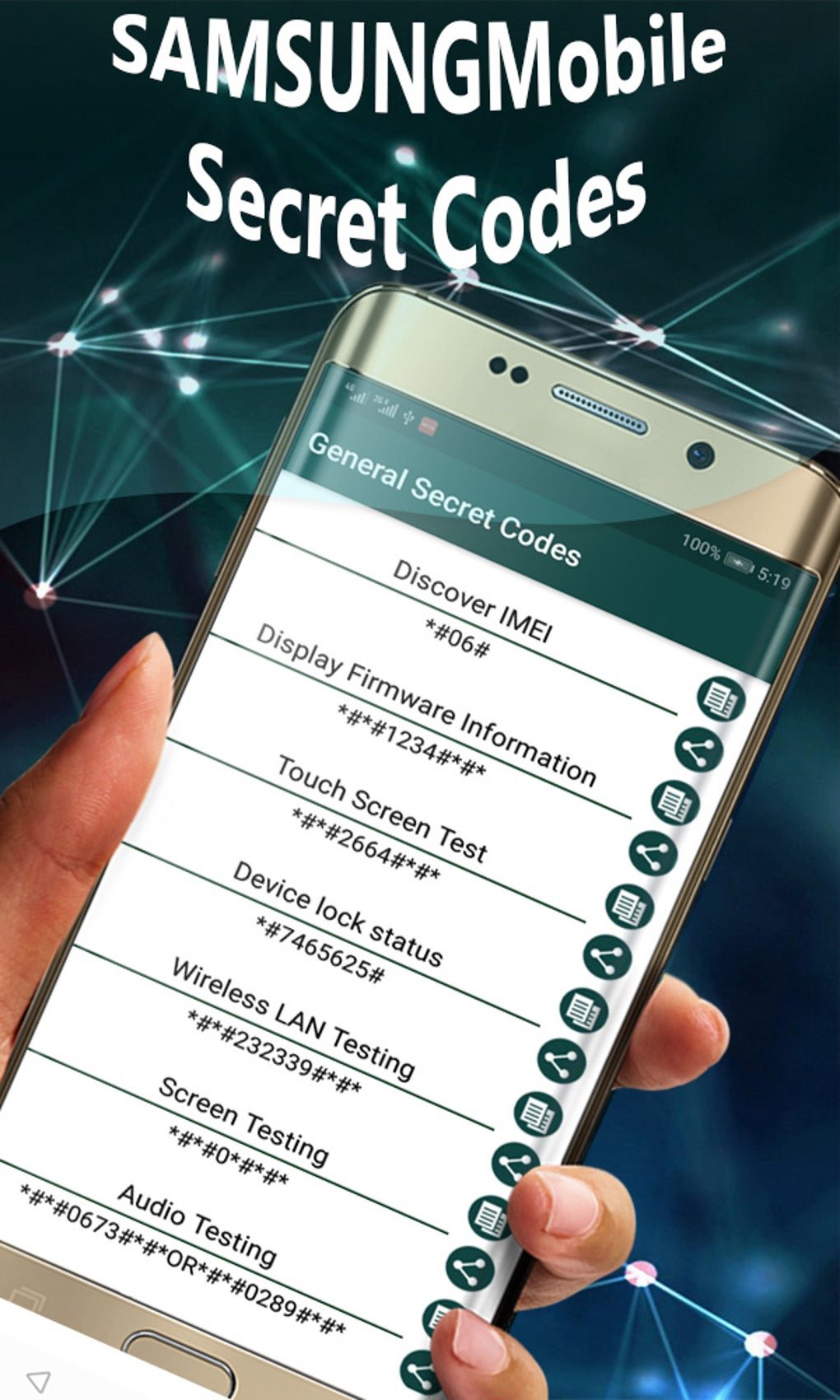
- Enter the code exactly (e.g., *#0*#).
- Press the call button—the screen will switch automatically to the diagnostic menu. No actual call is made.
- Navigate using touch or volume keys; exit by pressing back or power button.
Pro tip: On some models with One UI 6.0+, you might need to enable “Developer Options” first (go to Settings > About Phone > tap Build Number 7 times). Codes work offline for hardware tests but require SIM for network-related ones. If a code doesn’t respond, try rebooting or check for software updates via Settings > Software Update.
Top Hardware Diagnostic Codes for Samsung Phones
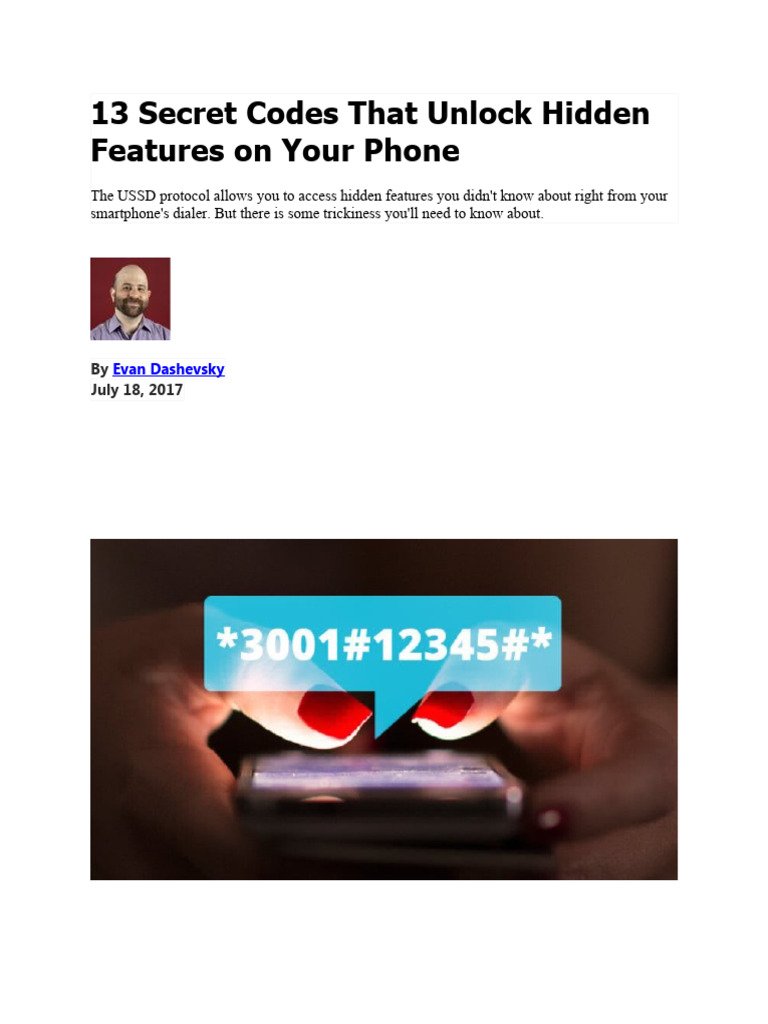
Hardware issues like faulty sensors or displays are common; these codes let you test components instantly.
*#0*# – General Test Menu: The ultimate all-in-one diagnostic tool. This Samsung secret code opens a menu with sub-tests for touchscreen, speakers, vibration, proximity sensor, accelerometer, RGB lights, and more. Tap each icon to run tests—e.g., red/green/blue screens check display pixels, while mic/speaker tests verify audio. Ideal for checking functions before purchase or after drops.
*#0588# or *#0589# – Proximity Sensor Test: Ensures your sensor works during calls (screen blackout). Cover the top sensor; the screen should turn off. Faulty sensors cause battery drain from lit screens.
*#0283# – Loopback Test: Tests microphone and speaker loopback. Speak into the mic and hear it through the speaker. Great for call quality issues.
*#0673# or *#0*# (Audio tab): Audio tests for melody, vibration, and FM radio. Play tones to check speaker output.
These codes are lifesavers for self-diagnostics, often resolving “no service” or “unresponsive touch” problems without a service center visit.
Software and Firmware Check Codes
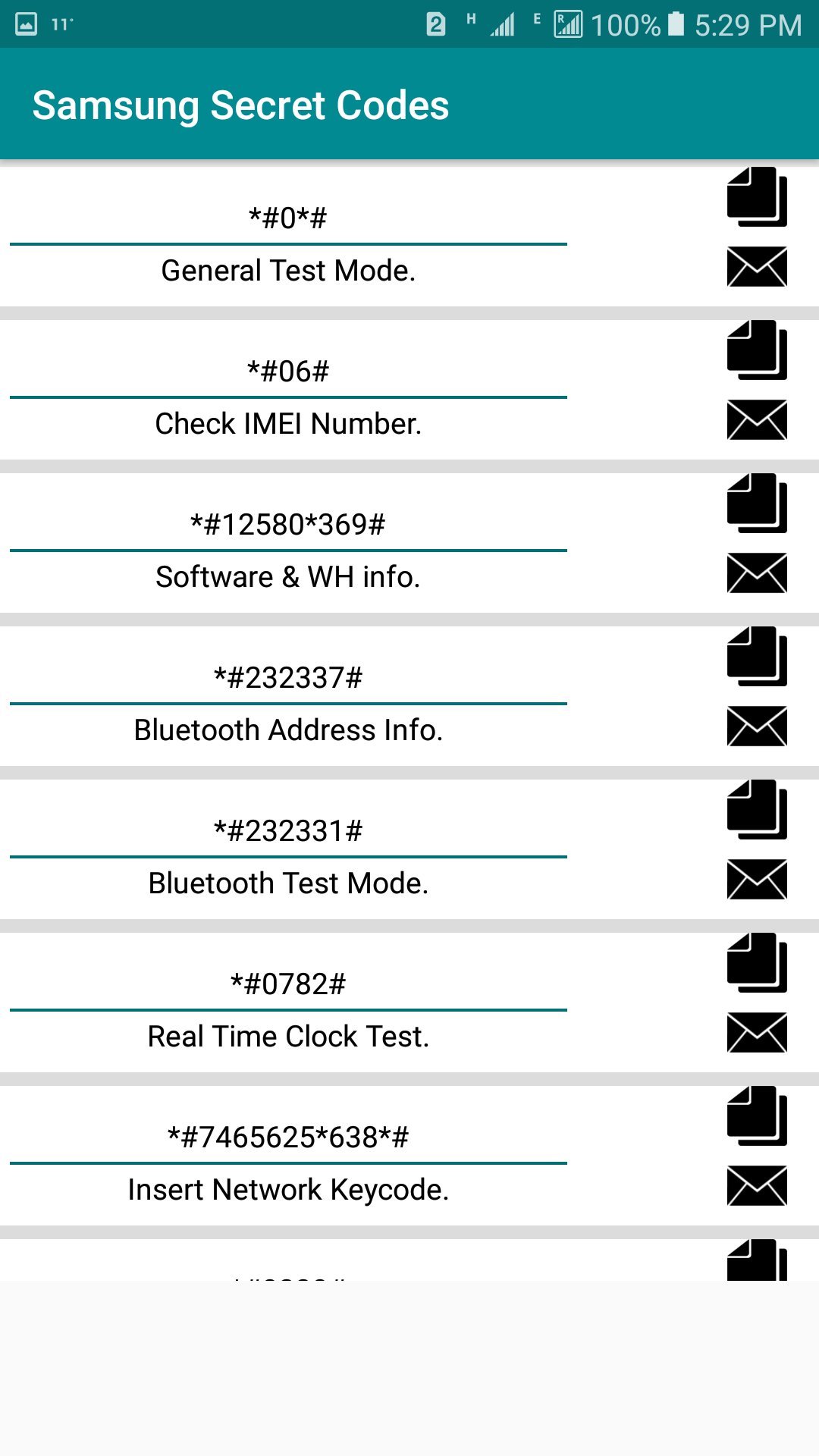
Staying updated is key; these codes reveal detailed info.
*#1234# – Software Version: Displays PDA, Phone, and CSC versions. Compare with Samsung’s official site to check for updates. Essential for “check functions Samsung phone” queries.
*#0011# – Service Mode: Network details like signal strength (RSSI), band, and service state. Monitors 5G/4G performance; negative dBm values indicate weak signals.
*#0228# – Battery Status: Shows voltage, temperature, and health percentage. Normal voltage is ~4.2V; high temps signal cooling issues.
*#44336# – Software Update Status: Binary and CSC counters for update history.
Regular use helps track firmware integrity, preventing bootloops from corrupted updates.
Battery, Performance, and Usage Codes
Battery woes plague many users; these codes provide insights.
*#9900# – SysDump (Run dumpstate/logcat): Generates logs for battery optimization. Access via SysDump menu for SysInfo and stats.
*#*#4636#*#* – Phone Information: Detailed battery stats, Wi-Fi info, and usage since boot. Toggle airplane mode or view cell data.
*#34971539# – Camera Firmware: Checks camera module versions; useful for photography issues on Galaxy S/Note series.
Combine with Samsung Members app for deeper analysis. These codes optimize performance, extending battery life by identifying drain sources like rogue apps.
Network, IMEI, and Security Codes
Verify connectivity and authenticity.
*#06# – IMEI Number: Instant display of your phone’s unique ID. Check against box/settings for theft verification.
*#232338# – Wi-Fi MAC Address and *#232337# – Bluetooth Address: Essential for network troubleshooting.
*2767*3855# – Full Factory Reset: Warning—erases everything! Use only as last resort.
*#273283*255*663282*## – File Copy Menu: Backups internal storage to SD card quickly.
For enterprise users, codes like *#7465625# reveal sim/network locks.
Advanced and Model-Specific Codes
Some codes are tailored:
- *#872564# – USB Settings: For charging/log modes.
- *#0808# – USB Mode: Switch between DM/PDM/MTP.
- *#2683662# – Service Mode Plus: Deeper network diagnostics.
On newer models like Galaxy S24, *#0*# includes AI feature tests. Always Google your model + code for variants.
Safety Tips and Warnings When Using Samsung Secret Codes

While powerful, misuse can brick devices:
- Avoid codes ending in “!” like *2767*438726463*D# (memory wipe).
- Don’t alter settings in service modes unless expert.
- Backup data first.
- Exit properly; force restart if stuck.
- Rooted/custom ROM devices may behave differently.
- For kids/elderly, disable dialer access.
Samsung doesn’t officially support all codes; use at own risk. If issues persist, visit authorized centers.
Conclusion: Master Your Samsung Phone with Secret Codes

Secret codes for Samsung phones to check functions empower users with pro-level diagnostics. From *#0*# hardware tests to *#1234# firmware checks, these USSD gems streamline maintenance. Regularly using them ensures peak performance, especially with Samsung’s ecosystem of Galaxy Watches and Buds.
Share your favorite codes in comments! Subscribe for more Tech & Gadgets tips on Android hacks, Galaxy updates, and SEO-optimized guides. Keyword-rich searches like “Samsung diagnostic codes 2024” brought you here—bookmark for future reference.
(Word count: 1215)