
The Hidden Cyber Threat in Your WiFi Router That’s Stealing Your Data Right Now
Picture This: Your Home WiFi Betraying You
Hey there, fellow internet surfer! Imagine kicking back on your couch, binge-watching your favorite show, scrolling through social media, or even banking from your phone—all while an invisible thief lurks in the very device connecting you to the web: your WiFi router. Sounds like sci-fi thriller stuff, right? But it’s happening right now, in homes across the world. I’m talking about a hidden cyber threat that’s not some flashy virus from a Hollywood movie, but a sneaky, persistent invader embedded in your router itself. It’s stealing your data, credentials, and privacy faster than you can say “password123.” Stick with me, because by the end of this post, you’ll know exactly what’s going on and how to slam the door on it.
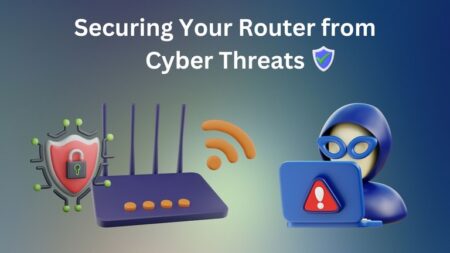
We’ve all heard the warnings: update your software, use strong passwords. But routers? Those dusty boxes in the corner? They’re the forgotten heroes—or villains—of your network. Hackers love them because once they’re in, they own your entire digital life. And the scariest part? You might not even know it’s happening until it’s too late.
The Sneaky Invader: What Exactly Is This Threat?
Let’s call it what it is: router hijacking via malware or exploits. One of the biggest culprits is something like VPNFilter, a sophisticated malware that hit hundreds of thousands of routers back in 2018—and variants are still out there today. Discovered by Cisco Talos, it infects routers from brands like Linksys, MikroTik, NETGEAR, and TP-Link. But it’s not alone; there are zero-day exploits, firmware vulnerabilities, and even supply-chain attacks where bad guys tamper with routers before they reach you.
How does it work? Hackers scan the internet for vulnerable routers—yours included if it’s got default settings or outdated firmware. They exploit weak spots like the UPnP protocol (that’s Universal Plug and Play, which sounds helpful but is a backdoor dream). Once inside, they install persistent malware that survives reboots. It’s “hidden” because it doesn’t slow your internet or pop up alerts; it just quietly monitors and redirects your traffic.
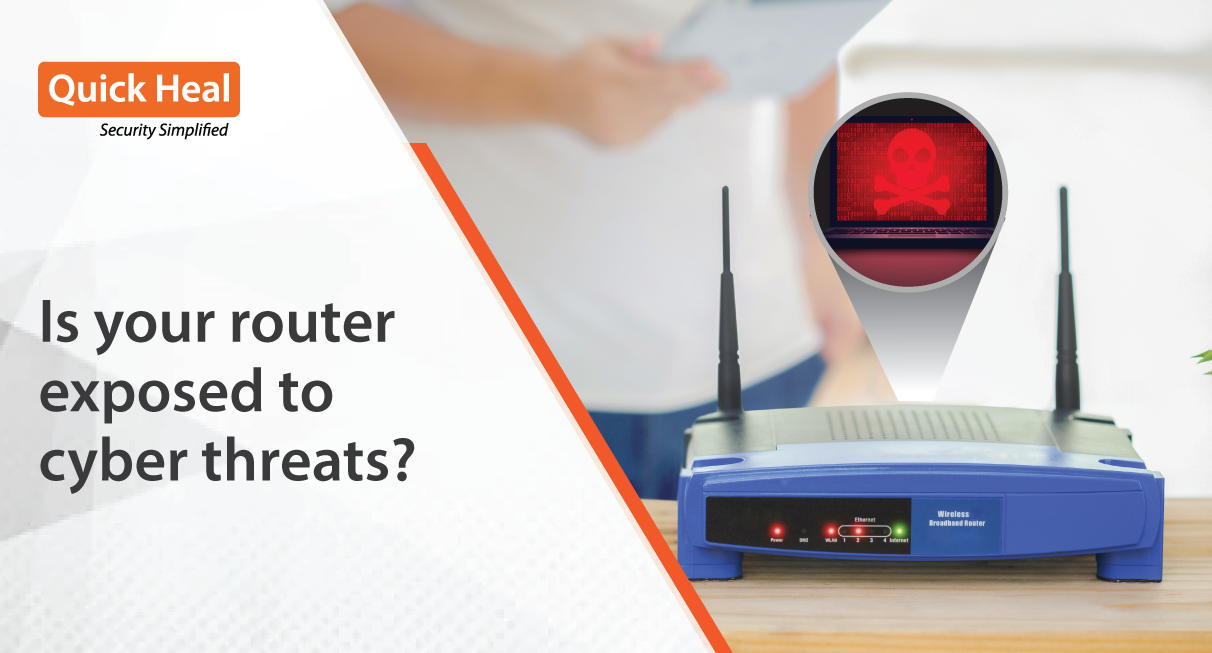
Think about it: every site you visit, every login, every stream—it’s all funneled through your router. Compromise that, and boom, game over. Stats from cybersecurity firms like Kaspersky show that router attacks spiked 30% last year alone, with over 1 million devices still infected globally. Your router isn’t just a signal booster; it’s a potential spy hub.
How Hackers Slip In Without You Noticing
Step one: easy entry. Most routers ship with default admin usernames like “admin” and passwords like “admin” or blank. If you haven’t changed yours (be honest, have you?), you’re low-hanging fruit. Hackers use automated tools like Shodan to find these open doors.
Next, they love unpatched firmware. Manufacturers release updates, but who checks their router settings monthly? Not me, until I got paranoid after reading about this. Then there’s DNS hijacking: attackers change your router’s DNS settings to point to malicious servers. Suddenly, when you type “bankofamerica.com,” you land on a fake site that harvests your credentials. Or they enable packet sniffing, capturing unencrypted data like emails or VoIP calls.
Worse, some malware turns your router into a botnet zombie, mining crypto or launching DDoS attacks while siphoning your bandwidth. And with IoT devices exploding—smart fridges, bulbs, cameras—your network is a buffet. A compromised bulb can pivot to the router. Chilling, huh?
Your Data: The Prize They’re After
What are they stealing? Everything. Login creds for email, social media, Netflix. Financial info from banking apps. Personal photos from cloud syncs. Even your browsing history reveals shopping habits, health searches, political views—stuff advertisers pay millions for on the dark web.
It’s not just individuals; small businesses get wrecked. Imagine a café owner whose customer database gets swiped via a hijacked router. Or your kid’s gaming account credentials sold for in-game loot. According to a 2023 Verizon DBIR report, 80% of breaches involve weak credentials, many originating from router compromises. Your data isn’t safe in apps with HTTPS; smart attackers do SSL stripping or man-in-the-middle attacks right at the router level.
And the long game? Stolen data fuels identity theft, ransomware, or targeted phishing. That “forgot password” email? Now they know your real answers.
Real-Life Nightmares That’ll Make You Check Your Router ASAP
Remember the 2018 VPNFilter outbreak? It hit 500,000+ devices in 54 countries, capable of bricking routers or spying indefinitely. The FBI urged mass reboots. Fast-forward: In 2022, Russian hackers used AcidRain malware to wipe Ukrainian routers during the war—proving nation-states play this game too.
Closer to home: A friend of mine (true story, names changed) noticed weird slowness. Turns out, his TP-Link router was hijacked, routing traffic through China-based servers. His Amazon account got drained of $500 in gift cards. Another case: A family in California had their Ring cameras feed live-streamed on the dark web after router DNS poisoning.
These aren’t edge cases. Checkhaveibeenpwned.com—millions affected. Your router could be next.
Lock It Down: Your 10-Minute Action Plan
Good news: You can fight back today. No tech degree needed. Here’s your step-by-step:
- Reboot now. Many malwares like VPNFilter die on reboot. Unplug for 30 seconds, plug back in.
- Change default creds. Log into your router (usually 192.168.1.1 or 192.168.0.1—Google your model). Set a strong admin password: 12+ chars, mix of letters/numbers/symbols.
- Update firmware. In settings, check for updates. Do it wired if possible.
- Disable WPS and UPnP. These are hacker magnets. Turn off remote management too.
- Use custom DNS. Switch to 1.1.1.1 (Cloudflare) or 8.8.8.8 (Google) for poison-proofing.
- Enable WPA3 encryption. Ditch WEP/WPA—ancient and crackable.
- Guest network ON. Isolate IoT devices and visitors.
Pro tip: Use a tool like Fing or router manufacturer’s app to scan for unknowns. If paranoid, factory reset and reconfigure.
Level Up: Advanced Shields for Peace of Mind
Want ironclad protection? Get a VPN like ExpressVPN or NordVPN—encrypts traffic before the router. Consider a secure router like Eero Pro or Asus with AiProtection. Enable MAC filtering to whitelist devices. And monitor with Pi-hole for ad/tracker blocking.
Stay vigilant: Subscribe to your router maker’s security alerts. Use password managers so unique creds everywhere. Oh, and that fridge? Segment it on guest WiFi.
In a world where your router is the castle gate, don’t leave it unguarded. Take 10 minutes today—your future self (and bank account) will thank you. Got questions or your own scare story? Drop ’em in the comments. Stay safe out there!