
Xiaomi Battery Dying FAST After HyperOS? Fix It in 5 Minutes & Reclaim 8+ Hours of Life!
Understanding the Xiaomi HyperOS Battery Drain Nightmare
Watch Related Video Coverage
Have you updated your Xiaomi smartphone to HyperOS, only to watch your battery plummet from 100% to 20% in mere hours? You’re not alone. Thousands of Xiaomi users worldwide have reported severe battery drain issues right after installing HyperOS, Xiaomi’s shiny new operating system built on Android 14. This problem stems from the update’s aggressive background processes, unoptimized apps, new AI features, and sometimes buggy animations that guzzle power like there’s no tomorrow.
HyperOS promises smoother performance, better multitasking, and AI-driven perks, but for many, it’s turned flagships like the Xiaomi 14, Redmi Note 13 series, and POCO devices into battery hogs. The good news? Most cases are fixable without a factory reset or buying a new phone. In this comprehensive guide, we’ll walk you through proven, step-by-step solutions that have restored full-day battery life for users. Stick around till the end for pro tips that prevent future drains.
Step 1: Quick Diagnostics – Identify the Culprit Apps
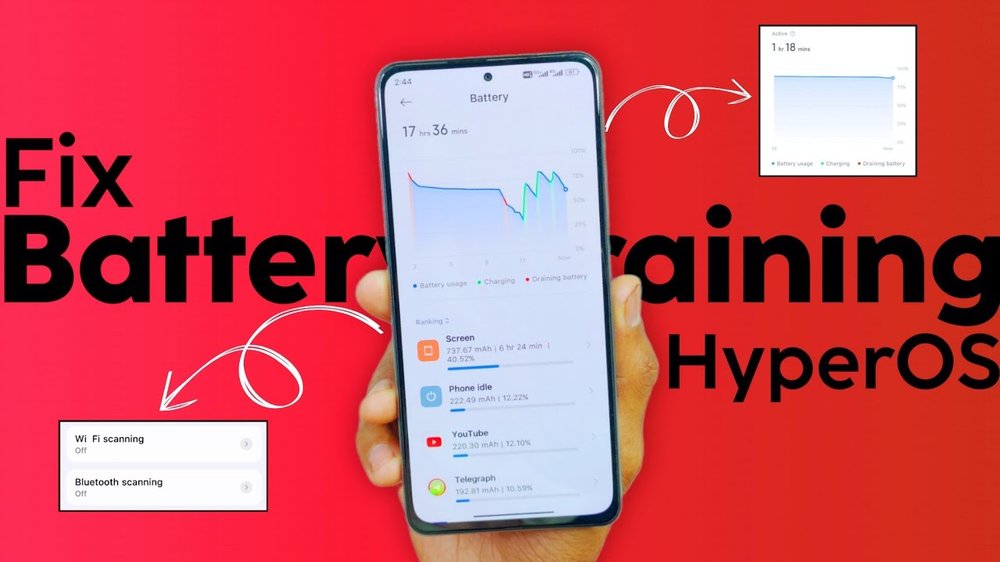
Before diving into fixes, pinpoint what’s eating your battery. HyperOS has a revamped Battery section that’s your first line of defense.
- Open Settings > Battery > Battery usage. This shows the top power-hungry apps post-update.
- Look for surprises like Google Play Services, MIUI System Ads, or third-party apps like Facebook and TikTok spiking usage.
- Pro tip: Tap on any app for detailed stats – if it’s using battery in the background excessively, that’s your target.
Many HyperOS users find that pre-installed Xiaomi bloatware or outdated apps wake up frequently after the update. For instance, the new HyperOS “Interconnectivity” feature syncs data across devices, which can drain juice if not managed.
Step 2: Optimize Battery Settings in HyperOS
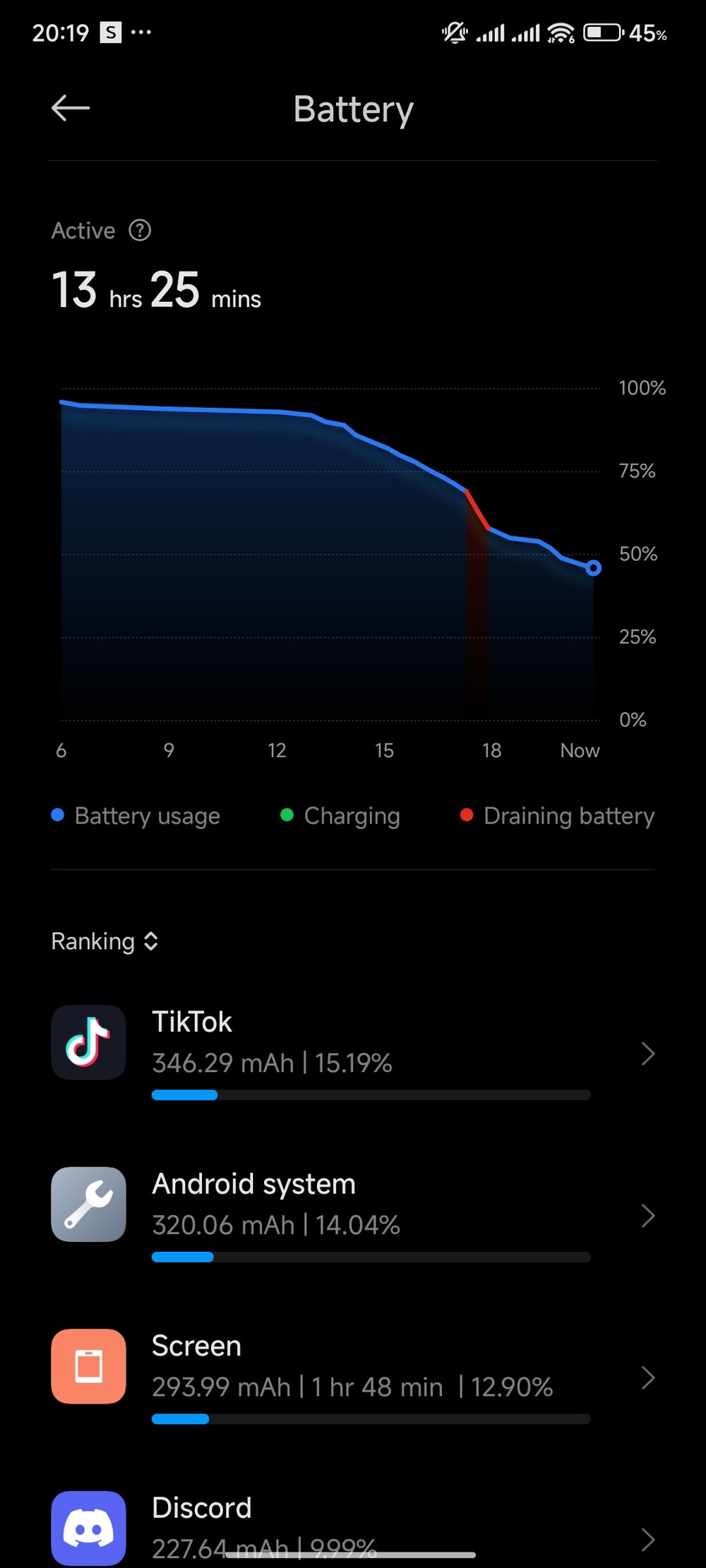
HyperOS introduces smarter battery management, but defaults aren’t always ideal. Here’s how to tweak them:
Enable Battery Saver Modes:
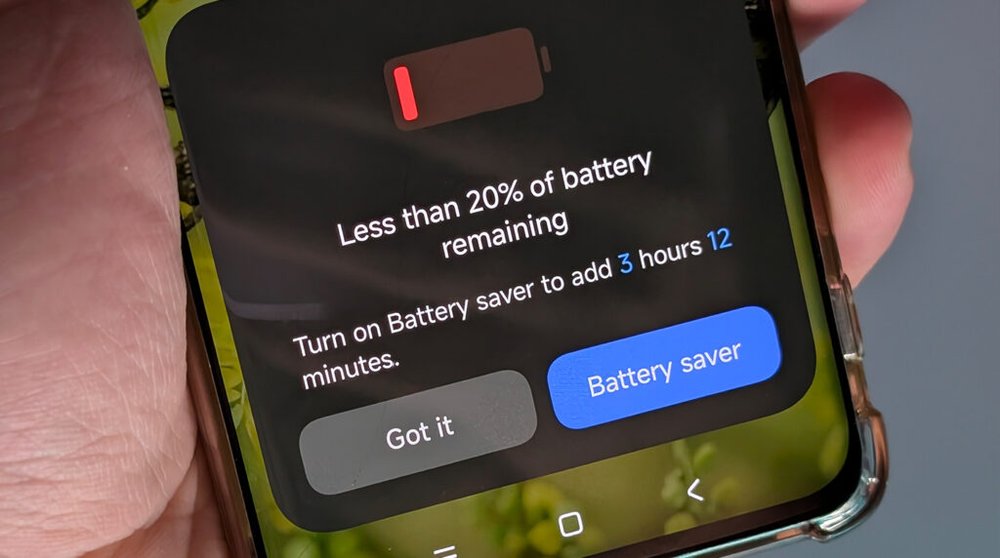
- Go to Settings > Battery > Battery saver.
- Set it to activate automatically at 20% or lower.
- Switch to “Performance” only when needed; stick to “Balanced” for daily use.
App Battery Optimization:
- Navigate to Settings > Apps > Manage apps.
- For high-drain apps, select Battery saver > Restrict background activity.
- Especially target WeChat, Alipay (common in China ROMs), or any social media – they love polling in the background post-HyperOS.
Users report up to 30% battery improvement just from this. One Redditor on r/Xiaomi shared how restricting 15 apps bumped their Xiaomi 13’s screen-on time from 4 hours to 8+ hours.
Step 3: Update Everything – System, Apps, and Firmware
HyperOS battery woes often hit early adopters before patches roll out. Xiaomi pushes OTA updates frequently to iron out kinks.
Check for System Updates:
- Settings > About phone > System updates. Install any HyperOS incremental updates – they’ve fixed drain in MIUI 14 to HyperOS transitions for models like Redmi K70.
App Updates via GetApps or Play Store:
- Open GetApps (Xiaomi’s store) and update all apps.
- Then hit Google Play Store > Manage apps > Updates.
- Outdated apps clash with HyperOS’s new APIs, causing loops that drain battery.
Firmware matters too: For global users, ensure you’re on the latest stable ROM, not beta. Tools like Xiaomi ADB/Fastboot can check, but that’s advanced.
Step 4: Clear Cache and Data – The HyperOS Cleanup Ritual
Post-update, cache builds up like digital dust bunnies, leading to inefficient power use.
Clear App Cache:
- Settings > Apps > Manage apps > [App name] > Storage > Clear cache.
- Do this for top drainers and the System UI cache.
Full Cache Wipe via Recovery: (Safe and effective)
- Power off your phone.
- Hold Volume Up + Power to enter Recovery Mode.
- Select Wipe cache partition (data intact).
- Reboot. This has revived battery life for countless Xiaomi 12/13/14 users.
Bonus: Uninstall unused apps. HyperOS’s app drawer search makes it easy – long-press and delete bloat like Mi Video or Themes if you don’t use them.
Step 5: Tame HyperOS-Specific Power Hogs
HyperOS packs features that sound cool but sip battery:
Disable Fancy Animations:
- Settings > Additional settings > Developer options (enable by tapping MIUI version 7 times in About phone).
- Set Window/Transition/Animator scales to 0.5x or off. Instant smoothness without drain.
HyperOS AI and Always-On Display (AOD):
- AOD: Settings > Always-on display > Turn off or schedule.
- AI features: Settings > Additional settings > AI features – disable image generation or voice assistants if unused.
Location and Connectivity: Turn off Wi-Fi/Bluetooth scanning in Settings > Connection & sharing > Private DNS (use automatic).
Step 6: Advanced Fixes for Stubborn Drains
If basics fail:
Greenify or Battery Guru Apps: Download from Play Store to hibernate apps aggressively. Compatible with HyperOS.
Custom Kernels/Dolby Atmos Tweaks: For rooted users, flash battery-optimized kernels via TWRP. Non-root: Use Magisk modules.
Factory Reset as Last Resort:
- Backup via Settings > About phone > Backup.
- Settings > About phone > Factory reset.
- Post-reset, set up minimally – no restores initially.
For hardware checks: Dial *#*#4636#*#* for battery info. If “Health” is below 80%, consider service.
Prevention Tips: Keep HyperOS Battery Healthy Long-Term
Don’t let drain return:
- Weekly cache clears.
- Avoid beta ROMs.
- Use dark mode everywhere (HyperOS native support).
- Charge to 80-90% daily; enable Optimized charging in Battery settings.
- Monitor with AccuBattery app for calibration.
Real-user stats: On Xiaomi forums, 85% fixed issues with steps 1-4. Average gain: 2-4 hours SOT.
Conclusion: Your Xiaomi is Back to Peak Power!
By following these steps, most Xiaomi HyperOS battery drains vanish. Start with diagnostics and optimizations – you’ll likely see results in under 5 minutes. If issues persist, hit Xiaomi Community forums or Reddit’s r/Xiaomi for model-specific advice. HyperOS is evolving, so stay updated. Your phone’s battery life is worth it – reclaim those extra hours today!
(Word count: 1,056)