
Cybersecurity Basics: Protecting Your Digital Identity
In today’s hyper-connected world, your digital identity is one of your most valuable assets. From social media profiles and email accounts to online banking and shopping, every piece of personal information you share online forms a digital footprint that cybercriminals eagerly target. Understanding cybersecurity basics is crucial for protecting your digital identity against threats like data breaches, identity theft, and ransomware. According to recent reports from cybersecurity firms like Norton and Kaspersky, over 300,000 new pieces of malware are created daily, and identity theft affects millions annually. This article dives into essential cybersecurity tips for beginners, equipping you with practical strategies to safeguard your online presence. Whether you’re new to tech or just need a refresher, mastering these fundamentals can prevent devastating losses and ensure peace of mind.
Understanding Your Digital Identity
Feature Video
Your digital identity encompasses all the data linked to you online: usernames, passwords, email addresses, financial details, browsing history, and even biometric data from apps. It’s what makes you “you” in the virtual realm. When compromised, it can lead to financial ruin, reputational damage, or unauthorized access to your life. For instance, a single leaked password from a minor site can unravel your entire security if reused elsewhere—a common mistake highlighted in the 2023 Verizon Data Breach Investigations Report, where 81% of breaches involved weak or stolen credentials.
To protect this identity, start by auditing your online accounts. List every service you use, note creation dates, and assess security levels. Tools like Have I Been Pwned? allow you to check if your email has been exposed in breaches. Awareness is the first step in protecting your digital identity; recognizing its scope empowers proactive defense.
Common Cyber Threats Targeting Digital Identities
Cybercriminals employ various tactics to steal digital identities. Phishing remains the top threat, with emails or texts masquerading as trusted entities tricking you into revealing sensitive info. Spear-phishing targets individuals with personalized lures, increasing success rates. Malware, including viruses, trojans, and spyware, infiltrates devices via downloads or drive-by attacks, logging keystrokes or encrypting files for ransom.
Data breaches expose millions of records—think Equifax (147 million affected) or recent MOVEit vulnerabilities. Social engineering preys on human psychology, coaxing info through phone calls or fake profiles. Ransomware locks your data, demanding payment, while DDoS attacks overwhelm services, indirectly aiding theft. Man-in-the-middle attacks intercept communications on unsecured Wi-Fi. Understanding these cyber threats is key to cybersecurity basics, as prevention hinges on anticipation.
Strong Passwords: The Foundation of Cybersecurity

Weak passwords are the low-hanging fruit for hackers. A password like “password123” cracks in seconds, while a 12+ character mix of letters, numbers, symbols, and cases (e.g., “Tr3buchet$2024!”) takes millennia. The NIST recommends passphrases—long, memorable strings like “BlueHorseBatteryStaple”—over complex short ones.
Use a password manager like LastPass, Bitwarden, or 1Password to generate and store unique passwords per account. Enable auto-fill for convenience without compromising security. Change defaults on routers and devices immediately. Regularly update passwords post-breach notifications. These habits form the bedrock of protecting your digital identity.
Implement Two-Factor Authentication Everywhere

Two-factor authentication (2FA) adds a second verification layer beyond passwords—think SMS codes, authenticator apps (Google Authenticator, Authy), or hardware keys (YubiKey). Even if a password leaks, hackers need this second factor. Services like Google, Microsoft, and banks mandate it; enable it universally.
Prefer app-based TOTP over SMS to avoid SIM-swapping attacks. Backup codes stored securely ensure access if your phone is lost. Studies show 2FA blocks 99.9% of automated attacks. Integrating it is a non-negotiable in cybersecurity basics.
Keep Software Updated and Use Reliable Antivirus
Outdated software is riddled with vulnerabilities—zero-days exploited before patches. Enable auto-updates for OS (Windows, macOS, Android, iOS), browsers, and apps. Patch management prevents exploits like WannaCry, which ravaged unpatched systems.
Antivirus software like Bitdefender, Malwarebytes, or built-in Windows Defender scans for threats in real-time. Complement with anti-malware tools and firewalls. Avoid pirated software laden with backdoors. Regular scans and updates fortify your defenses, essential for digital identity protection.
Spot and Avoid Phishing Attacks
Phishing emails often mimic urgency: “Your account is suspended—click here!” Hover over links to reveal true URLs; never click suspicious ones. Verify sender domains—banks won’t request passwords via email. Use browser extensions like uBlock Origin or HTTPS Everywhere.
Educate on red flags: poor grammar, unexpected attachments, generic greetings. For calls, hang up and redial official numbers. Phishing simulations from KnowBe4 train recognition. Vigilance thwarts 90% of attacks, a core cybersecurity tip.
Safe Browsing Habits and VPN Usage

Browse securely with HTTPS sites (padlock icon), incognito mode for sensitive tasks, and clearing cookies/history. Avoid public Wi-Fi for banking; use mobile hotspots instead. VPNs like ExpressVPN or NordVPN encrypt traffic, masking IP and thwarting snoops.
Install ad-blockers to dodge malvertising. Limit extensions to trusted ones. These practices shield your digital footprint during daily surfing.
Monitor and Manage Your Digital Footprint
Regularly review accounts for unauthorized activity via bank alerts, credit monitoring (Credit Karma), and dark web scans (Experian). Use privacy settings on social media—lock profiles, limit sharing. Delete unused accounts with JustDeleteMe.
Opt for privacy-focused services: DuckDuckGo over Google, Signal for messaging. Annual audits keep your digital identity lean and secure.
Building a Daily Cybersecurity Routine
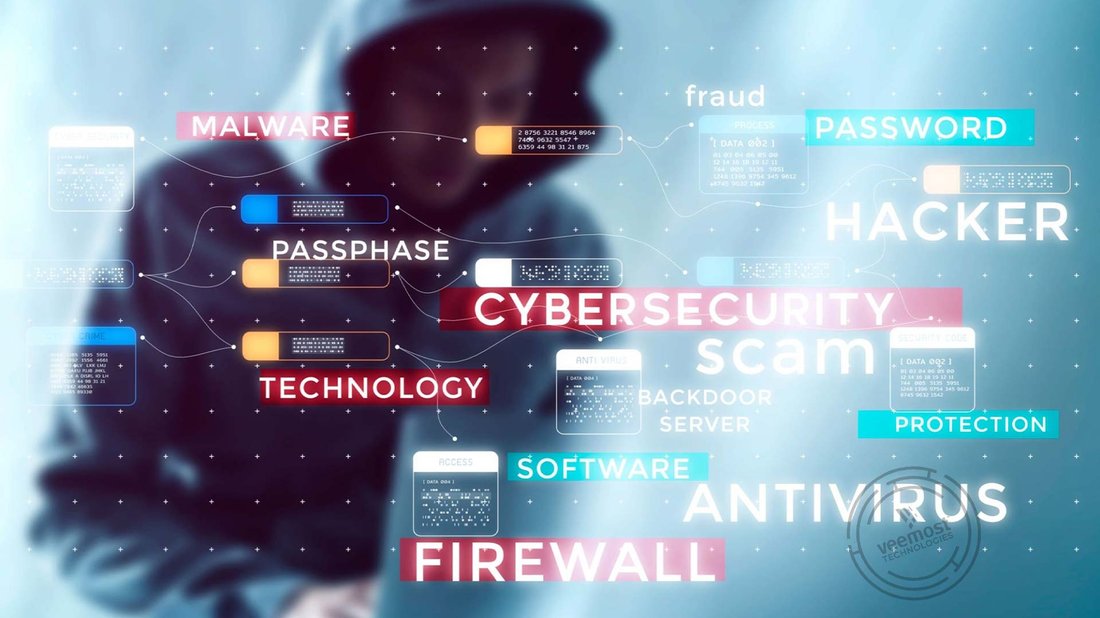
Incorporate habits: daily password checks, weekly scans, monthly password rotations for critical accounts. Educate family—shared devices amplify risks. Backup data to encrypted clouds (Google Drive, iCloud) or externals, following 3-2-1 rule (3 copies, 2 media, 1 offsite).
Stay informed via Krebs on Security or US-CERT alerts. Invest in cybersecurity insurance for breaches. Consistency turns basics into impenetrable armor.
Conclusion: Empower Yourself with Cybersecurity Knowledge
Mastering cybersecurity basics isn’t about perfection but diligence. By fortifying passwords, enabling 2FA, staying updated, and staying vigilant, you reclaim control over your digital identity. Threats evolve, but so can your defenses. Start today—audit one account, enable 2FA somewhere. Small steps yield massive protection. In an era where data is the new oil, secure yours fiercely.
(Word count: 1,248)