
How to Spot and Avoid Phishing Scams: A Visual Guide
Understanding Phishing Scams: The Digital Threat Everyone Faces
Feature Video
Phishing scams are one of the most prevalent cyber threats today, tricking millions into revealing sensitive information like passwords, credit card details, and personal data. According to the FBI’s Internet Crime Complaint Center (IC3), phishing was involved in over 300,000 complaints in 2023 alone, causing billions in losses. This visual guide will teach you how to spot phishing scams in emails, texts, websites, and calls. By recognizing visual cues and red flags, you can protect yourself and your loved ones from these deceptive attacks. Whether you’re a tech newbie or seasoned user, mastering these skills is essential for safe online navigation.
Phishing works by impersonating trusted entities—banks, government agencies, or popular brands—to create urgency or fear, prompting hasty actions. Scammers use spoofed emails, fake websites, and malicious links. This article breaks it down with textual visuals, checklists, and step-by-step advice optimized for SEO searches like “how to spot phishing emails” and “avoid phishing scams 2024.”
What is Phishing? Key Definitions and Evolution
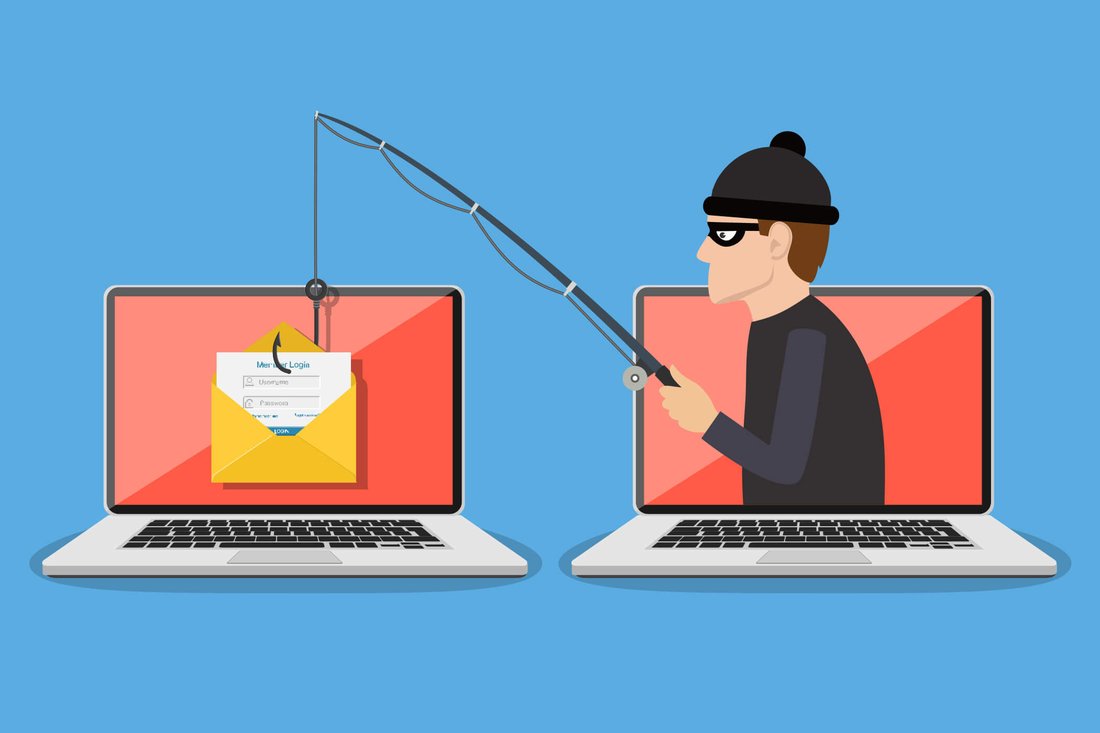
Phishing derives from “fishing,” where scammers cast a wide net with baited hooks. It evolved from early 1990s AOL scams to sophisticated spear-phishing targeting individuals and whaling aimed at executives. Today, AI enhances phishing with personalized, convincing messages.
Visual cue #1: Generic greetings. Legitimate companies use your name; phishing often says “Dear Customer” or “User.” Imagine an email header: From: support@arnazon.com (note the misspelling of Amazon). Real Amazon uses @amazon.com.
Types include email phishing (most common), spear-phishing (personalized), smishing (SMS), vishing (voice), and pharming (DNS poisoning). Understanding these helps in early detection.
Visual Guide: Spotting Phishing Emails – Red Flags Checklist
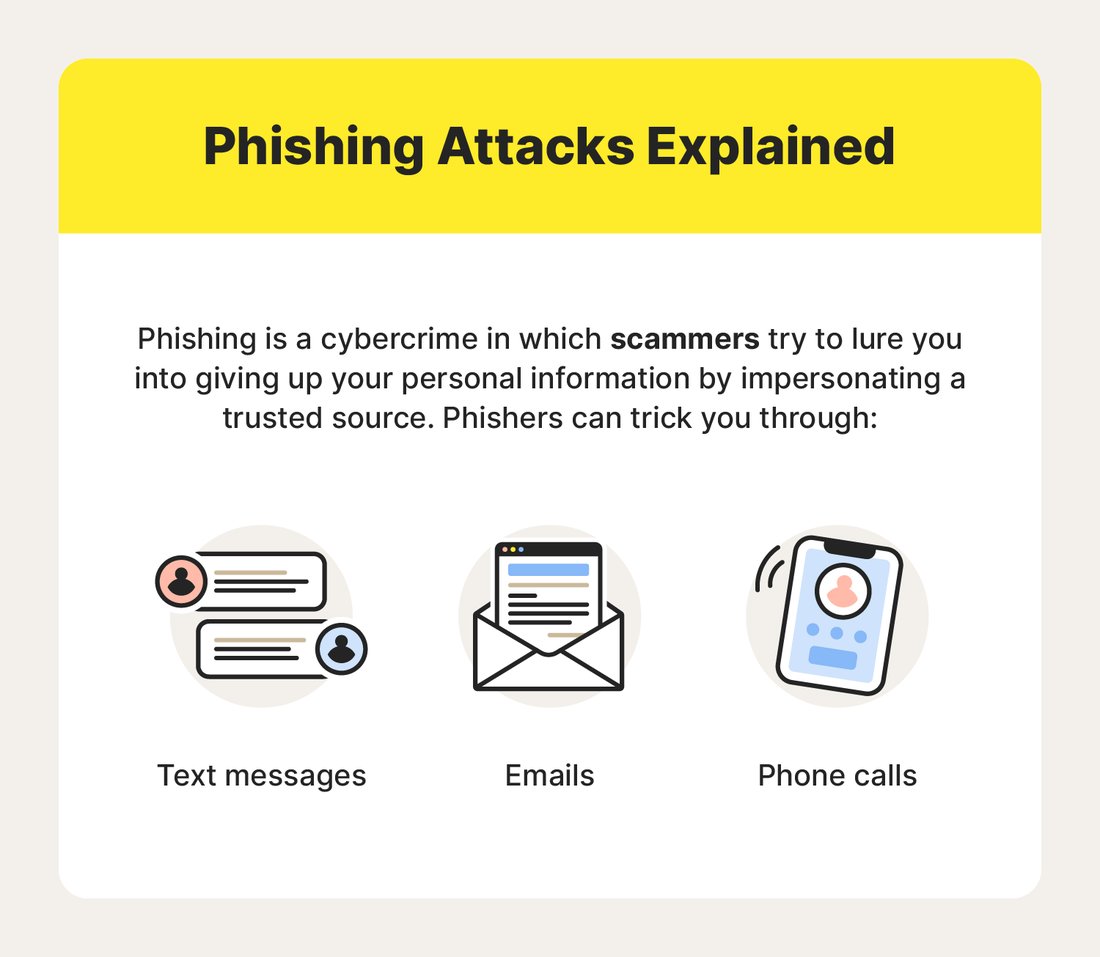
Emails are phishing hotspots. Here’s a visual breakdown:
1. Suspicious Sender Address
Hover over the “From” field. Legit: support@paypal.com. Phishing: suppoort@paypa1.com or a random Gmail. Visual: Picture a green verified badge on real emails vs. plain text on fakes.
2. URL Misdirection
Mouse over links before clicking. Real: https://www.bankofamerica.com/login. Fake: https://bankofamerica-login.com/verify or bit.ly shortlinks hiding malware. Look for HTTPS and padlock icons, but note: scammers forge these too.
3. Poor Design and Grammar
Professional emails have crisp logos and error-free text. Phishing shows blurry images, typos like “Your account has be suspended,” or awkward phrasing. Visual comparison: Clean Apple email vs. pixelated fake with Comic Sans font.
4. Urgent Language
Words like “Immediate Action Required!” or “Account Will Be Closed in 24 Hours” pressure you. Banks never demand instant logins via email.
5. Unexpected Attachments
Files like “Invoice.pdf.exe” can install ransomware. Always scan with antivirus first.
Checklist infographic in mind: Tick boxes for each flag—four or more? Delete immediately.
Phishing Beyond Email: Smishing, Vishing, and Fake Websites
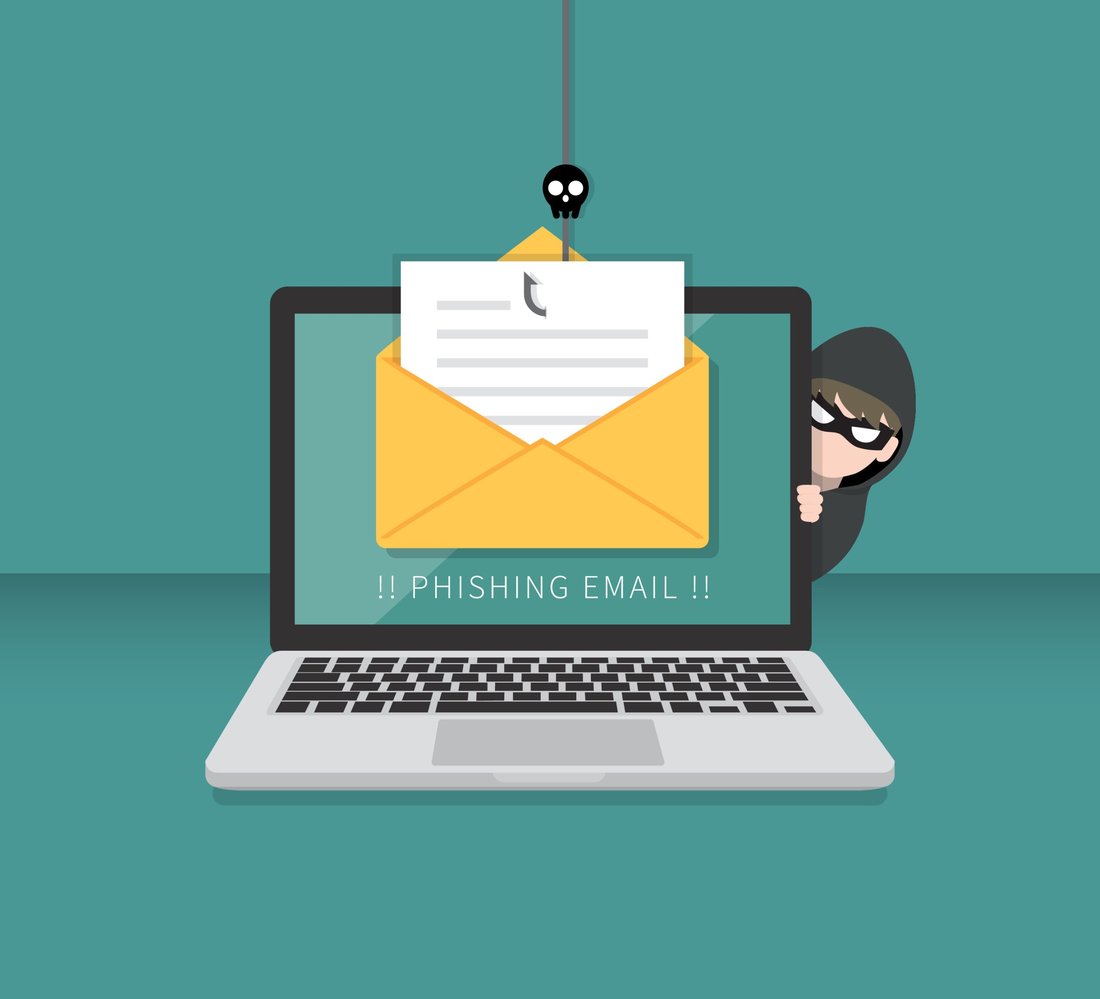
Scams aren’t email-exclusive. Smishing texts mimic banks: “Your card is locked. Click: securelink.co/verify.” Visual: Green bubble from “Bank of America” but sender is +1-555-123-4567.
Vishing involves robocalls: “IRS refund alert—press 1.” Hang up; government doesn’t call unsolicited.
Fake sites: Enter a suspicious URL, and it mirrors Chase.com but with slight tweaks like chasetbank.com. Visual tip: Check address bar for misspellings, no HTTPS, or pop-ups demanding info.
Pop-up phishing: Browser warnings like “Virus Detected—Download Now!” are browser hijacks, not real alerts.
Step-by-Step: How to Verify Legitimacy and Avoid Clicks
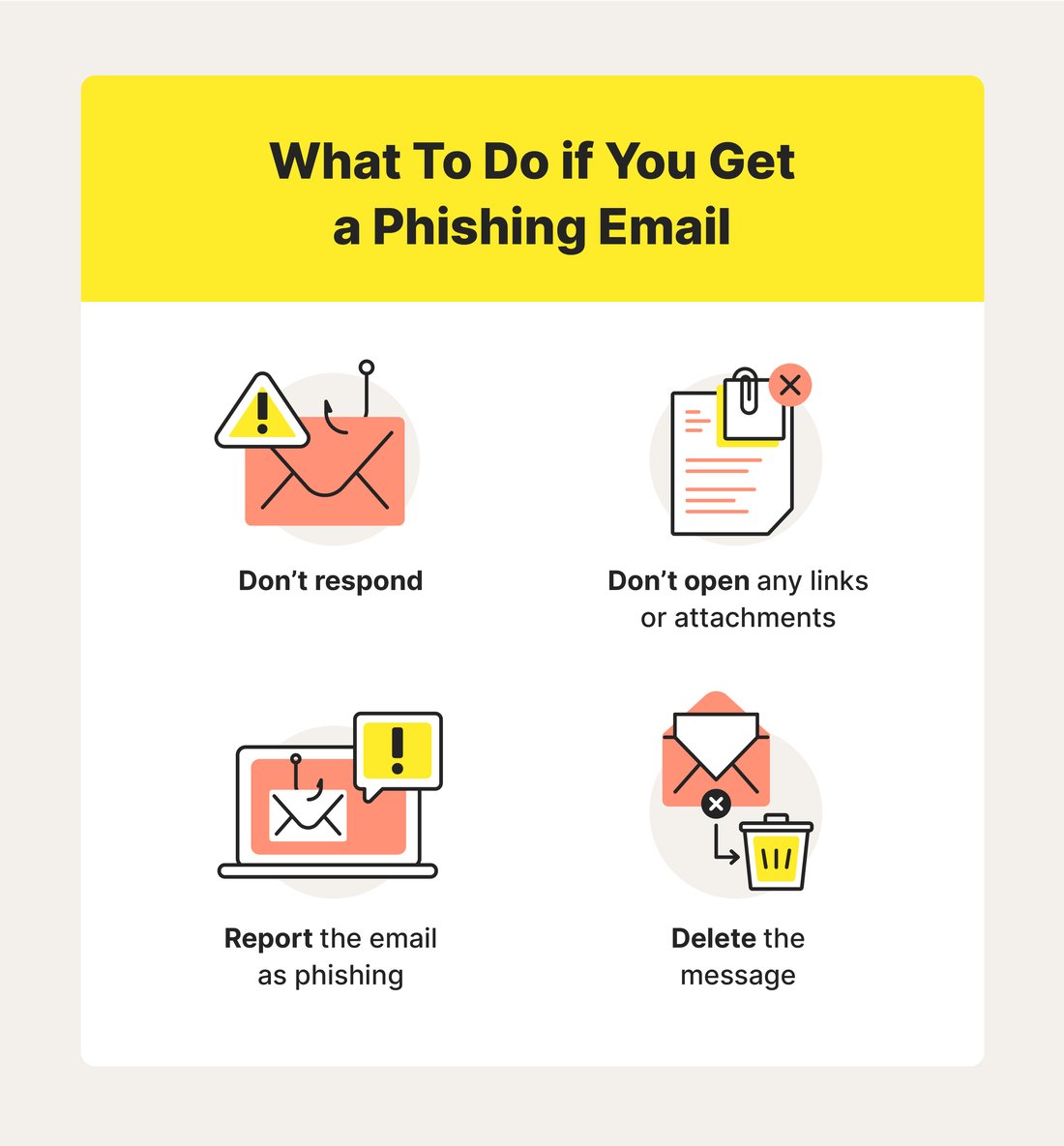
Don’t click—verify independently:
- Check Sender Directly: Log into your account via official app/site.
- Use Official Channels: Call numbers from statements, not emails.
- Enable 2FA: Adds security layers.
- Browser Tools: Use extensions like uBlock Origin or antivirus link scanners.
Visual process: Flowchart—Email received? → Hover links? → Mismatch? → Report & Delete → Safe.
Best Tools and Practices for Phishing Protection
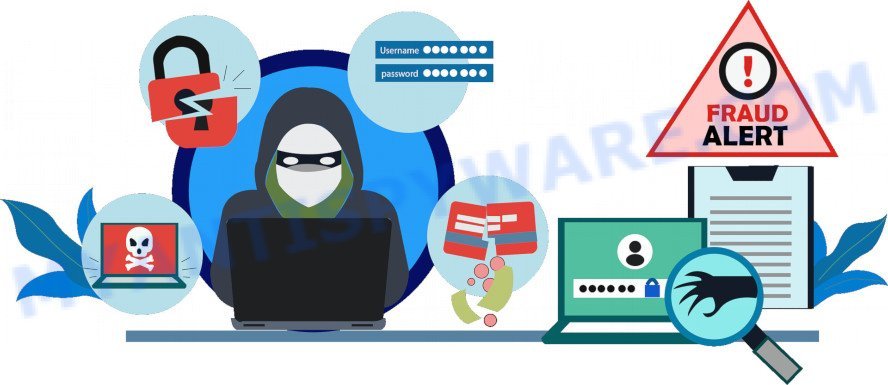
Empower yourself with tech:
Antivirus Software: Norton, Bitdefender flag phishing in real-time.
Email Filters: Gmail’s spam folder catches 99.9%; train it by marking phishing.
Password Managers: LastPass autofills only on legit sites.
Browser Extensions: HTTPS Everywhere, ClearURLs prevent redirects.
Habits: Update software, avoid public Wi-Fi logins, educate family. For businesses, train with simulations like KnowBe4.
SEO tip: Searches for “best anti-phishing tools 2024” lead here—integrate multi-factor authentication (MFA) everywhere.
Real-Life Examples: Visual Dissections of Famous Phishing Scams
2023 Twitter hack: Fake login pages stole credentials. Visual: Side-by-side—real Twitter blue bird logo sharp; fake washed out.
Microsoft 365 phishing: Emails claiming “Security Update Required.” Spoofed from admin@microsofth.com.
Visual aid: Table comparison:
| Element | Legitimate | Phishing |
|---|---|---|
| Sender | no-reply@irs.gov | irs-refund@gnail.com |
| Link | irs.gov | irs-g0v.com |
| Tone | Informative | Urgent/Threatening |
What to Do If You’ve Fallen for a Phishing Scam
Act fast:
- Change passwords immediately on all accounts.
- Run full antivirus scans.
- Contact banks to freeze cards.
- Report to FTC at ReportFraud.ftc.gov, IC3.gov, or email provider.
- Monitor credit via AnnualCreditReport.com.
Visual recovery timeline: Day 1: Secure accounts. Week 1: Monitor statements. Month 1: Credit freeze if needed.
Future-Proofing: Emerging Phishing Trends and AI Defenses
Deepfakes and AI-generated voices/calls are rising. Visual deepfake signs: unnatural blinks, lip-sync issues. Use reverse image search on profiles.
Quantum-safe encryption looms, but for now, vigilance rules. Stay updated via Krebs on Security or CISA alerts.
Conclusion: Stay Vigilant in the Phishing World
Spotting phishing is a skill honed by awareness. This visual guide equips you with checklists, examples, and tools to avoid 95% of scams. Share it, practice daily, and surf safely. Keywords like “phishing scam visual guide” and “how to avoid phishing texts” make this resource timeless.
(Word count: 1215)