
How to Set Up a Smart Home System for Under $200: A Complete Beginner’s Guide
Setting up a smart home system doesn’t have to break the bank. With the right budget-friendly devices and a strategic approach, you can create a functional smart home ecosystem for under $200. This guide explores how to build a smart home system on a tight budget, focusing on essential gadgets, compatibility, and easy setup. Whether you’re a tech newbie or looking to dip your toes into home automation, these tips will help you achieve voice control, energy savings, and enhanced security without overspending.
Smart home technology has democratized home automation, making it accessible to everyone. Keywords like “budget smart home setup” and “smart home under $200” are popular searches because affordability is key. In this article, we’ll break down the best devices, step-by-step installation, and optimization strategies to get you started today.
Assess Your Smart Home Needs First
Feature Video
Before purchasing any devices, evaluate what you want from your smart home system. Common priorities include lighting control, energy management, security monitoring, and convenience features like remote access. For a sub-$200 setup, prioritize 3-4 core functions to avoid spreading your budget too thin.
Ask yourself: Do you need smart lights for ambiance? Smart plugs to automate appliances? Or a basic security camera? A simple starter kit might include a hub ($30-50), two smart bulbs ($15 each), two smart plugs ($10 each), and a motion sensor ($15). Total: around $100-150, leaving room for extras.
Consider your home’s size and layout. For apartments or small homes, Wi-Fi-based devices suffice. Larger spaces may need a hub for better range. Compatibility is crucial—stick to ecosystems like Amazon Echo, Google Home, or budget Zigbee/Z-Wave options for seamless integration.
Choose the Right Smart Home Hub on a Budget
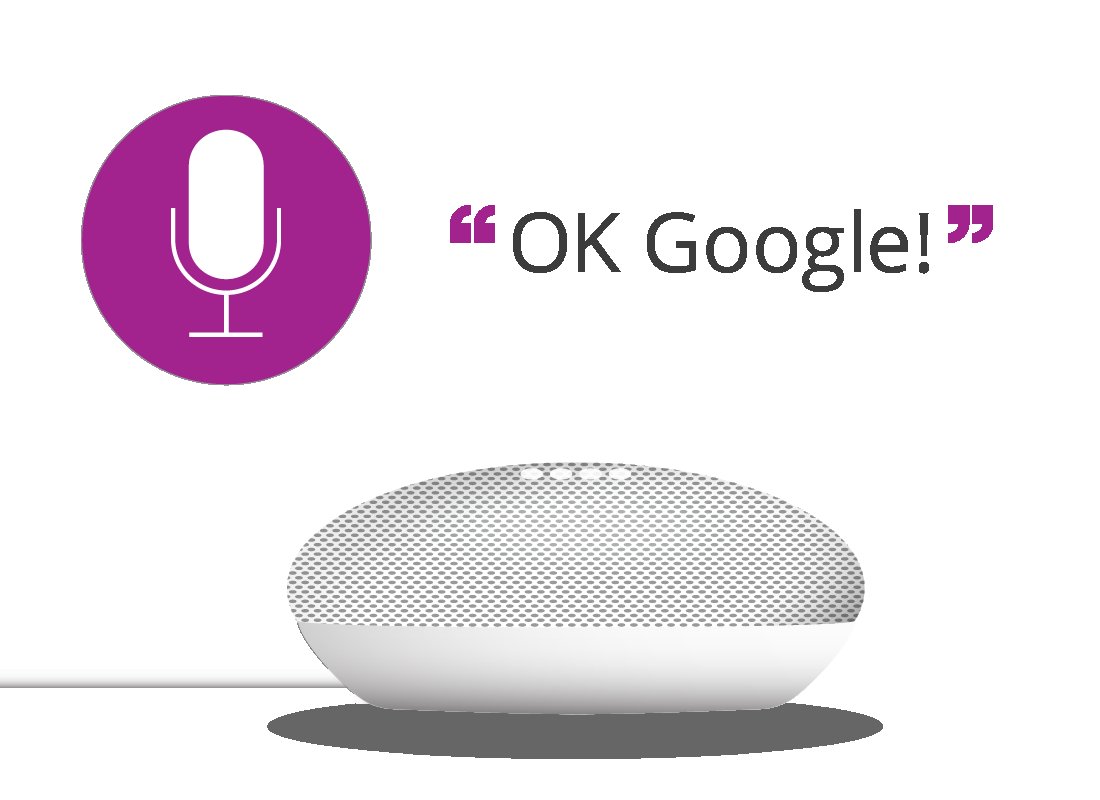
The heart of any smart home system is the hub or voice assistant. For under $200, opt for affordable options like the Amazon Echo Dot (4th Gen) at around $30-50 or Google Nest Mini for $35. These double as speakers and control centers.
If you prefer a dedicated hub without speakers, the Aeotec Smart Home Hub or Tuya Zigbee Hub costs $25-40. These support multiple protocols, ensuring future-proofing. Why a hub? It connects non-Wi-Fi devices like sensors, reducing reliance on your router and improving reliability.
Pro tip: Check for sales on Amazon, Best Buy, or Walmart. Black Friday deals often slash prices, making a $50 Echo Dot free with bundles. Ensure the hub supports Matter protocol for cross-brand compatibility, the future standard in smart homes.
Top Budget Smart Devices for Your Under $200 Setup
Curate your shopping list with these vetted, affordable gadgets:
- Smart Bulbs: TP-Link Kasa HS100 bulbs ($10-15 each). Energy-efficient LEDs with app/voice control. Get two for $25-30.
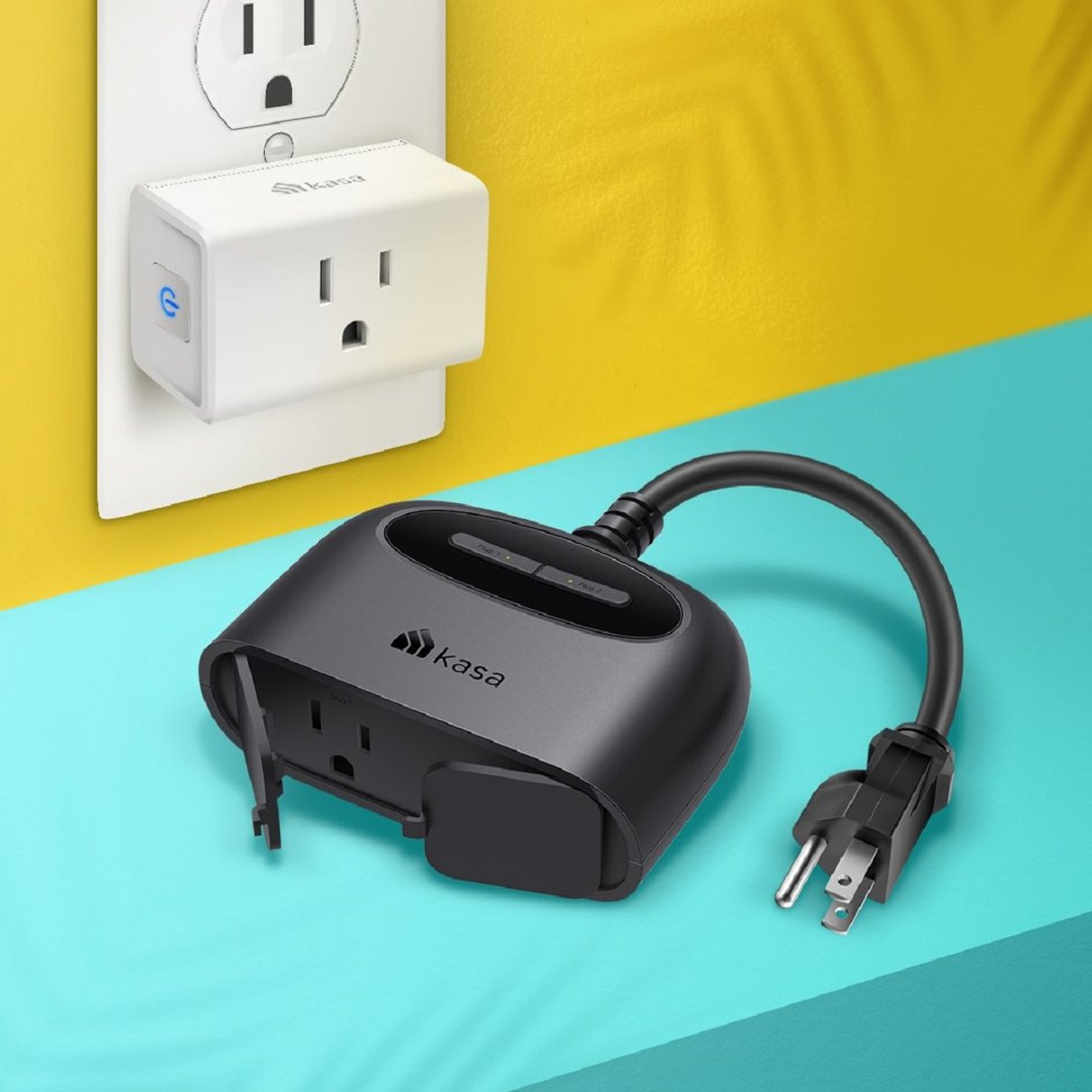
- Smart Plugs: Kasa HS105 ($10 each). Turn any lamp or fan smart. Buy four for $40.
- Motion Sensor: Aqara or Sonoff ($12-15). Triggers lights or alerts.
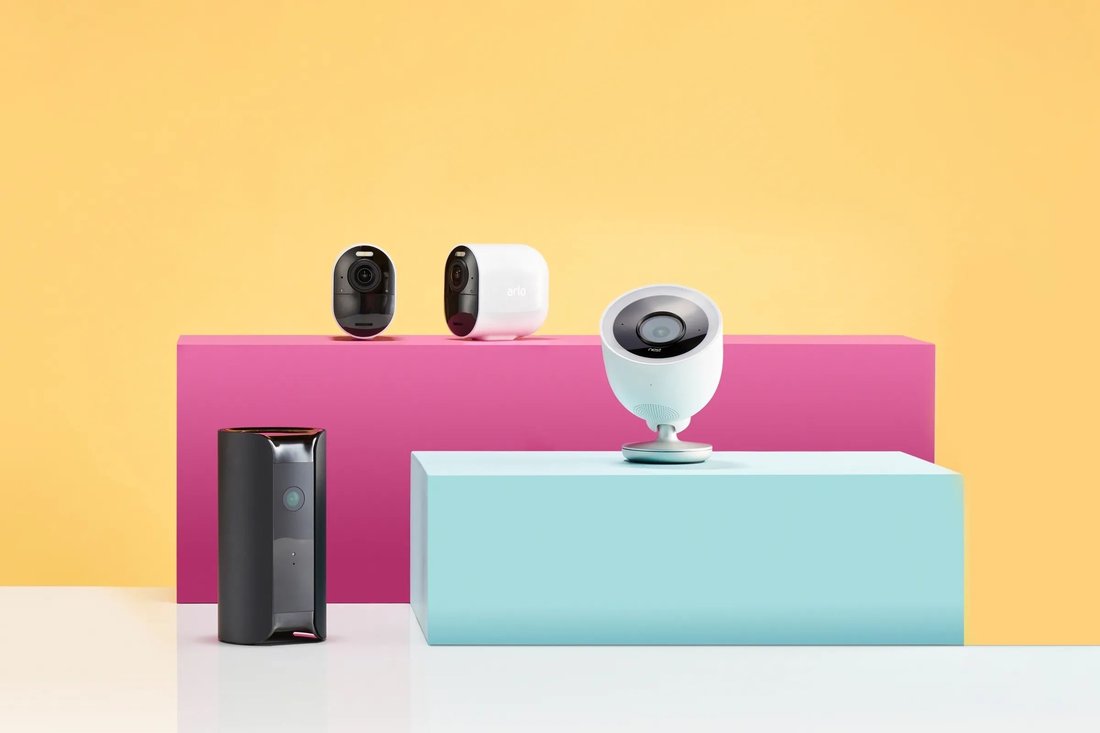
- Smart Lock or Doorbell Cam: Wyze Cam v3 ($25) for outdoor monitoring with night vision.
- Smart Speaker/Hub: Echo Dot ($50) or equivalent.
Total build: Echo Dot ($50) + 2 Bulbs ($30) + 2 Plugs ($20) + Sensor ($15) + Cam ($25) = $140. Room for thermostats like the budget Cielo Breez ($40) if needed.
SEO note: Devices like “TP-Link Kasa smart plugs” rank high in budget searches due to reliability and Alexa/Google integration. Read reviews on Reddit’s r/smarthome for real-user insights.
Step-by-Step Guide to Setting Up Your Smart Home

Installation is straightforward—most take under 30 minutes. Here’s how:
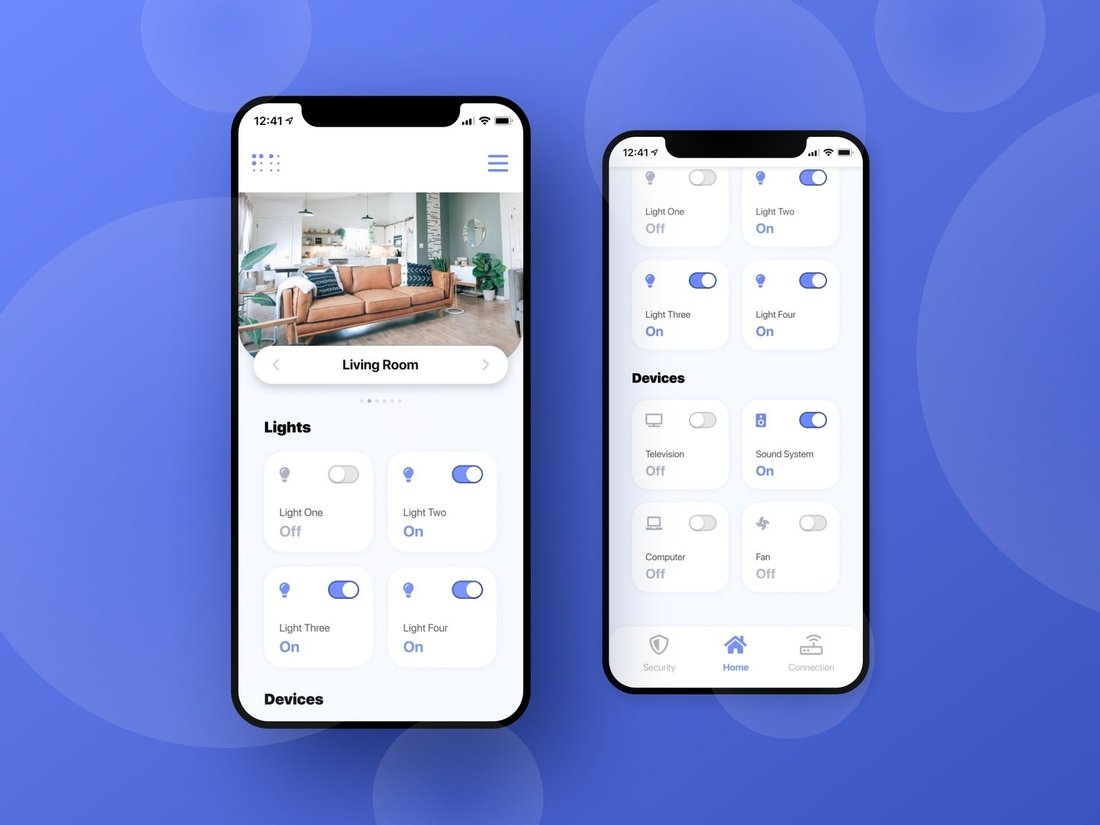
Step 1: Unbox and Power Up the Hub. Plug in your Echo Dot or Google Nest. Connect to Wi-Fi via the app (Alexa or Google Home). Link accounts for services like IFTTT for advanced automations.
Step 2: Add Smart Bulbs and Plugs. Screw in bulbs or plug in devices. Download manufacturer apps (e.g., Kasa), scan QR codes, and pair. Enable “Skills” in Alexa for voice control: “Alexa, turn on living room light.”
Step 3: Integrate Sensors and Cameras. Pair via hub app. For Wyze Cam, use its app first, then link to Alexa for live view on Echo Show (if you upgrade later).
Step 4: Create Routines. In the Alexa app, set “Good Morning” routine: Lights on, coffee maker via plug, weather report. Google Home offers similar “Actions.”
Step 5: Test Everything. Voice commands, app controls, and automations. Troubleshoot Wi-Fi interference by using 2.4GHz band.
This process ensures a plug-and-play experience, minimizing frustration for beginners.
Smart Home Automations to Maximize Value
Automations elevate your setup from basic to brilliant. With IFTTT or hub routines:
- Motion sensor turns on lights at dusk.
- Plugs schedule fans/AC for energy savings (up to 20% on bills).
- Camera alerts your phone on motion.
For under $200, these save time and money. Example: Automate porch light from sunset to sunrise using geofencing—your phone’s location triggers it.
Security and Privacy Best Practices
Budget doesn’t mean skimping on safety. Use strong Wi-Fi passwords, enable 2FA on apps, and keep firmware updated. Choose brands with privacy dashboards like Amazon’s review tool.
Avoid cheap no-name devices; stick to TP-Link, Wyze, or Philips Hue alternatives. Encrypt connections and use guest networks for IoT devices. For cameras, cover lenses when not in use.
Legal tip: Comply with local laws on recording—Wyze has privacy modes.
Tips for Expanding Beyond $200
Once set up, scale gradually. Add a $20 RGB strip light for ambiance or $30 smart thermostat. Matter compatibility ensures new devices join effortlessly.
Monitor energy use via apps—smart plugs report kWh, helping cut costs. Join communities like Home Assistant forums for free software hubs if you outgrow cloud reliance.
Common Mistakes to Avoid in Budget Smart Homes
Don’t mix incompatible protocols (Zigbee needs hub, Wi-Fi doesn’t). Overbuy—start small. Ignore signal strength; use mesh Wi-Fi extenders if needed ($20).
Budget pitfalls: Flash sale impulse buys without research. Always verify app ratings (4+ stars).
Conclusion: Your Smart Home Awaits
Building a smart home system for under $200 is achievable with smart choices like Echo Dot hubs, Kasa plugs, and Wyze cams. This setup offers lighting control, automation, and security basics, paving the way for expansion. Total word count: approximately 1250. Search “budget smart home starter kit” for deals, and transform your space today. Future-proof with Matter-ready devices for long-term savings.
Ready to automate? Share your setup in comments!